12
Video Recording
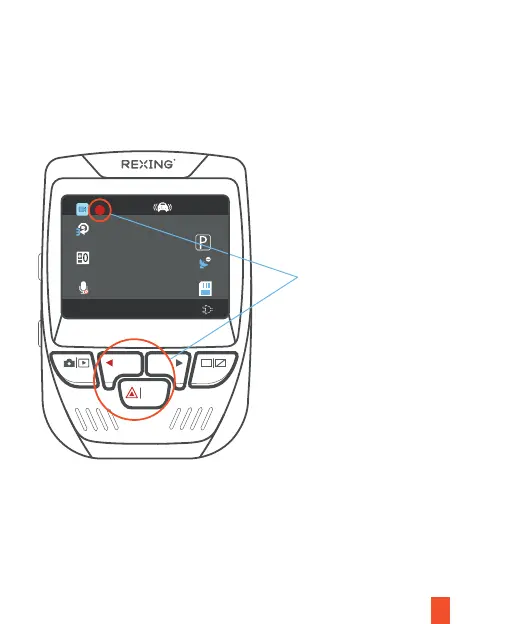
These indicators will
blink in red when the
dash cam is recording.
WDR
UHD P24+FHDP24
00:00:20
04 / 10 / 2021 17 : 25 : 45
AAAAAAAA
REC MIC
OK
Video Playback
The camera will automatically start recording when the device receives a
charge. The LED lights and the red dot will blink when the device is
recording. Press the REC button to stop recording.
To playback a video on the device,
press the REC button to stop recording.
Press and hold the MODE button twice to enter the Playback mode. Use the
REC and MIC buttons to toggle to the desired video. Press the OK button to
play.



 To Next Page