16
Wi-Fi Connect
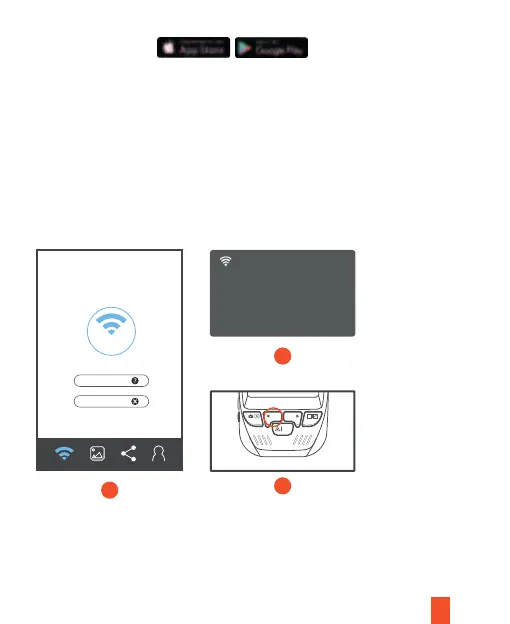
Download the Rexing Connect app from the App Store/Google Play.
1. Press the REC button to stop recording then press the MENU button once to enter
the Video Settings.
2. Use REC/MIC buttons and toggle to Wi-Fi to turn it on.
3. Turn on Wi-Fi on your phone, then find B50E_XXXX from the network list and enter
the default password 12345678 to connect.
4. Open the Rexing Connect app, tap “Connect” to enter the realtime video
streaming view.
5. You can always access or turn off the Wi-Fi by pressing and holding down the
REC button.
Connect
Wi-Fi Connect
3
4
5
REC MIC
OK
SSID: B50E_678a
PWA: 12345678
Refresh WiFi_OFF
How to Connect
Unpair Camera



 To Next Page