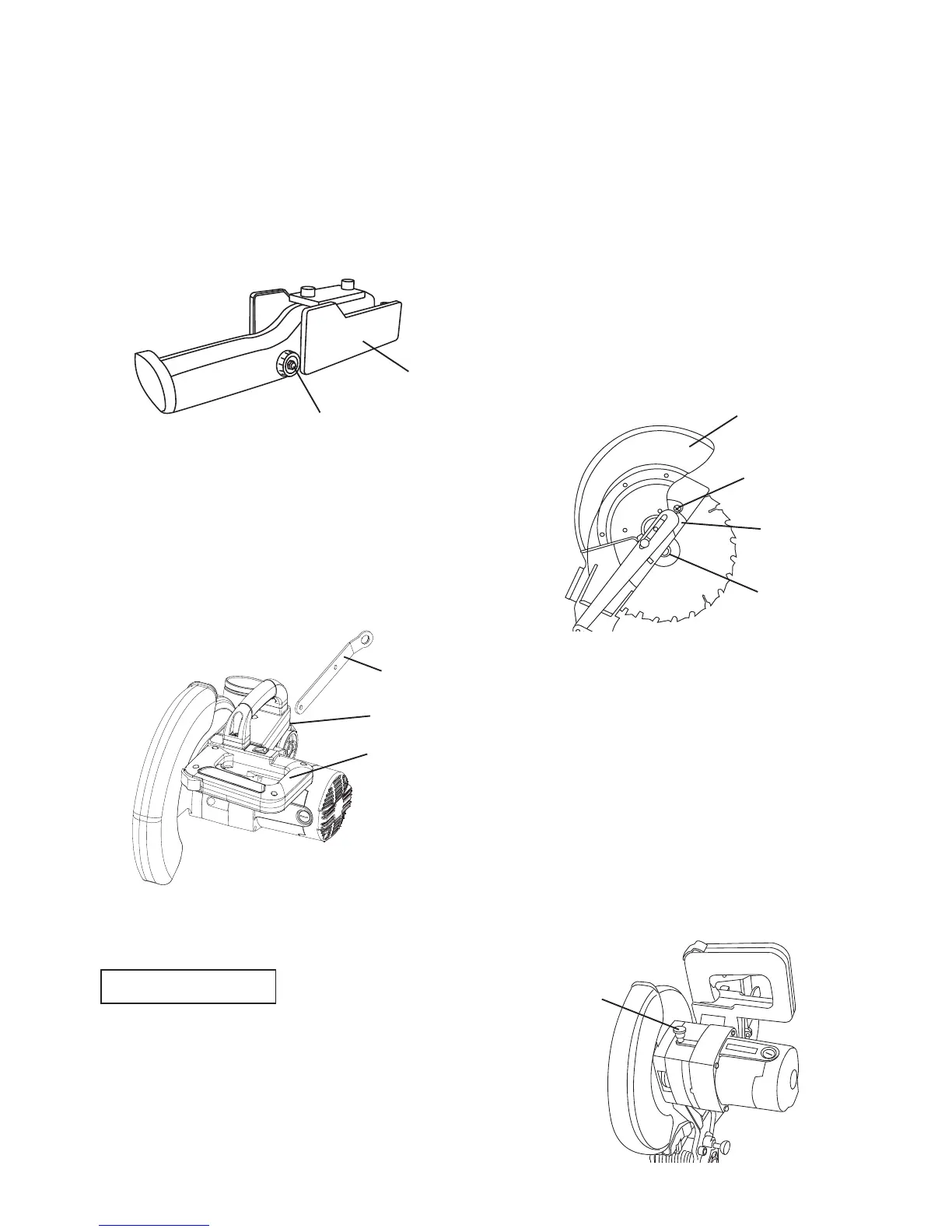
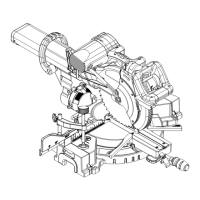
Removing Blade (Fig. F, G, H)
1. Unplug the saw from the outlet.
2. Allow the cutting head to rise to the
upright position. Raise the lower
blade guard (1) to the up position.
(Fig. F)
3. Loosen the cover plate screw (2)
with a Phillips screwdriver.
4. Rotate the cover plate (3) towards
the rear of the tool to expose the
arbor bolt (4).
5. Place the blade wrench over the
arbor bolt.
Fig. F
6.
Locate the arbor lock (5) on the motor,
below the switch handle. (Fig. G)
7. Press the arbor lock (5), holding
it in firmly while turning the blade
wrench clockwise. The arbour lock
(5) will engage after turning the
wrench. Continue to hold the arbor
lock in to keep it engaged, while
turning the wrench clockwise to
loosen the arbor bolt.
Fig. G
STORAGE
Storing the MiterMate™ Angle Finder
(Fig. D)
1. Loosen the knob (1) on the
MiterMate™ angle finder to fold up
the paddles (2), then tighten the
knob to lock the paddles.
Fig. D
Saw Blade Wrench (Fig. E)
For convenient storage and prevention
of loss, there is a slot (1) in the rear
of the switch handle (2) for storing the
blade wrench (3) when not in use.
Fig. E
REMOVING OR INSTALLING THE
BLADE
Only use a 254 mm diameter blade.
To avoid injury from an accidental
start, make sure the switch is in
the OFF position and plug is not
connected to the power source
outlet.
WARNING
!
1
4
3
2
2
1
2
1
3
5


 To Next Page