Copyright 2011-2015, RFXCOM
RFXtrx Version 5.06 page 15 / 39
5.1. Receiver
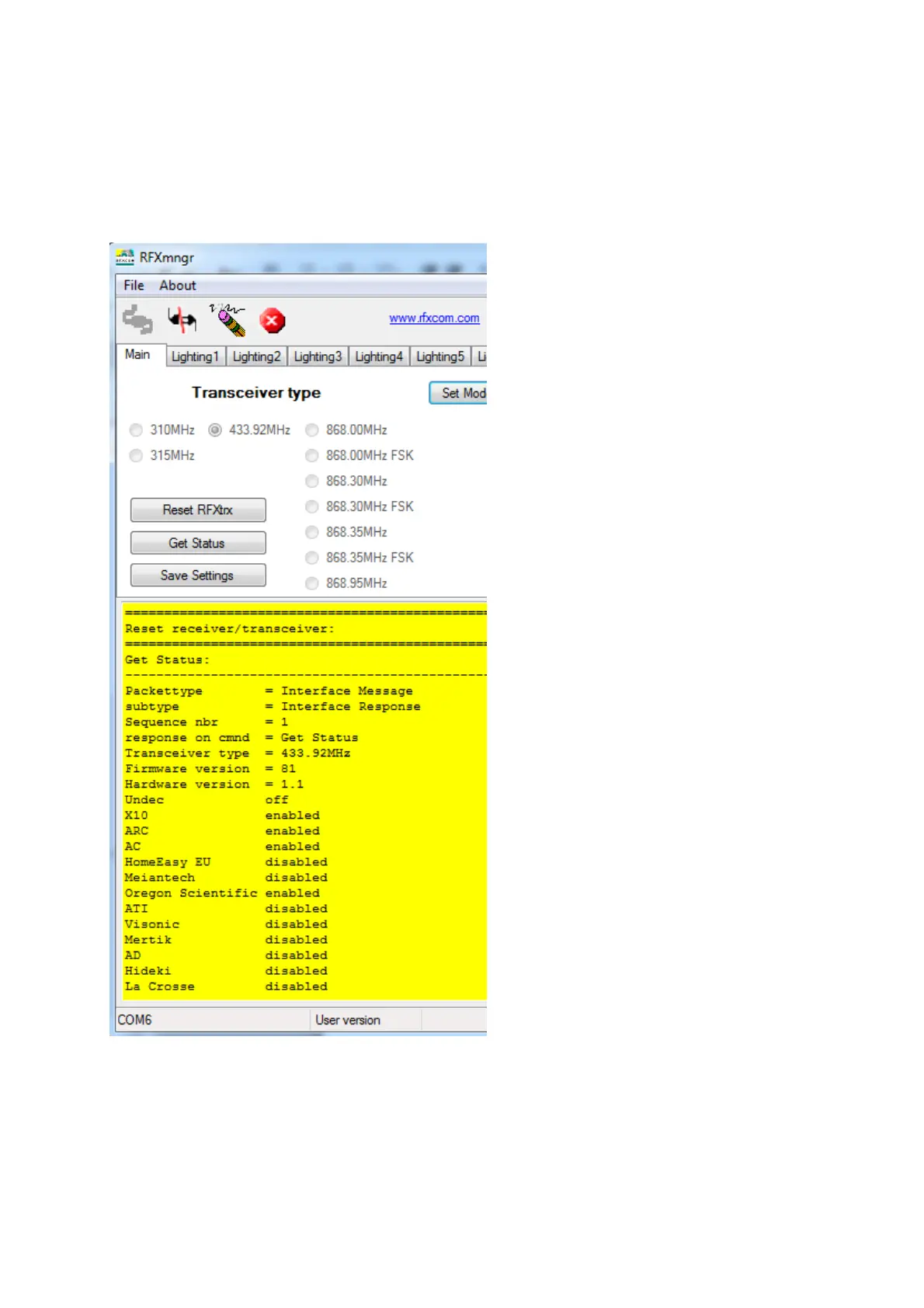
The RF protocols to be received can be configured on the Main tab at Set Mode.
Click Save Settings to save the selected protocols in non-volatile memory of the RFXtrx. This
configuration is now restored every time after a power up.
Note that these settings are lost after a firmware update and need to be set again.
Note: Protocol enabling is only necessary for receive. Transmit protocols are always enabled.
The received RF data is decoded and displayed in the yellow window.


 To Next Page