9 -
5.3.2 AMV Submenu
By short pressing the MENU [M] button, you can find the following AMV submenus. Press [] or []to
choose, and then press PLAY [] key to confirm each submenus. Use the same technique to navigate
inside each of the submenus.
Local Folder:
Under this directory, you can choose to go up a folder level by pressing PLAY [] to confirm. And
then you can choose the folder you want to play
Delete File:
Delete specific video you want.
Delete All:
Delete all videos using this option.
5.3.3 How to transfer the movie file to AMV
The AMV converter allows you to convert
movie files into AMV files. It is compatible
with AVI, ASF, MPG, MPEG, DAT, RM, RAM,
RMVB, MOV, VOB, SWF. Please follow the
below procedure to do the conversion.
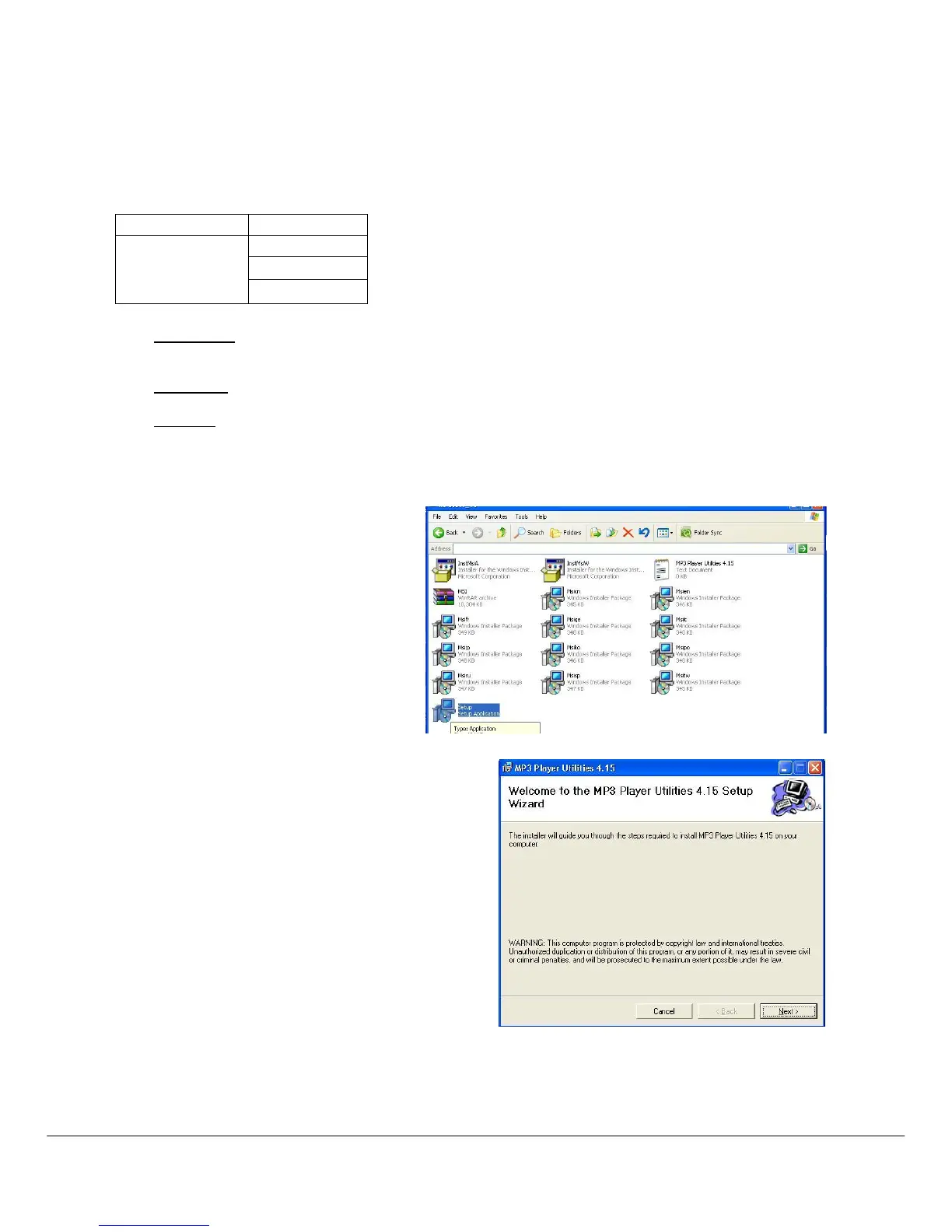
1. From the provide CD-Rom, find VeeJay
4150/ Driver and Video Converter/
setup.exe, double click it to start
installing MP3 PLAYER UTILITIES
2. Follow the instruction to install the programme, .



 To Next Page