EasyManua.ls Logo

Rice Lake 920i - User Manual

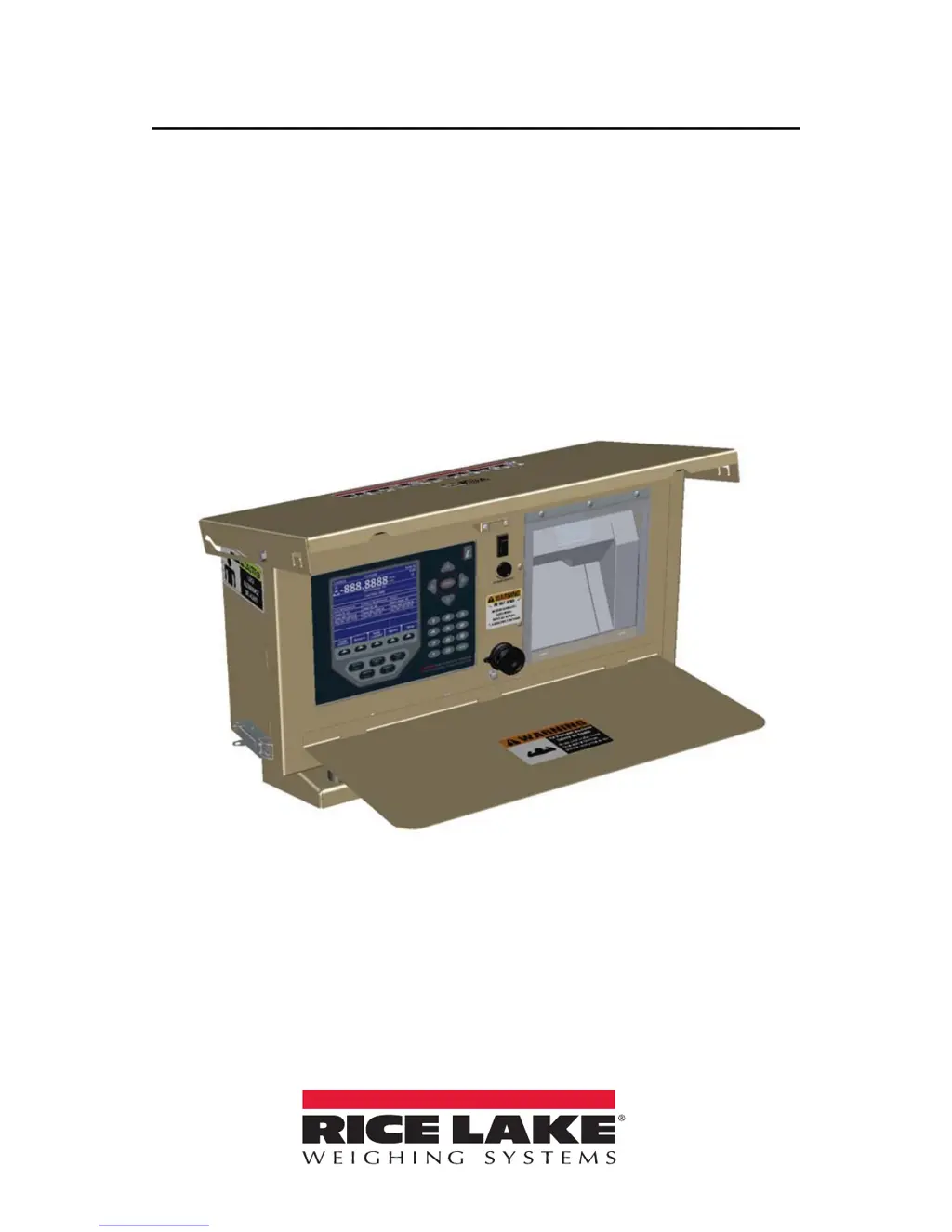
Rice Lake 920i
40 pages
Print Icon
To Next Page IconTo Next Page
Loading...
920i
®
Weighcenter
Agricultural Weighing
Operation Manual
PN 159192 Rev E

Other manuals for Rice Lake 920i

Questions and Answers

Summary

Introduction

Safety

Defines safety symbols and provides general safety guidelines.

Front Panel

Details the keys, annunciators, and knobs of the 920i Weighcenter front panel.

Softkeys

Lists and explains the functionality of the softkeys used for various operations.

Operation

Weighing Multiple Animals

Step-by-step guide for weighing multiple animals using the weighcenter.

Weighing a Single Animal

Procedure for weighing a single animal and printing its summary.

Configuration

Configuration Mode

Steps to enter and use the configuration mode for setting parameters.

Loading Configuration Files and Databases

Guide to loading configuration files and databases from a USB drive.

Front Panel Calibration

Calibration Submenu Softkeys

Explains the purpose of softkeys used within the calibration submenu.

Appendix

Troubleshooting Chart

Lists common symptoms, their probable causes, and recommended actions for troubleshooting.

Summary

Introduction

Safety

Defines safety symbols and provides general safety guidelines.

Front Panel

Details the keys, annunciators, and knobs of the 920i Weighcenter front panel.

Softkeys

Lists and explains the functionality of the softkeys used for various operations.

Operation

Weighing Multiple Animals

Step-by-step guide for weighing multiple animals using the weighcenter.

Weighing a Single Animal

Procedure for weighing a single animal and printing its summary.

Configuration

Configuration Mode

Steps to enter and use the configuration mode for setting parameters.

Loading Configuration Files and Databases

Guide to loading configuration files and databases from a USB drive.

Front Panel Calibration

Calibration Submenu Softkeys

Explains the purpose of softkeys used within the calibration submenu.

Appendix

Troubleshooting Chart

Lists common symptoms, their probable causes, and recommended actions for troubleshooting.

Rice Lake 920i Specifications

General IconGeneral
DisplayLCD
Processor32-bit microprocessor
Communication PortsRS-232, RS-485, Ethernet, USB
Power SupplyAC or DC
Input Voltage100-240V AC, 50/60Hz or 12-24V DC
Operating Temperature-10 °C to 40 °C (14 °F to 104 °F)
EnclosureNEMA 4X/IP66, stainless steel
Load Cell InputSupports up to 4 load cells
CertificationsNTEP, OIML, CE

Related product manuals