EasyManua.ls Logo

Rice Lake IB Series - User Manual

Rice Lake IB Series
34 pages
Print Icon
To Next Page IconTo Next Page
Loading...
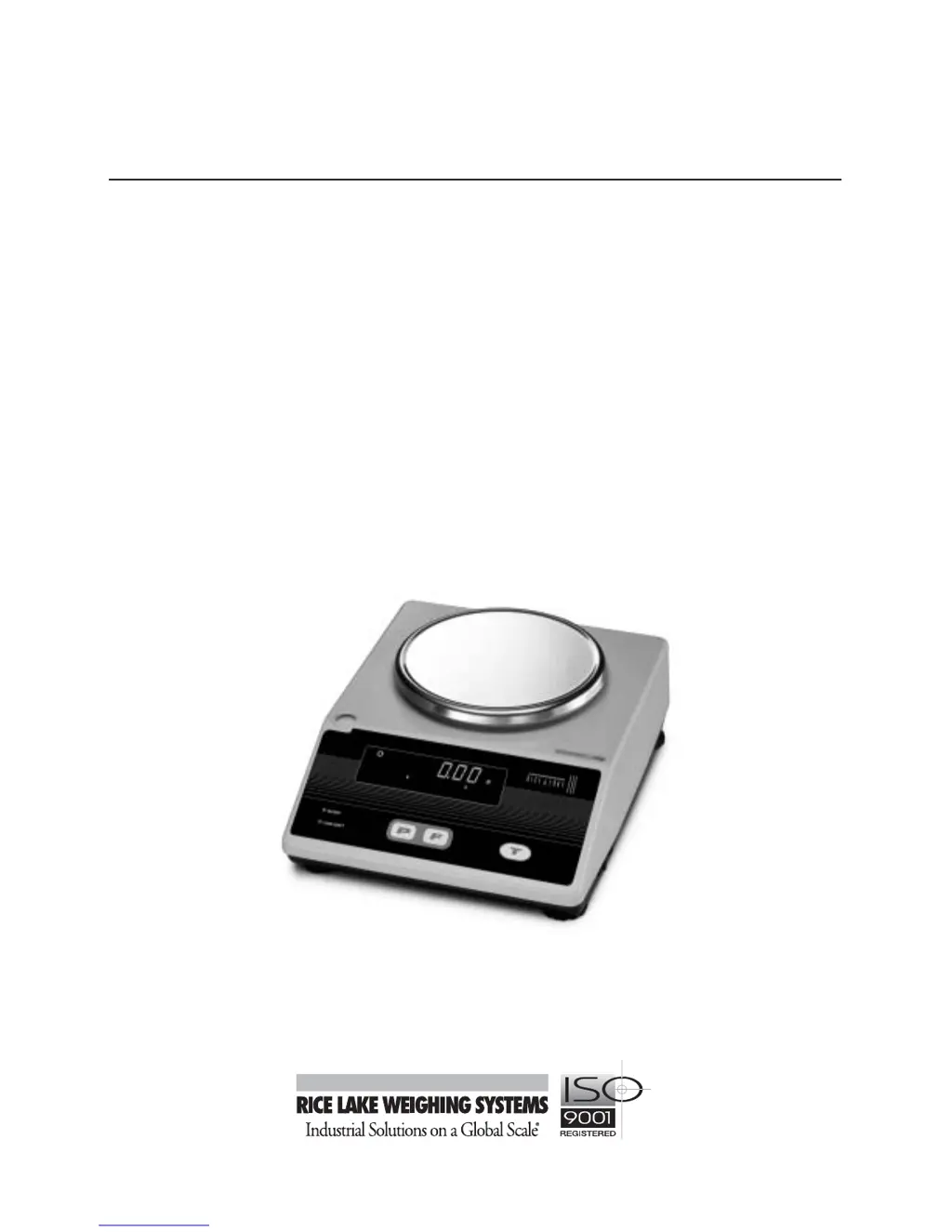
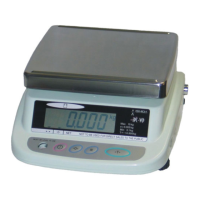
IB Series
Precision Balance
Operation Manual
42193

Questions and Answers

  • L
    lfieldsJul 30, 2025
    Why is the display blank on my Rice Lake IB Scales?
    • J
      Jessica LeeJul 30, 2025
      A blank display on your Rice Lake Scales can occur for several reasons: the adapter might not be connected, the battery may need recharging, or the Auto Power OFF feature could be activated. Try recharging the battery or pressing the ON/OFF button.
  • B
    Brenda KempAug 3, 2025
    What to do if displayed value is in error on Rice Lake IB?
    • S
      Scott StewartAug 3, 2025
      If the displayed weight value is deviating on your Rice Lake Scales, it could be due to a mis-performed tare subtraction, the scale not being level, or extended usage affecting the span value. Try resetting the tare subtraction, ensuring the scale is level, or performing a span adjustment.
  • P
    pthompsonAug 7, 2025
    How to fix unstable display on Rice Lake IB?
    • J
      jaime10Aug 7, 2025
      An unstable display on your Rice Lake Scales might be caused by wind or vibration, an unstable surface, or extended use affecting the span value. Try setting up the scale in a more stable environment, ensuring the scale is level, or performing a span adjustment.
  • S
    Stephen LopezAug 11, 2025
    What to do if LOW-BATT lamp is lit on Rice Lake Scales?
    • S
      samuel28Aug 11, 2025
      If the LOW-BATT lamp is lit on your Rice Lake Scales, and the battery option is being used, it means the internal battery voltage has dropped. Recharge the batteries or connect the AC adapter.
  • D
    Deborah PayneAug 16, 2025
    What to do if Rice Lake Scales will not weigh up to rated capacity?
    • S
      Stephen BoyerAug 16, 2025
      If your Rice Lake Scales won't weigh up to the rated capacity, the combined tare and sample weight might be exceeding the scale's capacity. Recheck the tare weight.
  • M
    Mrs. Michelle Tyler MDAug 20, 2025
    What does SLEEP lamp mean on Rice Lake IB Scales?
    • J
      Jeremy DavisAug 20, 2025
      If the SLEEP lamp is lit on your Rice Lake Scales, and you're using the battery option, it indicates that the displayed value hasn't been used for more than three minutes. Press any key or weigh an item to wake it up.
  • K
    kimmcdowellAug 25, 2025
    Why limit function data cannot be set on Rice Lake Scales?
    • M
      Ms. Melissa DaviesAug 25, 2025
      If you're unable to set the limit function data on your Rice Lake Scales, it could be because the scale is not set to Limit Function mode, or the upper and lower limits have not been set. Check that limit function settings are correct.

Summary

Scale Calibration

Calibration Procedure

Step-by-step guide to calibrate the IB Series scale using specific key presses and weights.

Calibration Weights

Table detailing required calibration weights for various models and units.

Measuring Weight

Tare Subtraction and Net Weighing

Procedures for subtracting tare weight and measuring net weight.

Count Weighing

Sampling Procedure

Process of sampling pieces to determine average piece weight for counting.

Calculating Piece Count

How the scale calculates the total piece count from total weight and piece weight.

Count Mode Setting Procedure

Steps to access and set the count weighing mode on the scale.

Self Counting System (SCS)

Explains the SCS feature for sample quantity setting and memorization.

Comparator Function

Upper and Lower Limit Setting Procedure

Steps to set upper and lower weight limits for the comparator function.

Setting Confirmation and Input Procedure

Procedure to confirm and input limit settings, showing L.SET and H.SET.

Upper;Lower Limit Input Methods

Explains two methods for entering upper/lower limits: actual weight or numeric input.

Actual Weight Input Procedure

Method for setting limits by placing sample weights on the scale.

Numeric Input Procedure

Method for setting limits using numerical key entry.

Accumulation Function

Troubleshooting

Troubleshooting Chart

A chart listing common conditions, causes, and countermeasures for scale issues.

Rice Lake IB Series Specifications

General IconGeneral
BrandRice Lake
ModelIB Series
CategoryScales
LanguageEnglish

Related product manuals