Add: 5F
, No.4 building, No 4. Yard, life Rd, life science park,
Tel:010-53275118 Fax
5.3.2
In order to meet different situation of manual movement, the system provide 3
motion modes: Continue, step, distance. Users can change mode by pressing
button at any time, and view real
main interface.
1) Continue
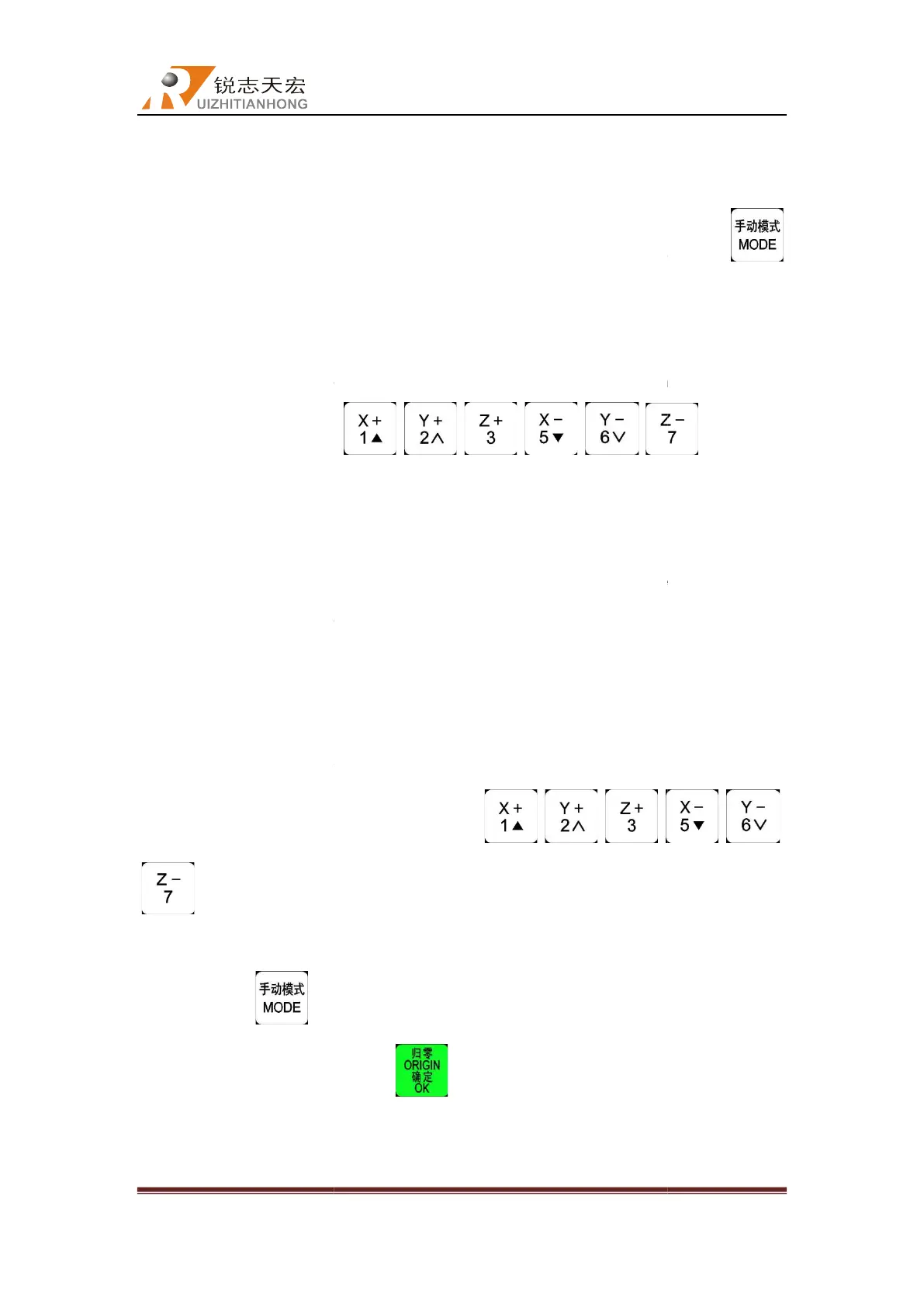
This mode has no value control. In continue mode, machine will be moving when user
presses the direction keys(
pressing them.
Its motion speed is decided by current
2) Step
Under this mode, machine always moves at a low speed.
second. The grid distance is decided by current speed mode. System default high speed
mode moves 0.5mm/step, and low speed mode moves 0.1mm/step. “Step”
is s
uitable for tool adjusting or
coordinates.
3) Distance
In distance mode, machine runs according to the setting of distance. It will be moving at a
distance when user is pressing directions keys
.
Note
: Grid can’t affect the distance motion mode. Machine only moves by distance setting
exactly. Press
according to the real needs, p
5.3.3
Manual testing input and output
In the initial boot in
Beijing RichAuto S&T Co., Ltd
, No.4 building, No 4. Yard, life Rd, life science park,
Beiqing St., Changping d
010-53275110/53275111 Web site:
In order to meet different situation of manual movement, the system provide 3
motion modes: Continue, step, distance. Users can change mode by pressing
button at any time, and view real
-
time motion mode at the bottom left side of the screen
This mode has no value control. In continue mode, machine will be moving when user
, , , , ,
Its motion speed is decided by current
manual
Under this mode, machine always moves at a low speed.
It moves
second. The grid distance is decided by current speed mode. System default high speed
mode moves 0.5mm/step, and low speed mode moves 0.1mm/step. “Step”
uitable for tool adjusting or
accurately adjusting the position of the mechanical
In distance mode, machine runs according to the setting of distance. It will be moving at a
distance when user is pressing directions keys
, , ,
: Grid can’t affect the distance motion mode. Machine only moves by distance setting
s
to enter into “distance mode” and input a value
according to the real needs, p
ress to save it.
Manual testing input and output
screen displays as follow:
Beijing RichAuto S&T Co., Ltd
Beijing, China
37
In order to meet different situation of manual movement, the system provide 3
kind of
motion modes: Continue, step, distance. Users can change mode by pressing
time motion mode at the bottom left side of the screen
This mode has no value control. In continue mode, machine will be moving when user
)until stop
second. The grid distance is decided by current speed mode. System default high speed
mode moves 0.5mm/step, and low speed mode moves 0.1mm/step. “Step”
motion mode
accurately adjusting the position of the mechanical
In distance mode, machine runs according to the setting of distance. It will be moving at a
, ,
: Grid can’t affect the distance motion mode. Machine only moves by distance setting
to enter into “distance mode” and input a value



 To Next Page