Add: 5F
, No.4 building, No 4. Yard, life Rd, life science park,
Tel:010-53275118 Fax
5.5.2
Press “ ” button to
change from “RUN
spindle. Shown below:
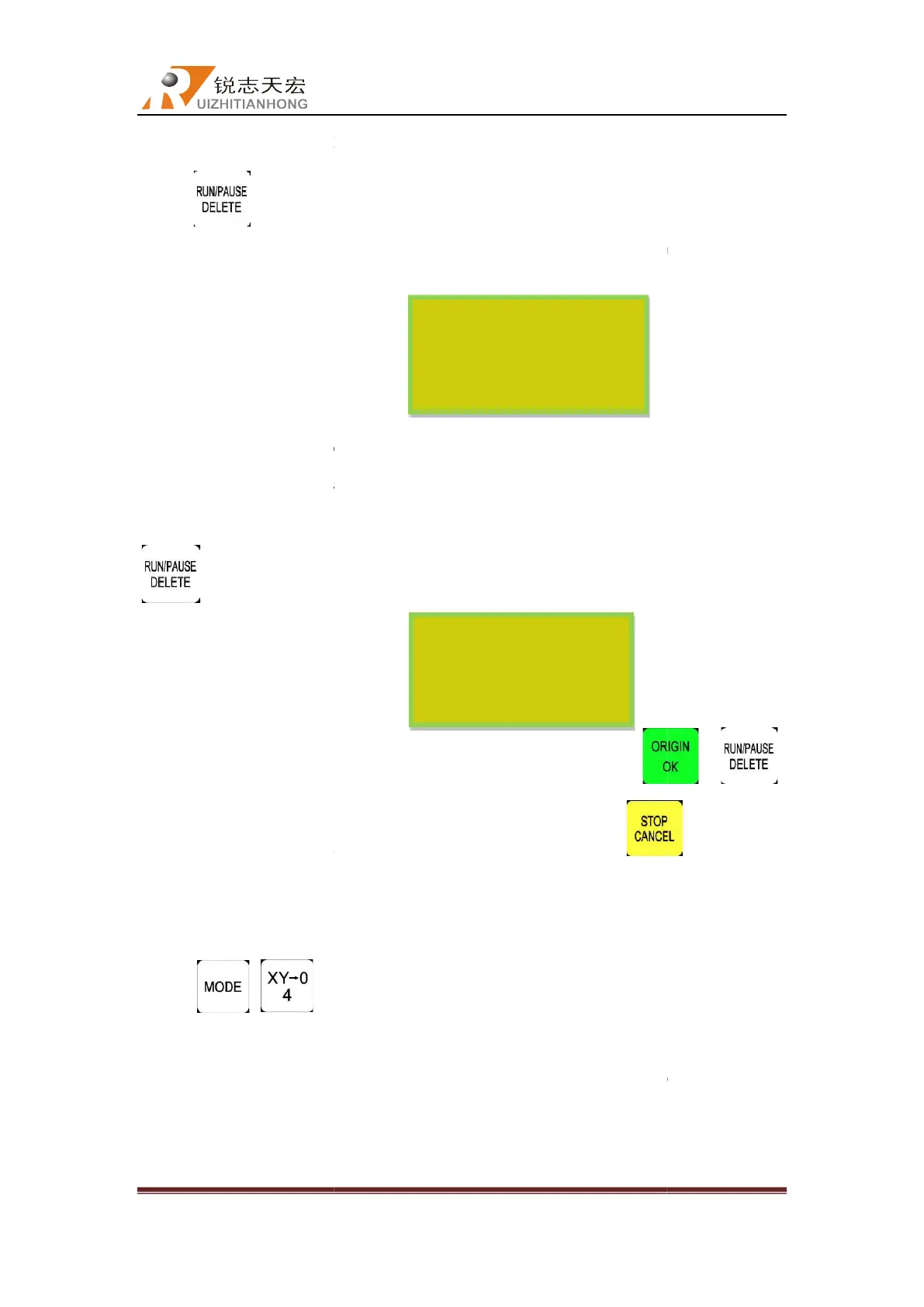
At this moment, user can adjust 3 axes position, and the system default the manual mode
is STEP, so that the user can fine adjust each axis, that is to say the machine moves per
Fast/Low speed grid distance every signal pressing.When finished the adjustmen
button again, and the screen prompt as follow:
The system asks the user whether save the modified position. Press “
the system
will start processing from modified position, press “
continue the processing at previous position which is before the adjustment.
5.3.3 Set reference point
Press” +
” to set the reference point, totally needs to operate for 2 times.
Fist t
ime is setting in WrkPos/WrkNeg type, second is setting in ScwPos/ScwNeg, make
sure system can save breakpoiont in both working type. The reference point needs to be
reset when system has updated.
Beijing RichAuto S&T Co., Ltd
, No.4 building, No 4. Yard, life Rd, life science park,
Beiqing St., Changping d
010-53275110/53275111 Web site:
the current
processing. The right upwards of screen will
S”
and machine paused processing except the rotating of
At this moment, user can adjust 3 axes position, and the system default the manual mode
is STEP, so that the user can fine adjust each axis, that is to say the machine moves per
Fast/Low speed grid distance every signal pressing.When finished the adjustmen
button again, and the screen prompt as follow:
The system asks the user whether save the modified position. Press “
will start processing from modified position, press “
continue the processing at previous position which is before the adjustment.
5.3.3 Set reference point
” to set the reference point, totally needs to operate for 2 times.
ime is setting in WrkPos/WrkNeg type, second is setting in ScwPos/ScwNeg, make
sure system can save breakpoiont in both working type. The reference point needs to be
reset when system has updated.
WX 7.000 PAUS
WY 8.000 S2
WZ -2.000 H SP
Continue working
WX 9.000
WY 7.000
WZ -0.200 0.4
?
Beijing RichAuto S&T Co., Ltd
Beijing, China
42
processing. The right upwards of screen will
and machine paused processing except the rotating of
At this moment, user can adjust 3 axes position, and the system default the manual mode
is STEP, so that the user can fine adjust each axis, that is to say the machine moves per
Fast/Low speed grid distance every signal pressing.When finished the adjustmen
t, press
”/ “ ”
”, system will
continue the processing at previous position which is before the adjustment.
” to set the reference point, totally needs to operate for 2 times.
ime is setting in WrkPos/WrkNeg type, second is setting in ScwPos/ScwNeg, make
sure system can save breakpoiont in both working type. The reference point needs to be



 To Next Page