• You cannot switch modes in any of the following situations:
• When scanning a fax message for transmission
• During immediate transmission
• When accessing User Tools / Counter / Inquiry
• During interrupt copying
• During On-hook dialling for fax transmission
• While scanning an original
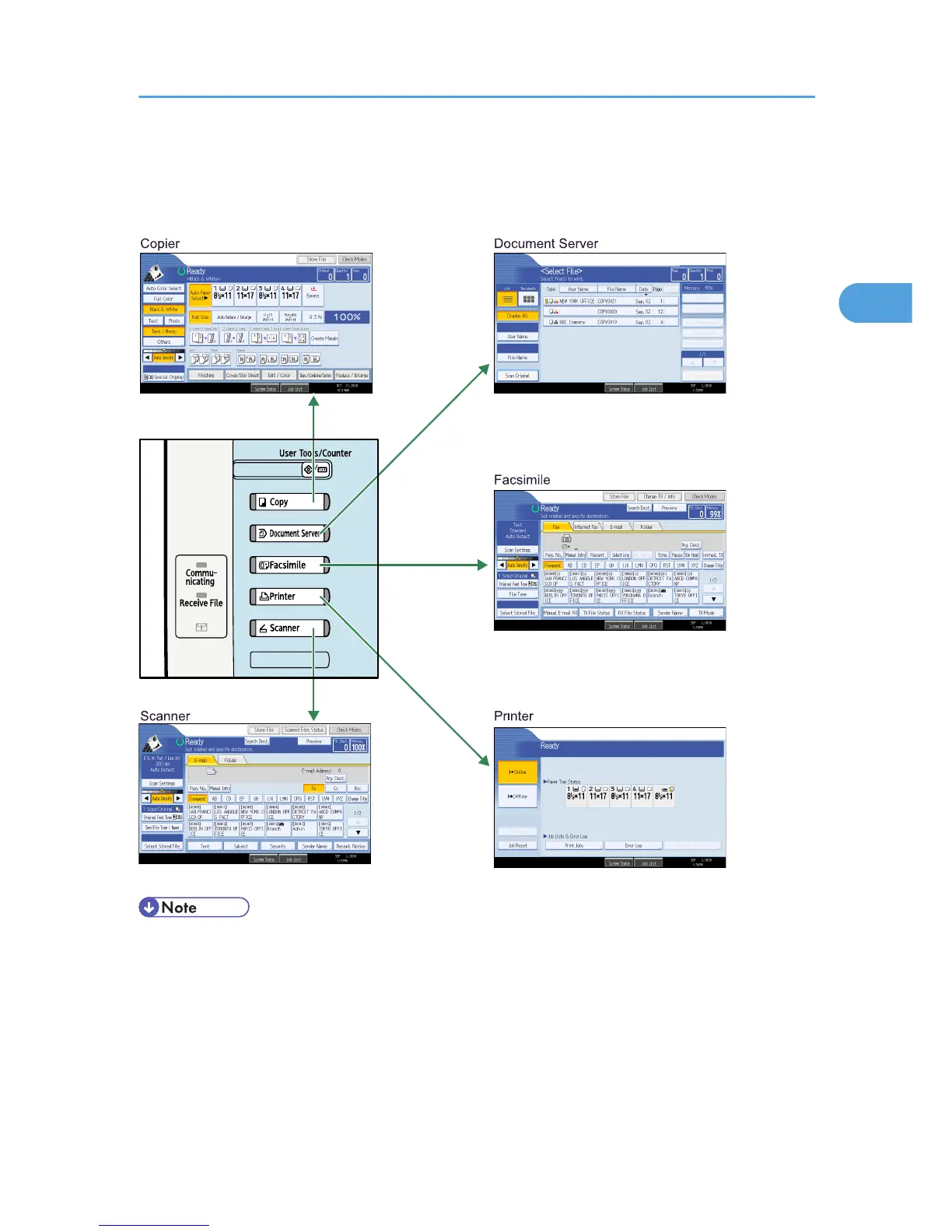
Changing Modes
71



 To Next Page