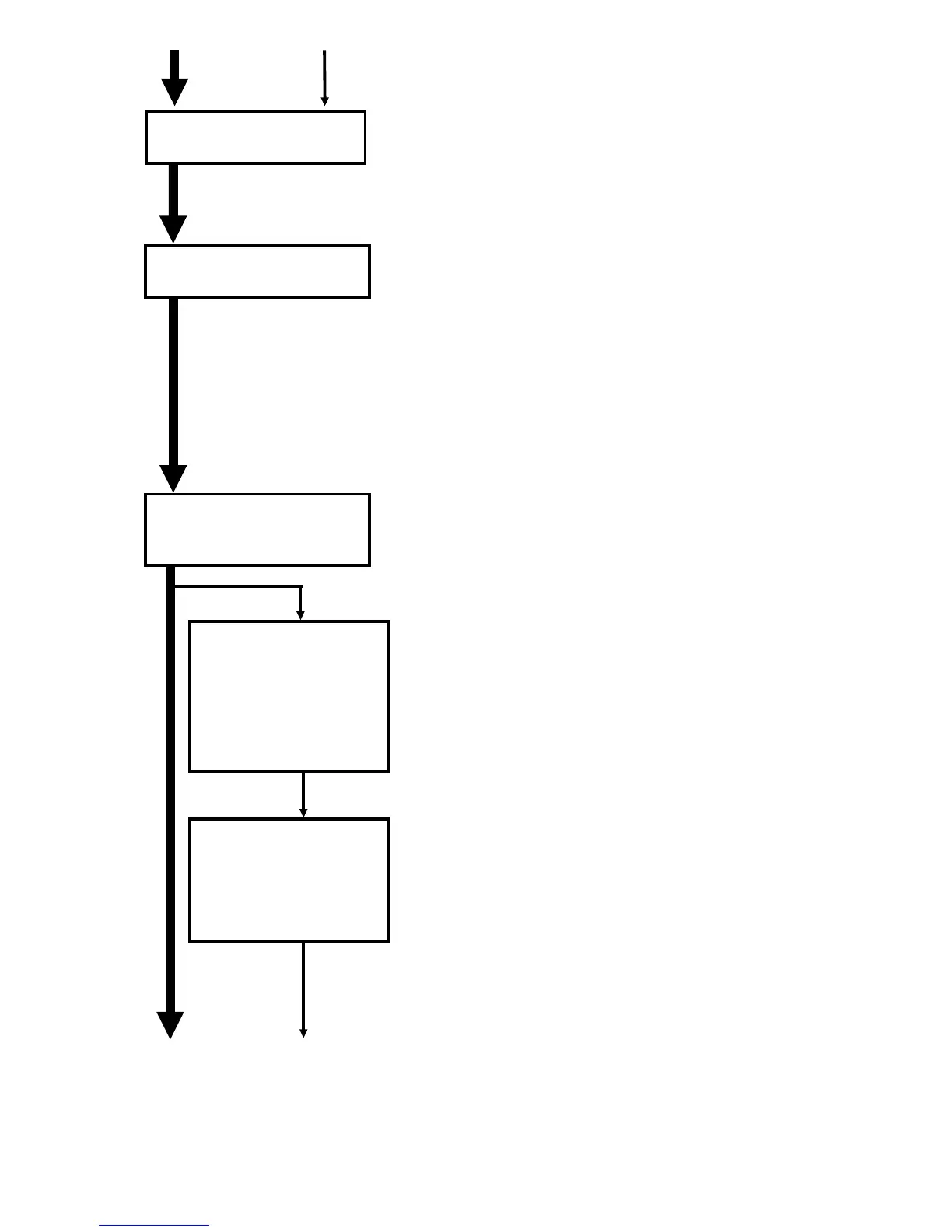
1. Clean the inside of the cleaning unit and the
seals.
2. Replace the cleaning blade.
1. Remove the old developer.
2. Clean the development unit and seals.
3. Clean around the openings of the toner
supply unit with a blower brush.
4. Pour in a pack of new developer.
5. Replace the development filter.
1. Clean the paper guide plate.
2. Clean the paper feed, pick-up, separation,
and relay rollers for each paper feed station,
by-pass feed, and the LCT.
3. Replace the bottom plate pad for each paper
feed station, by-pass feed, and the LCT.
4. Clean the registration rollers.
4. Cleaning Unit (every
100 or 120 k)
5. Development Unit
(every 100 or 120 k)
Replace the pick-up,
feed, and separation
rollers for each paper
feed station, by-pass
feed, and the LCT
(every 200/240k).
6. Paper Feed (every
100 or 120 k for each
paper feed station)
Replace the
separation torque
limiter for the by-pass
feed station and the
LCT (every 200/240k).
FSM 4-61 FT5535/4527/4522













 To Next Page