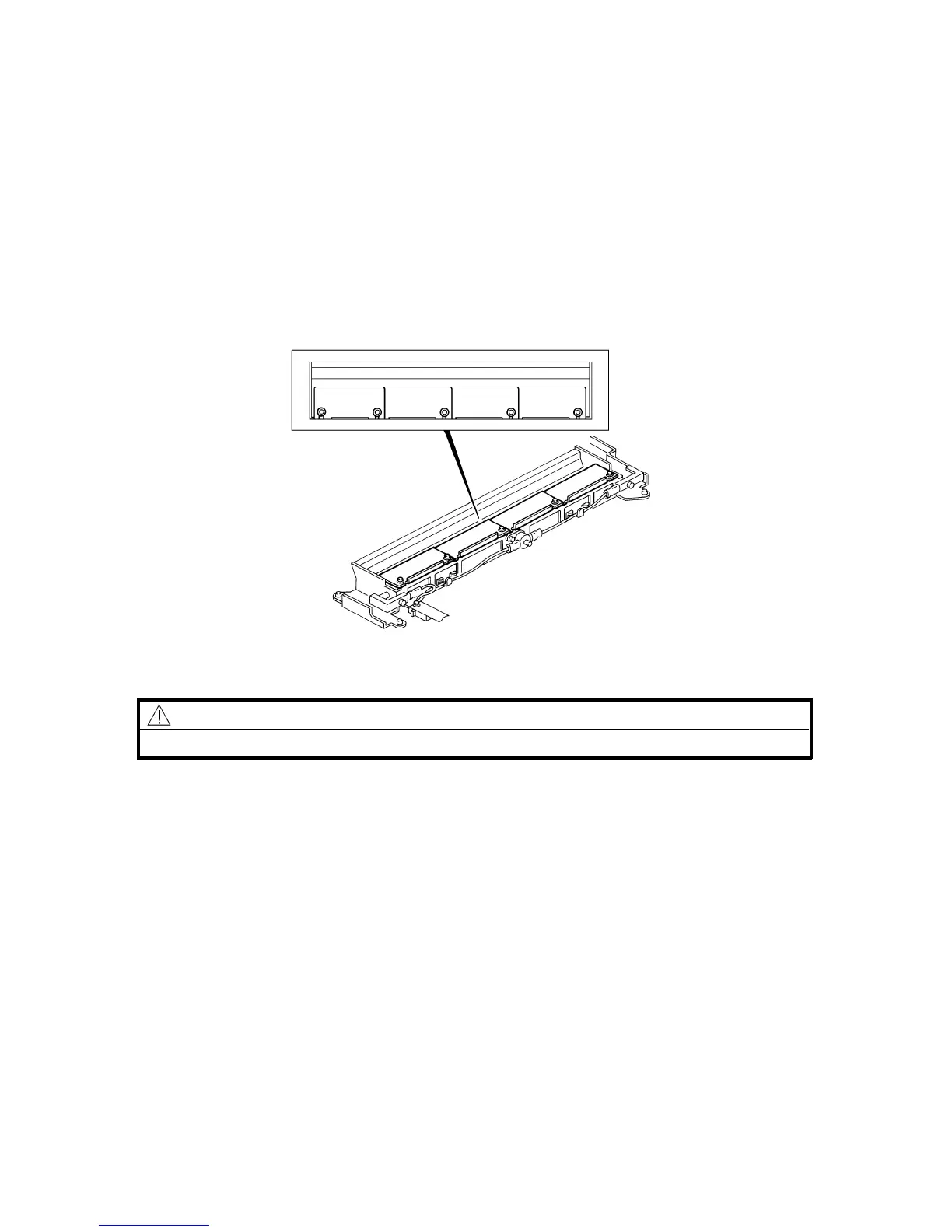
10.2 UNEVEN EXPOSURE ADJUSTMENT
When: If the exposure is uneven.
Purpose: To maintain even exposure.
Adjustment standard: The side-to-side variation of the gray scales on the
test chart should be less than one level.
How: Change the position of the exposure adjusting plates
to make the light intensity from the exposure lamp
even across its length.
CAUTION
Unplug the copier before starting the following procedure.
1. Clean the optics components.
2. Place a test chart on the exposure glass and make an A3/11" x 17" copy.
3. If the side-to-side variation of the gray scales is not within the adjustment
standard, turn off the main switch and remove the exposure glass (see
Exposure Glass Removal).
4. Position the adjusting plates [A] so that the copy quality meets the adjustment
standard.
Rev. 7/95
[A]
FSM 5-53 FT5535/4527/4522













 To Next Page