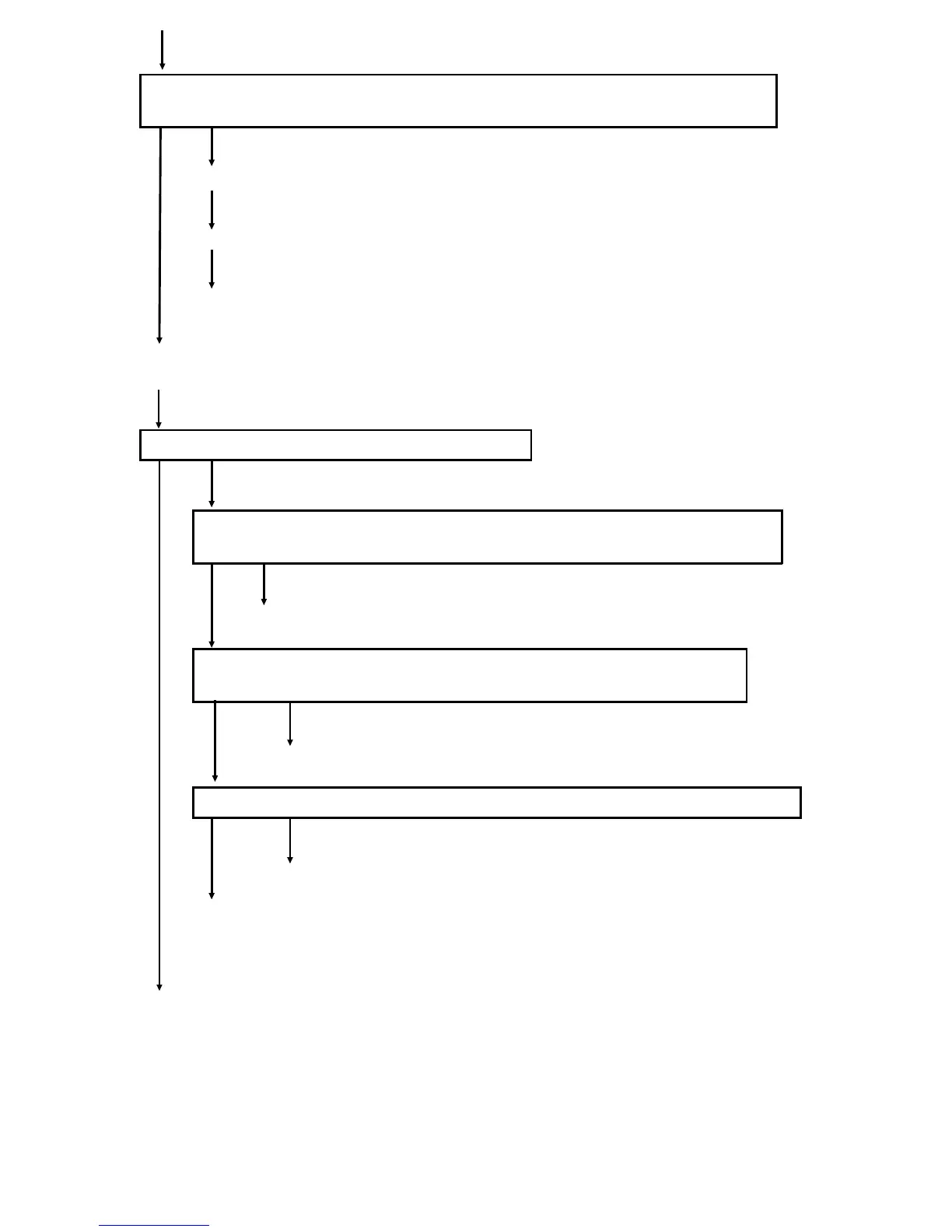
Is exposure lamp voltage (SP4-002) > Set exposure lamp voltage (SP4-001)
+10?
No Yes
Clean the optics and adjust the exposure lamp votage (SP4-001)
Perform ADS initial setting (SP4-201) and forced VL detection (SP3-105)
Perform forced VR detection
Perform forced process control (SP3-902) until the target exposure lamp voltage
(SP4-002) does not charge
Is the background of the copy image still dirty?
No Yes
If dirty background still appears, is the development bias applied to the
development roller shaft?
No Yes
Check that the drum is properly grounded.
Check the continuity between the development roller shaft and the
development bias terminal
Good No good
Repair the harness or terminals.
Is the signal at CN115-1 a 5V pulse signal after the Start key is pressed?
Yes No
Replace the main control board.
Replace the CB high voltage supply board.
FSM 6-7 FT5535/4527/4522













 To Next Page