3.12 TONER DENSITY TOO LOW
- Problem -
1. Light copies
2. Carrier on the copies.
3. Light spots appear in solid black areas.
- Possible Causes -
1. The toner supply clutch does not rotate.
2. The copier entered fixed toner supply mode due to an abnormal sensor
condition.
3. The main control board is defective.
4. The VSP pattern bias is too low.
5. The drum charge voltage for making VSP patterns is too high.
- Action -
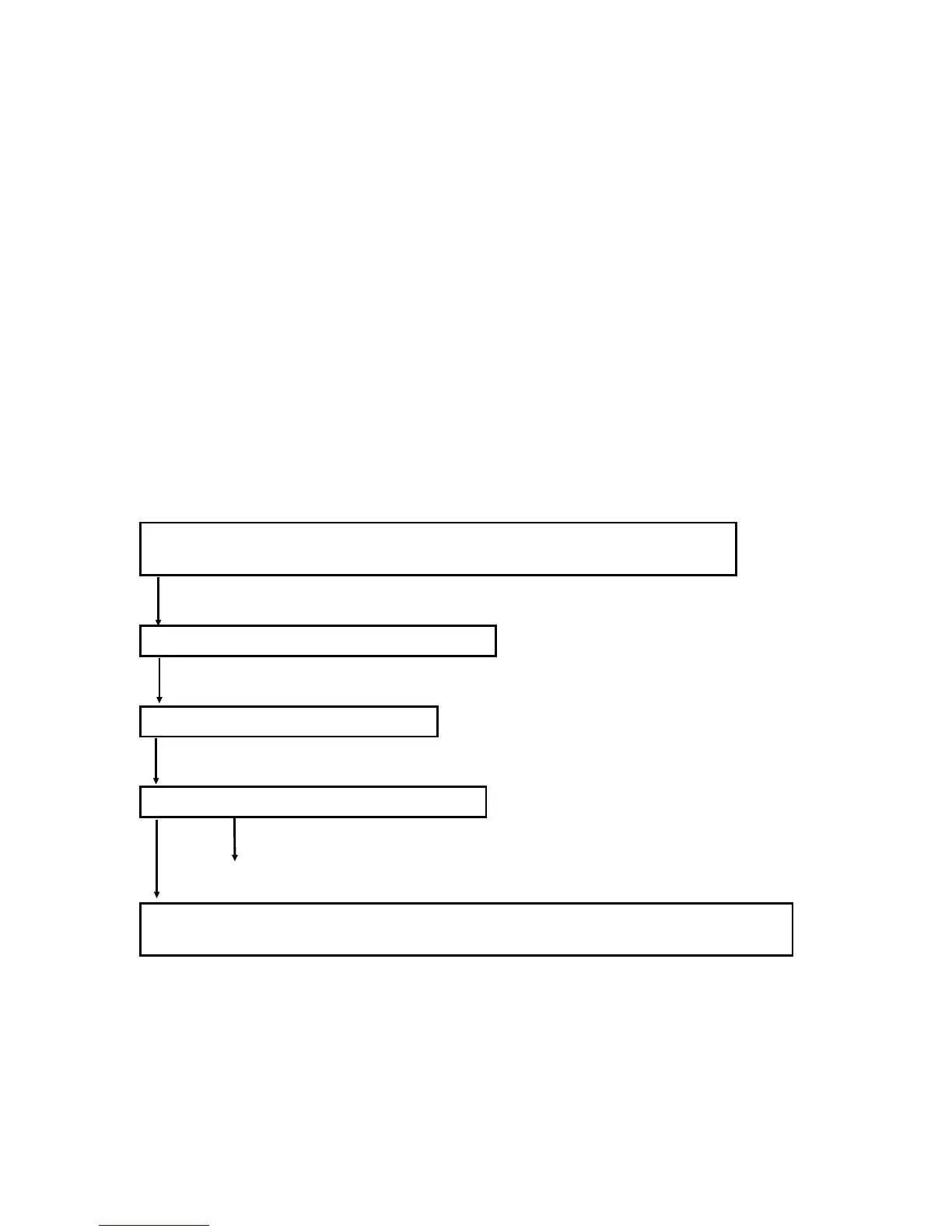
Check the values of VSP and VSG with SP3-103-001 and SP3-103-002
respectively.
Clean the ID sensor and around the drum.
Adjust the ID sensor with SP3-001.
Can the ID sensor be adjusted correctly?
Yes No
Refer to the section that deals with SC351.
Perform forced toner supply (SP2-207) until VSP is at about the threshold level
(around 0.4 V). Check VSP with SP3-103-001 as necessary.
FT5535/4527/4522 6-18 FSM













 To Next Page