3.15 A HORIZONTAL THIN LINE APPEARING CLOSE TO THE
LEADING EDGE
- Problem -
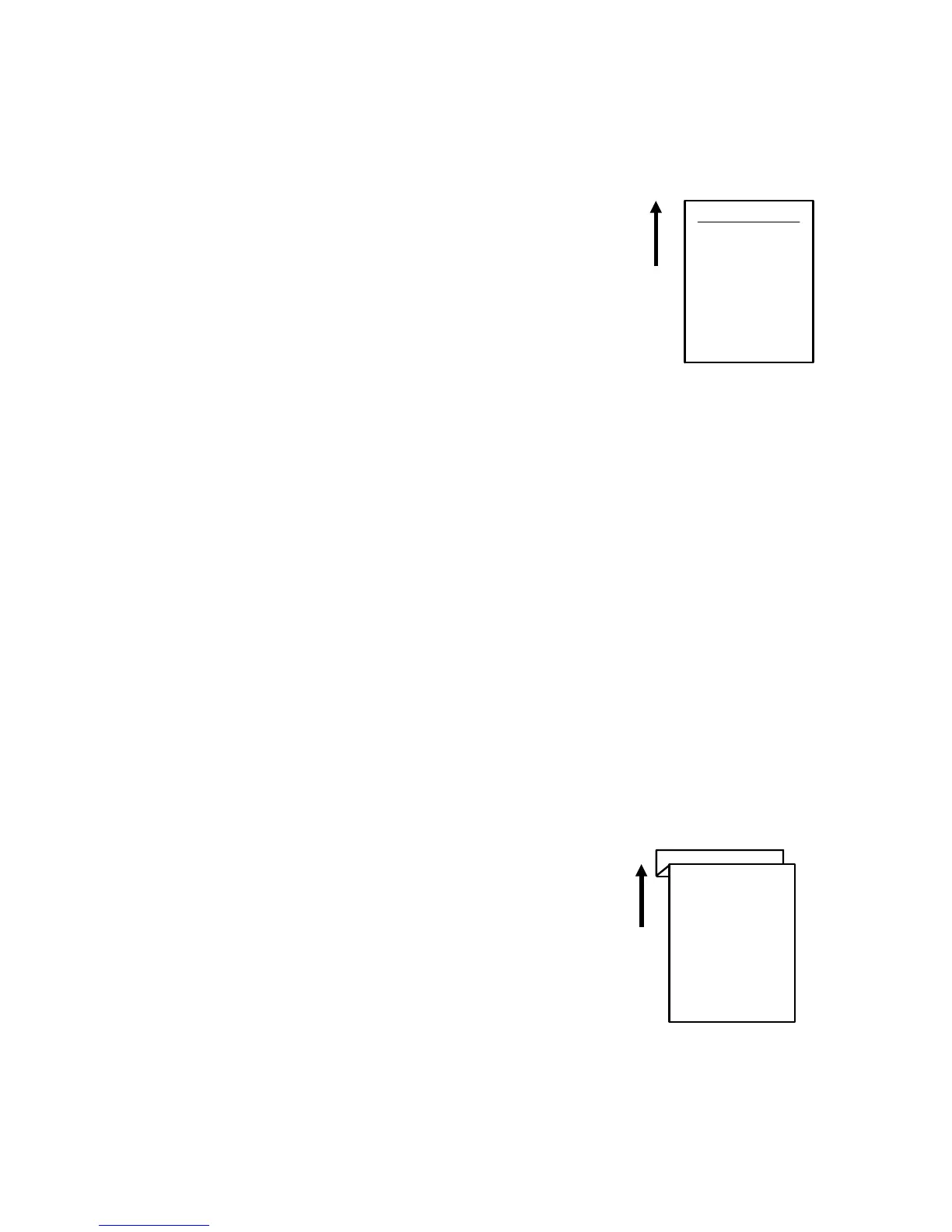
When an original has solid black areas at the trailing edge, toner transferred from
the trailing edge onto the
hot roller will appear on the next sheet of copy paper.
- Action -
Adjust SP2-101-002 (trailing edge erase margin) to leave a
blank margin at the trailing edge of copies.
(The blank margin can be adjusted from 0 to 16 mm in 0.5
mm steps when the leading edge registration is adjusted to 0
mm.)
3.16 CREASING AFTER FUSING
- Problem -
Under high humidity conditions, humidified copy paper creases as it comes out of
the fusing unit.
- Action -
Install an optional tray heater in each paper feeding station. Refer to "Tray Heater
Installation" in section 3.
(The tray heater is available as a service part.)
3.17 Z-FOLDED COPY OR LEADING EDGE REGISTRATION
VARIES
- Problem -
Copies are folded into a "Z" shape at the leading edge.
The variation in leading edge registration is too big.
- Action -
Adjust the amount of paper buckle between the registration
rollers and the feed & separation rollers with SP1-003 for
each paper feeding station.
See the SP mode table for details.
FT5535/4527/4522 6-22 FSM













 To Next Page