5. REPLACEMENT AND ADJUSTMENT
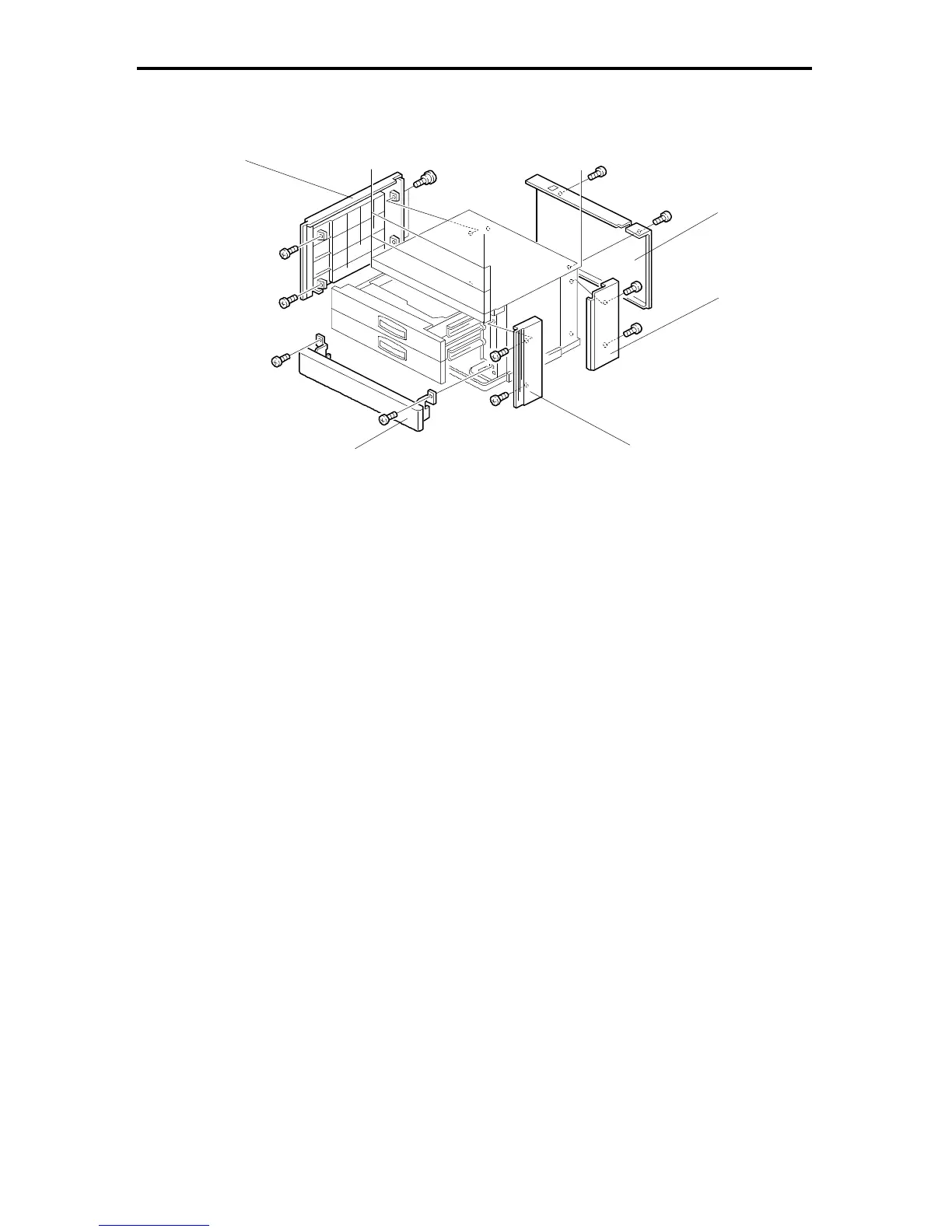
5.1 EXTERIOR COVER REMOVAL
Rear Cover [A]: (2 screws)
Front Lower Cover [B]: [Two-tray type only]
1. Slide out the cassettes.
2. Remove the front lower cover (2 screws).
Right Front Cover [C]:
1. Remove the front lower cover [B].
2. Remove the right front cover (2 screws).
Right Rear Cover [D]:
1. Remove the rear cover [A].
2. Remove the right rear cover (2 screws).
Left Cover [E]:
1. Remove the rear cover [A].
2. Remove the front lower cover [B].
3. Remove the left cover (4 screws).
[E]
[A]
[D]
[B]
FSM 8-11 FT5535/4527/4522













 To Next Page