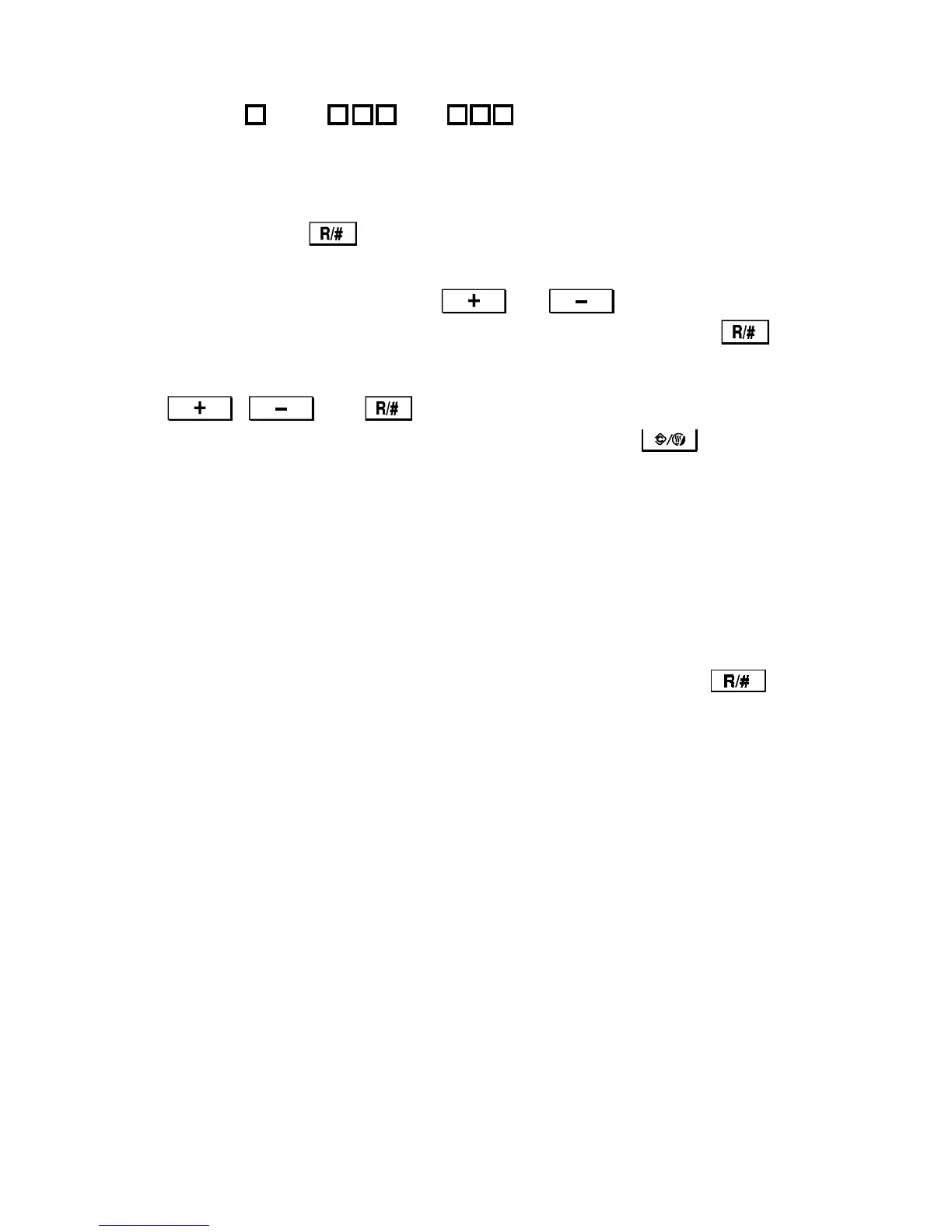
How to select the program number
Program numbers are composed of two or three levels.
–– ––
To input the required program number, select each program level in sequence.
1. Select the 1st level and 2nd level program numbers at the numeric keys.
Then press the key.
2. If there are third level programs in this SP mode: Select the 3rd level
program number by pressing the and keys. The 3rd level
program number is displayed in the copy counter. Then press the
key.
If there are no third level programs in this SP mode: Do not press the
, , or keys at this time.
Note: If you need to return to one level before, press the key.
3. Input the required setting as explained in the following section.
2.1.2 Changing the Value of an SP Mode
1. Enter the SP mode.
2. Select the required program mode as explained above.
3. The current setting will be displayed in the reduce/enlarge indicator.
4. Enter the required setting using the numeric keys, then press the
key. (SP mode numbers and their possible settings are given in the SP mode
table.)
5. Leave SP mode.
1st Level
Program Number
2nd Level
Program Number
3rd Level
Program Number
FT5535/4527/4522 4-8 FSM













 To Next Page