Need help?
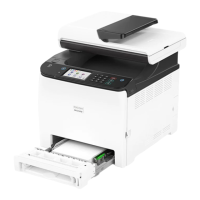
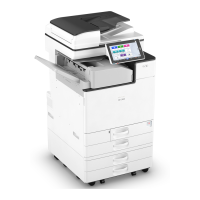
Do you have a question about the Ricoh M C2000 and is the answer not in the manual?
Explains symbols for important notes, likely causes of paper misfeeds, damage, or data loss.
Manufacturer's liability limitations for product use, failures, data losses, and operation manuals.
Procedure to check the SSID by printing the configuration page and noting the wireless direct settings.
Step-by-step guide to connect a Windows computer to the machine using Wi-Fi Direct.
Step-by-step guide to connect a Mac computer to the machine using Wi-Fi Direct.
Step-by-step guide to connect an Android device to the machine using Wi-Fi Direct.
Step-by-step guide to connect an iOS device to the machine using Wi-Fi Direct.
Addresses issues where problems occur even after reconfiguring connection settings, possibly due to incorrect password.
Solutions for when a connection is established but the wireless LAN cannot be used, e.g., LAN cable priority or radio wave interference.
Instructions on how to change the Wi-Fi Direct password using the control panel or Web Image Monitor.
Lists trademarks and registered trademarks of companies like Google, Apple, Cisco, and Microsoft.
 General
| Brand | Ricoh |
|---|---|
| Model | M C2000 |
| Category | All in One Printer |
| Language | English |


 To Next Page