Technical Bulletin PAGE: 1/2
Model: MET-C1b Date: 1-Aug-13 No.: RD147043
Subject: White line Prepared by: N. Yoshida
From: 1st Tech Service Sect., MFP/P Tech Service Dept.
Classification:
Troubleshooting
Mechanical
Paper path
Product Safety
Part information
Electrical
Transmit/receive
Other ( )
Action required
Service manual revision
Retrofit information
Tier 2
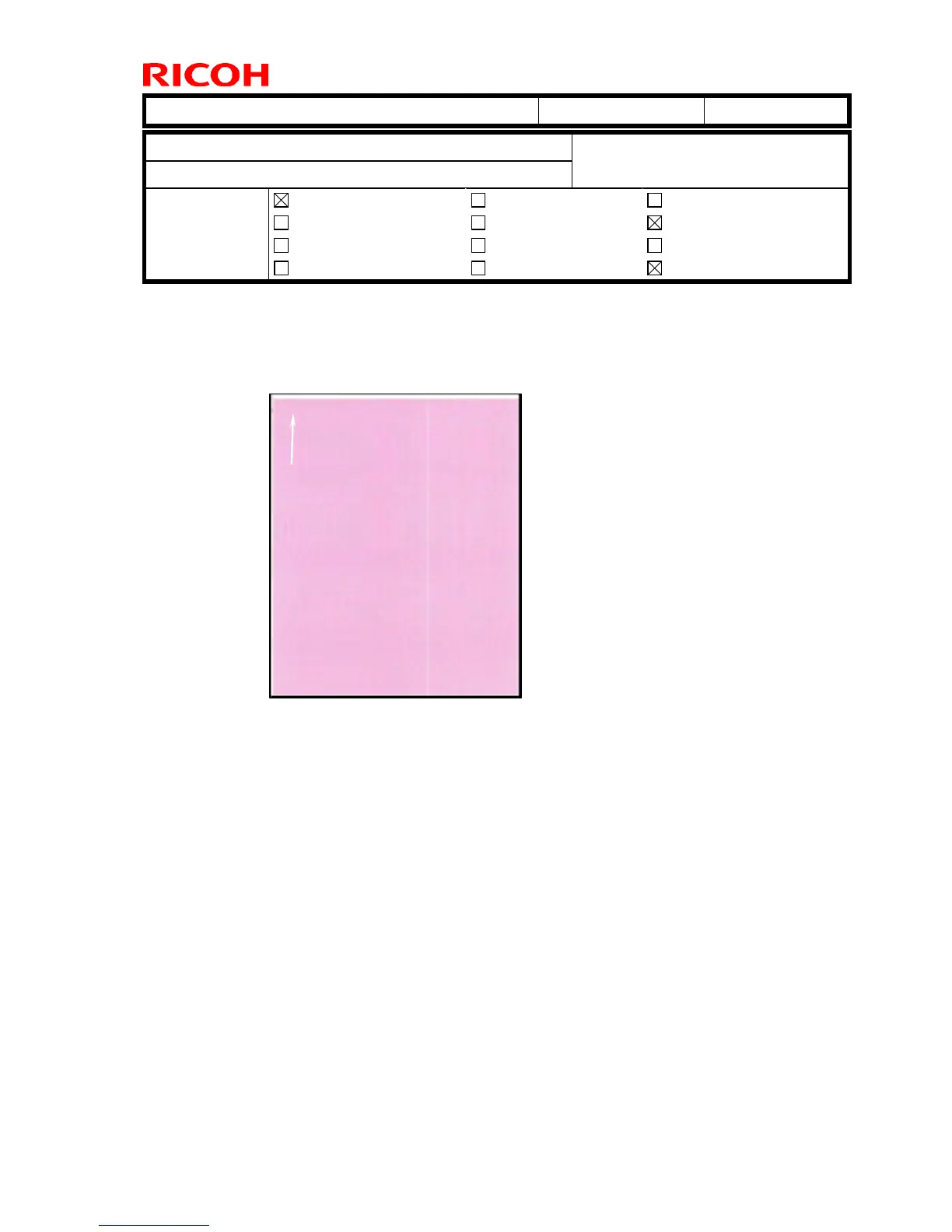
SYMPTOM
A white line is visible on the printout, as shown in the sample below:
CAUSE
The LD glass is dirty with toner, a foreign substance has been mixed in with the toner
inside the development unit, or the toner inside the development unit has caked.
SOLUTION
1. Print out a 2-by-2 sample.
2. Clean the LD glass for the color on which the symptom occurs.
Important:
- Use shield glass cleaner
- Make sure to remove all the toner from the glass.
3. Print out the 2-by-2 sample again, and check the image quality. If this does not solve
the symptom, do the steps on the next page.









 To Next Page