Taurus-C1 Training
104
Slide 104
How does it Work?
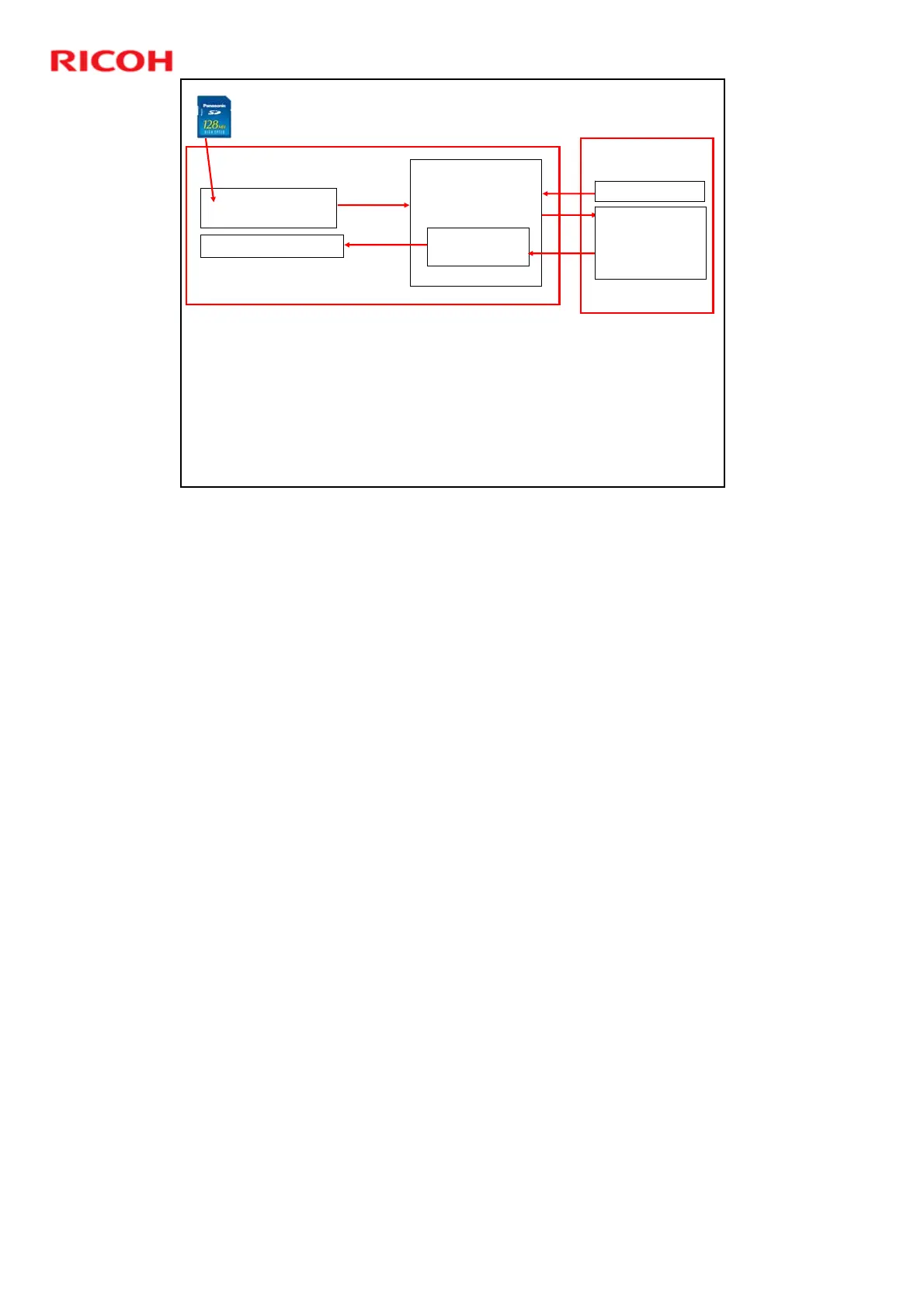
The Paper Library can contain up to 1,000 profiles.
The user can select some of these for the Custom Paper List. The user assigns paper
types from this list to the paper trays.
The user can also modify a profile in the Custom Paper List, or create a new one.
The user can copy the Custom Paper List to a backup area in the Paper Library
(called the Saved Paper Library).
The Saved Paper Library can be copied onto an SD card for backup, and from there it
can be copied to another machine.
A technician can update the Paper Library with an SD Card. This does not overwrite
the modifications that were made by the user.
The Paper Library is linked with the Paper Catalog of the Fiery controller, and
modified profiles will automatically be applied on the Fiery controller.
EFI Controller
Paper Library
1,000 Provided Profiles
Saved Paper Library
Update
Registration
Backup
Base Machine
Tray Management
Custom Paper List
User Paper List
Max 100 Profiles
Modified Profiles
Selected Profiles
Real Time
Synchronization
Tray Paper
Select
Recall
Profiles
Paper Catalog
GW Controller Board
The update by SD Card overwrites the Paper Library only. It does not overwrite
the Saved Paper Library or the Custom Paper List, so the user’s custom settings
and backups are not affected.











 To Next Page