Taurus-C1 Training
106
Slide 106
Basic Operation
Overview
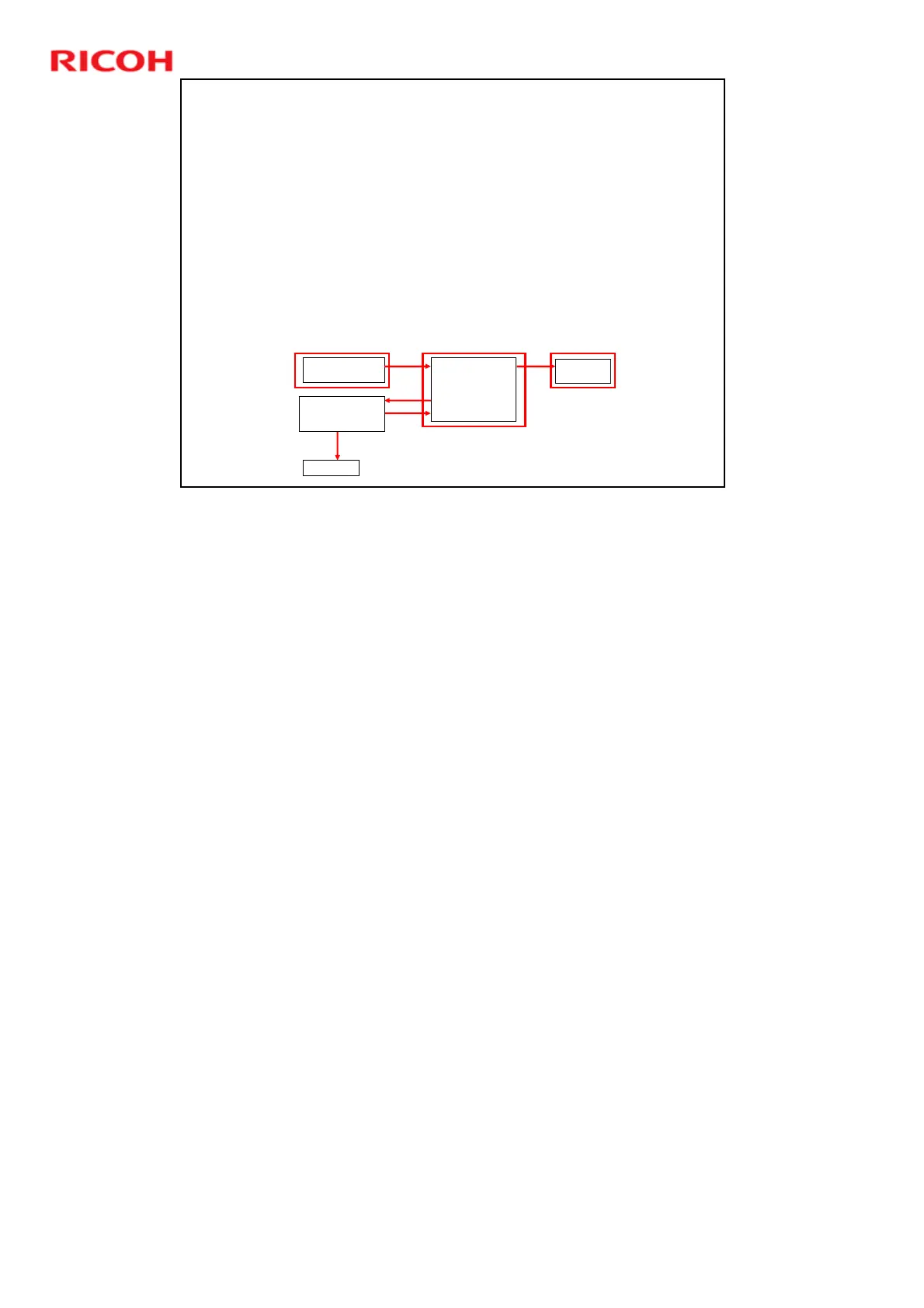
Access the Paper Library.
This is done from the Tray Paper Settings screen.
Then select one or more paper profiles from the
Paper Library, and register them in the Custom
Paper List.
Go back to the Tray Paper Settings screen.
Then select the paper type from the Custom
Paper List and assign it to one of the paper trays.
Paper Library
1,000 Provided Profiles
Backup
Recall
Assign to
Paper Tray
Custom Paper List
Max 100 Profiles
Saved Paper Library
Can contain up to
1,000 profiles
Backup
SD Card
Registration
No additional notes











 To Next Page