Taurus-C1 Training
115
Slide 115
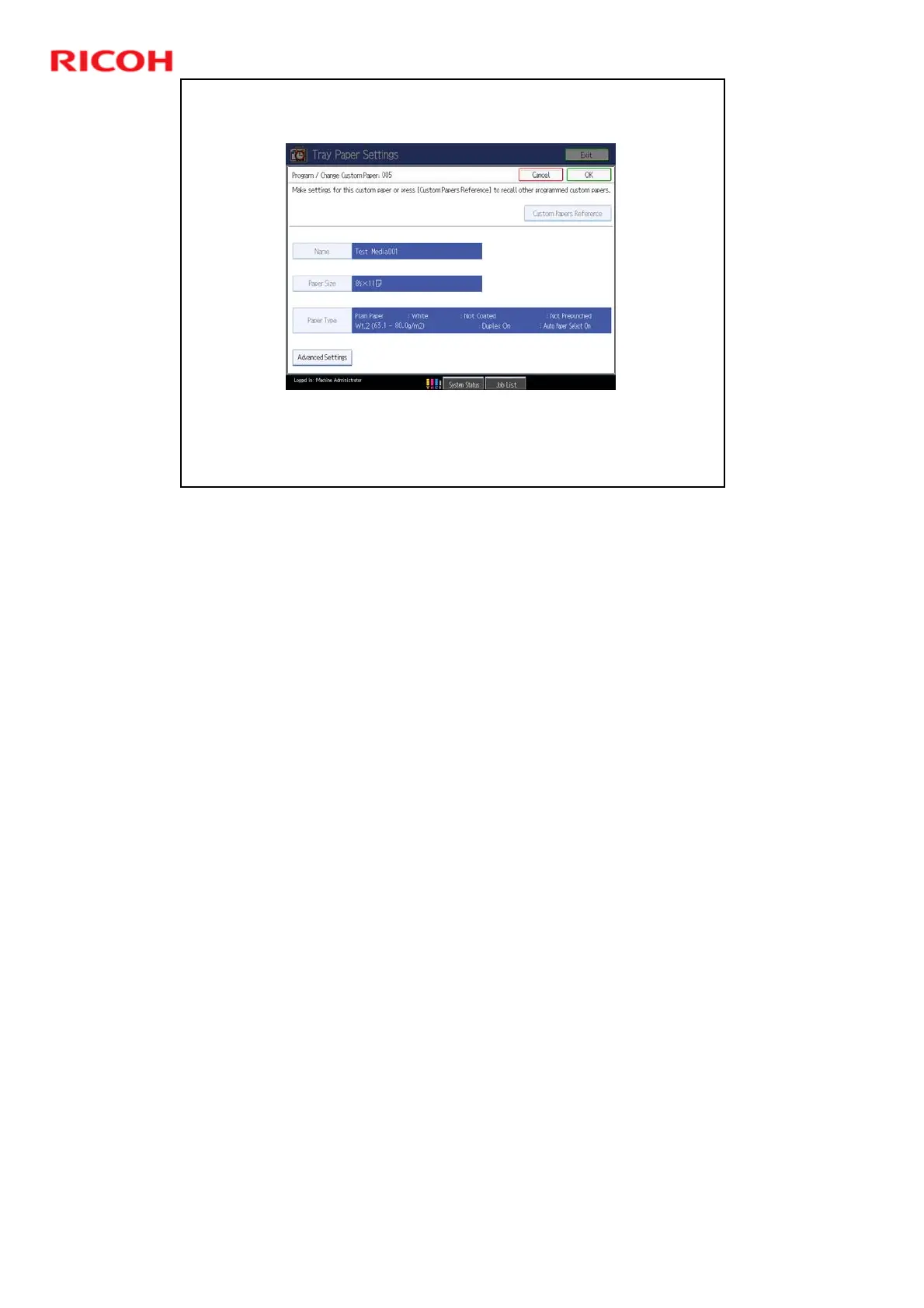
Program/Change Custom Paper
This screen appears if you touch the Program/Change button then a paper type from
the Custom Paper List. You can modify some of the settings for the profile.
TCRU/ORU trained operators can change some advanced settings by pressing the
Advanced Settings button at the bottom of the screen.
Advanced Settings are explained in the ‘Adjustment Item Menu Guide:
TCRU/ORU’ manual (section 4. Details of Menu Items in Advanced Settings).
Adjustable Parameters for each paper type
¾ Not adjustable in profiles provided by Ricoh
Paper Type, Thickness, Color, Coated/Uncoated, Punch (on/off), Paper
Brand Name
¾ Adjustable for all profiles
Custom Paper Name, Paper Size, Duplex/Simplex, Auto Tray Select
(on/off)











 To Next Page