Taurus-C1 Training
121
Slide 121
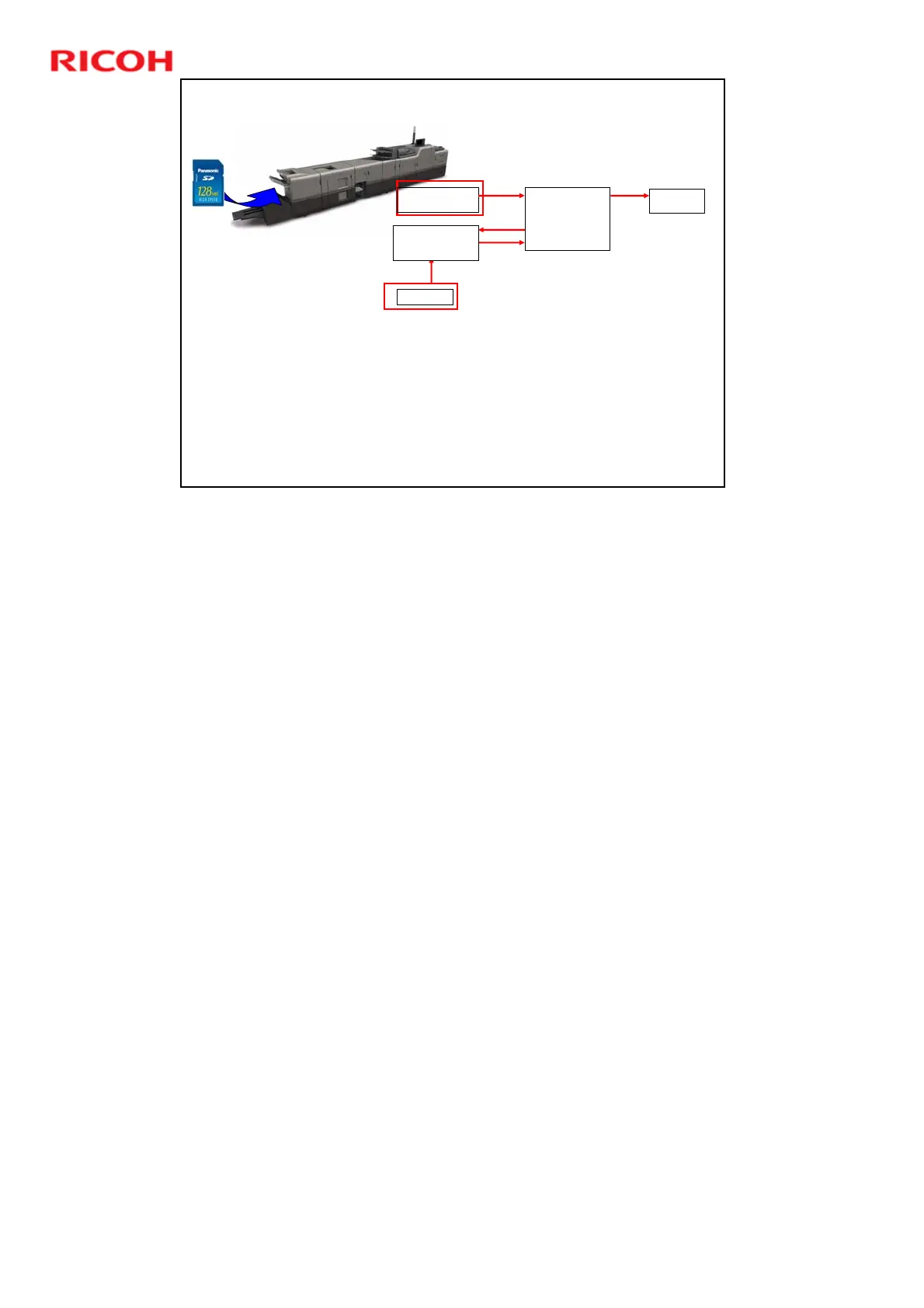
Updating the Paper Library
When a SD card with paper profiles is installed in the card
slot of the GW controller at the rear of the mainframe, the
Paper Library on the flash memory of the GW controller is
overwritten by the data in the SD card, so operators can
maintain the latest profiles in their machines.
If profiles are updated by Ricoh, they can be supplied on a
new SD card and transferred to the machine.
Paper Library
1,000 Provided Profiles
Backup
Recall
Assign to
Paper Tray
Custom Paper List
Max 100 Profiles
Saved Paper Library
Can contain up to
1,000 profiles
Registration
Update
SD Card
The update by SD Card overwrites the Paper Library only. It does not overwrite
the Saved Paper Library or the Custom Paper List, so the user’s custom settings
and backups are not affected.











 To Next Page