Taurus-C1 Training
145
Slide 145
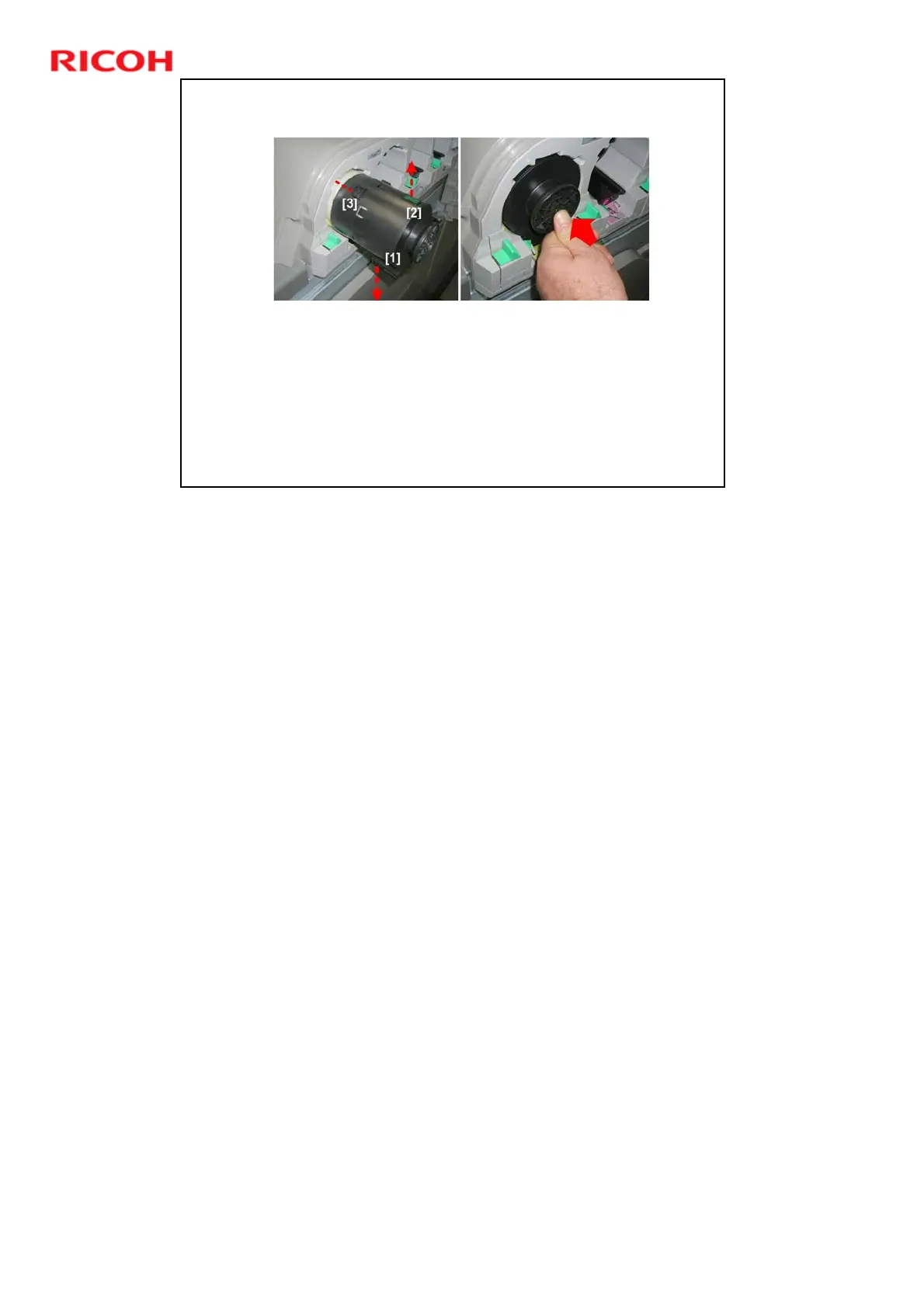
Install the Toner Bottles (2)
Turn the bottle so that the toner port [1] is down and the RFID chip [2] is
up, with the protrusions [3] lined up with the cutouts in the cover.
The front end of each toner bottle has protrusions that fit into cutouts in
each color holder. These cutouts have a unique pattern for each color, to
prevent installation of a toner bottle accidentally in the wrong position.
If a bottle does not slide easily into the holder, make sure that the green
RFID chip is facing up and the protrusions on the front end of the bottle
match the pattern of the cutouts around the mouth of the holder.
Push the bottle in until you hear a click.
The order from left to right is Y, M, C, K.











 To Next Page