Taurus-C1 Training
192
Slide 192
Connecting the Finisher to the
Upstream Unit
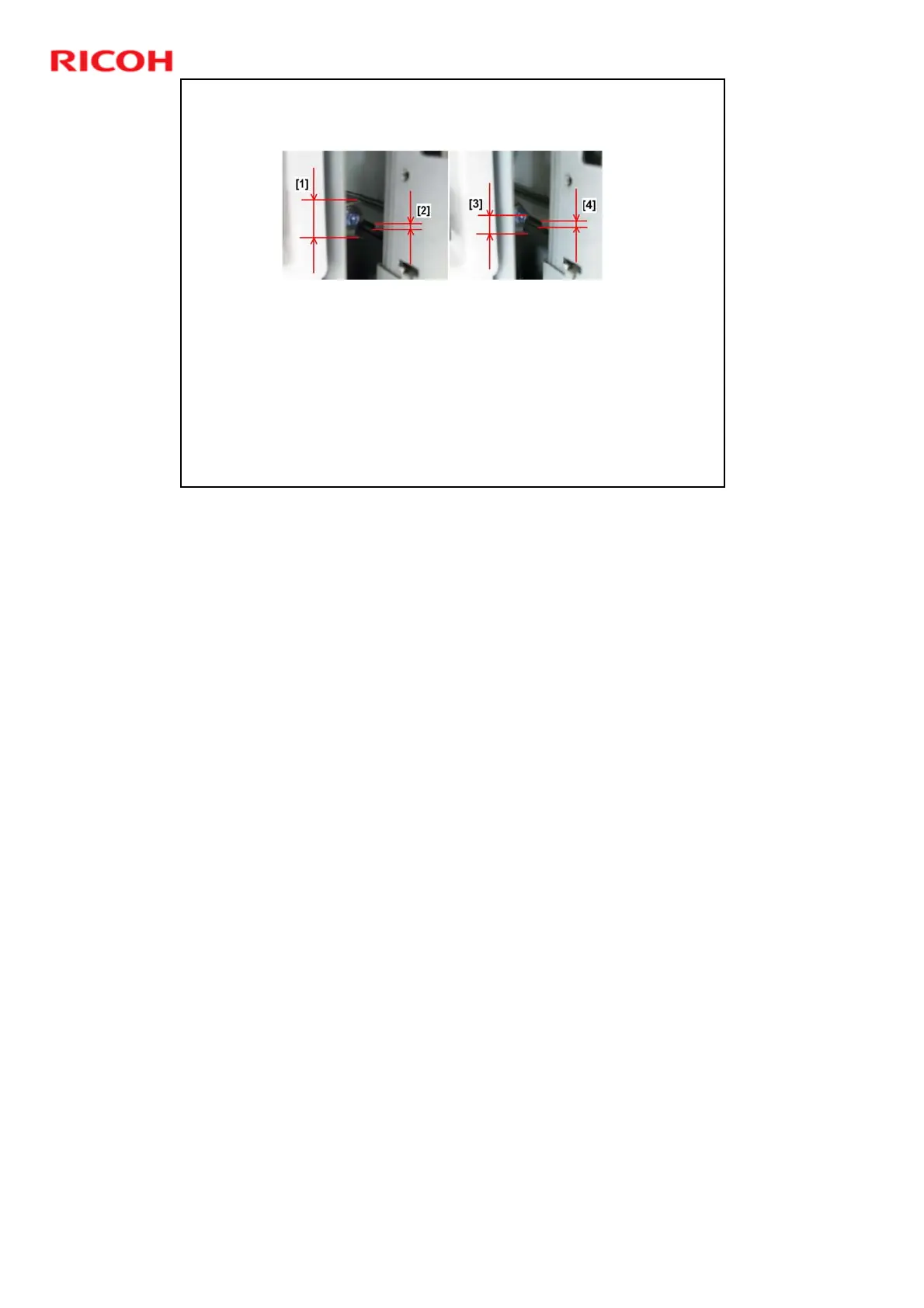
Push the finisher close to the side of the upstream unit.
Confirm that the height of the finisher entrance [1] is at the same
height as the upstream unit‘s paper exit [2].
Push the finisher closer to the side of the upstream unit, and then
once again confirm that the height of the finisher entrance [3]
matches the height of the upstream unit exit [4]
If the exit and entrance are not at the same height, adjust the
height of the finisher.
Push the finisher against the side of the upstream unit.
This is a new procedure.
Finisher Height Adjustment: Service Manual > Installation > Common
Adjustments











 To Next Page