Taurus-C1 Training
201
Slide 201
Height and Level Adjustment (4)
Check the results of the adjustments.
The top of the first peripheral unit on the left must be at the same height as
the left side of the main machine.
The tops of the other peripheral units on the left where the units are joined
must be at the same height.
The top of the LCIT on the right must at the same height as the right side
of the main machine.
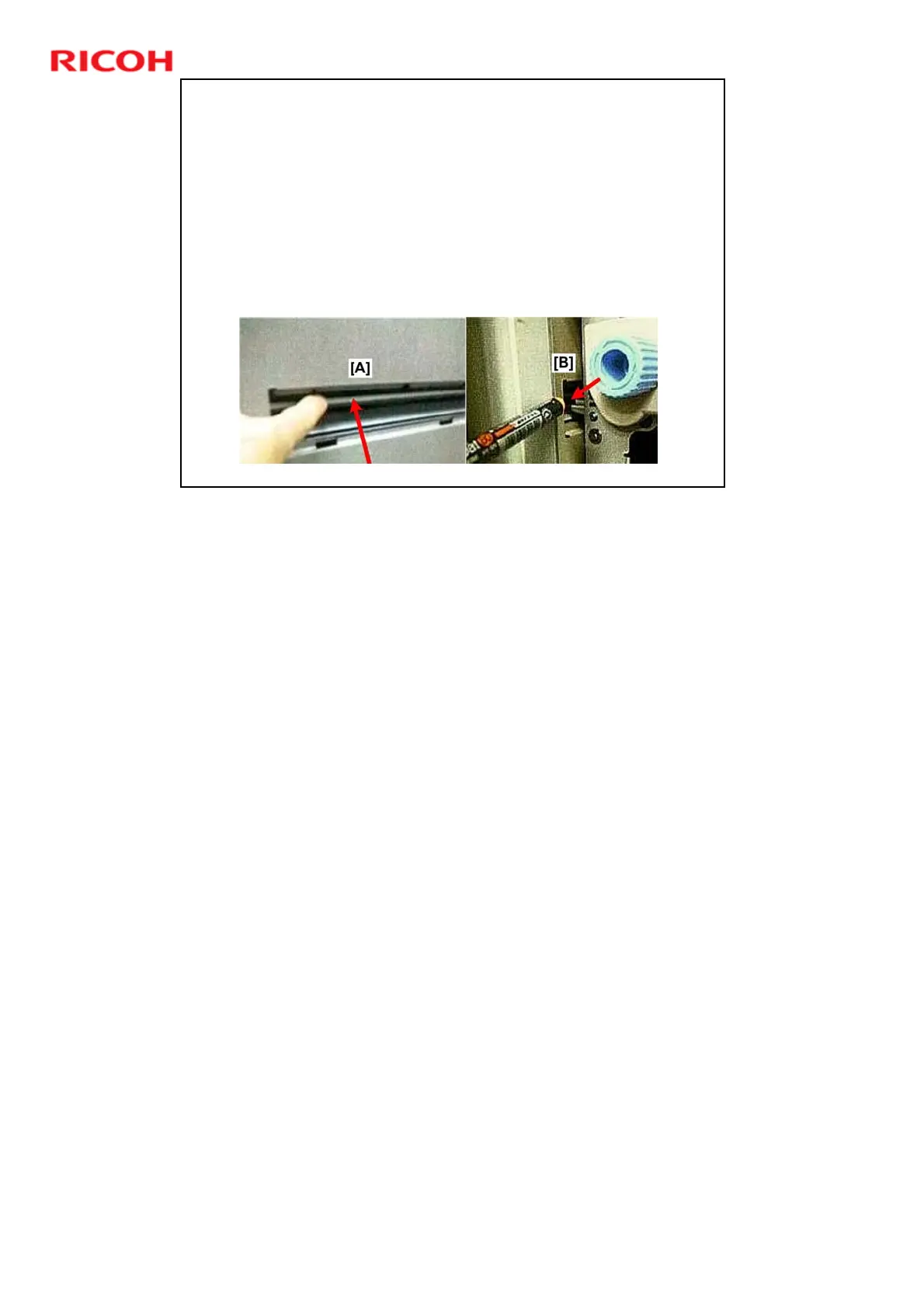
Make sure that the plate at the paper exit on the left side of the main
machine [A] moves freely and is not bent. It must be able to move to
handle thick paper.
Between the right side of the main machine and the LCIT, make sure that
the LCIT guide plate moves freely and does not interfere with the main
machine guide plate.
No additional notes











 To Next Page