Taurus-C1 Training
253
Slide 253
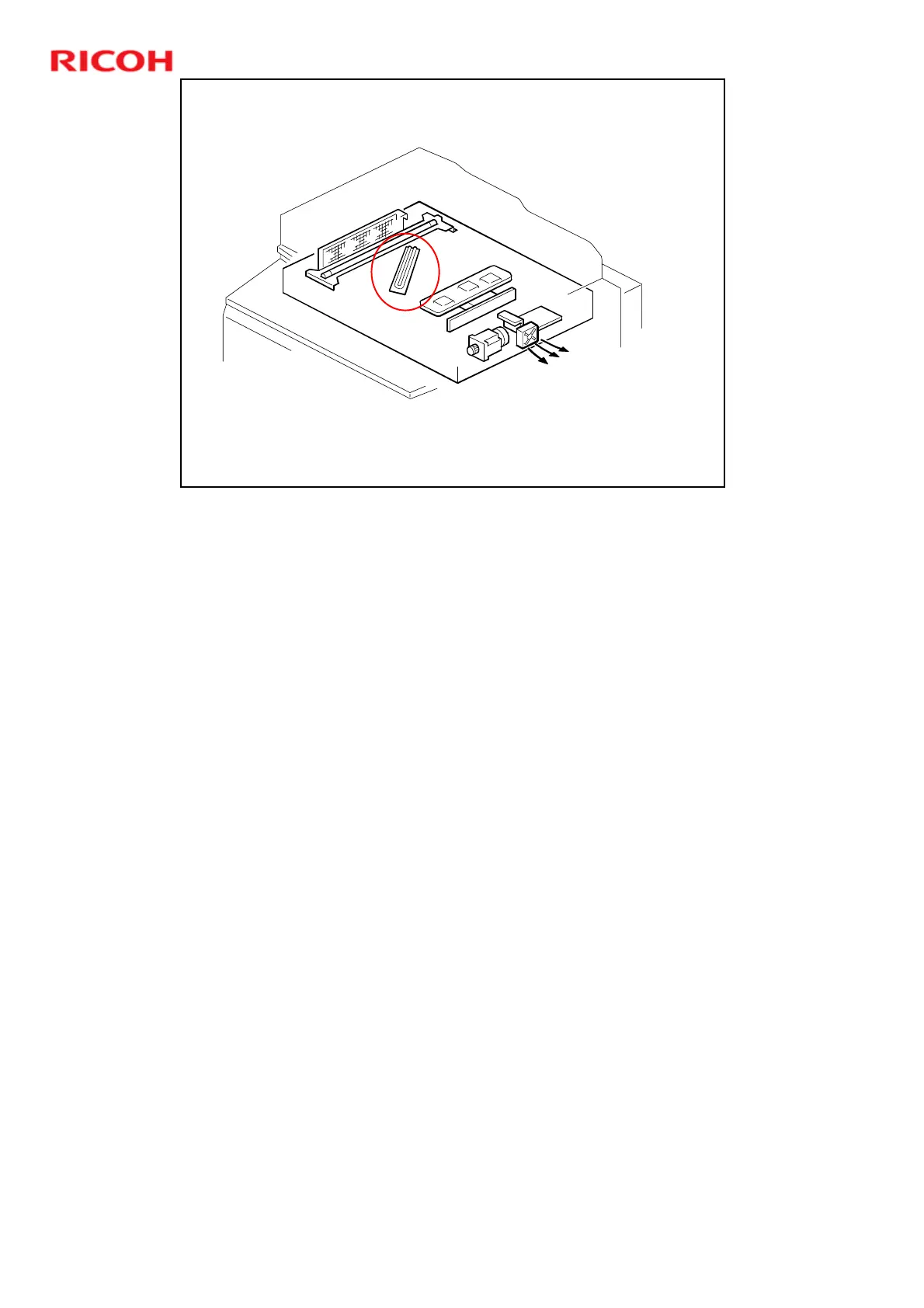
Anti-condensation Heater
This is a service part. Connect this if the user needs it.
Condensation on the mirrors can cause:
¾ Running, smearing and image borders
¾ Printing completely black or gray pages
Fans
¾ The scanner cooling fans (front, rear) pull cool air into the scanner unit.
¾ The scanner exhaust fan pulls hot air out from the scanner unit
Anti-condensation heater turns on:
¾ When the main power switch is turned off.
¾ When the operation switch is turned on.
¾ When the machine enters the auto off mode.











 To Next Page