EasyManua.ls Logo

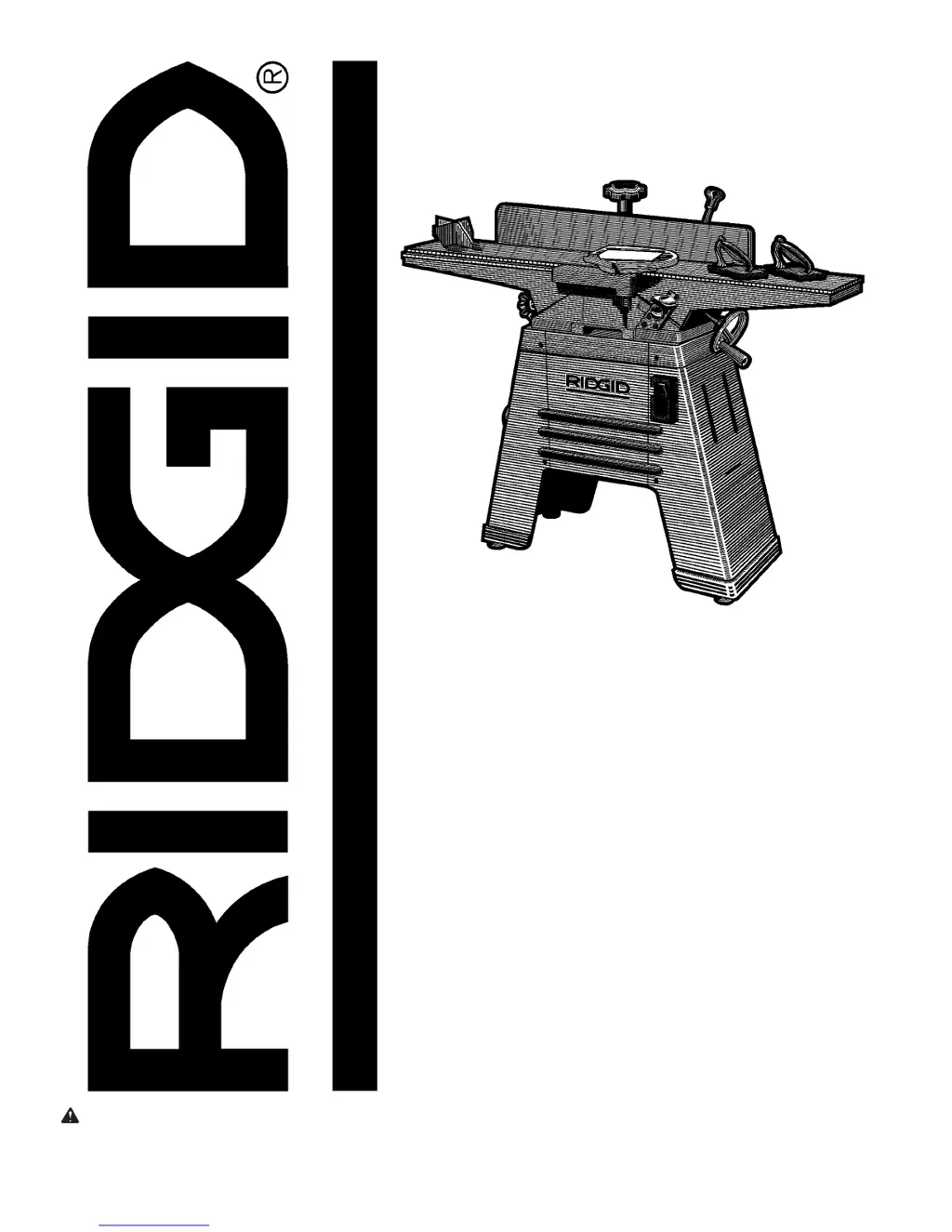
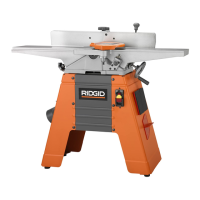
RIDGID JP06101 - User Manual

RIDGID JP06101
44 pages
Print Icon
To Next Page IconTo Next Page
Loading...
23(5$725·60$18$/
WARNING: To reduce the risk of
injury, the user must read and
understand the operator’s manual
before using this product.
SAVE THIS MANUAL FOR
FUTURE REFERENCE
Part No. SP6442
-3
PP-2,17(5
3/$1(5

Table of Contents

Questions and Answers

  • L
    lgordonJul 26, 2025
    Why won't my RIDGID JP06101 motor run?
    • J
      Jerome MyersJul 26, 2025
      The motor may not run due to several reasons: a defective on-off switch, capacitor, or motor; low line voltage; or belt tension that is too high. For electrical issues, it's best to consult an Authorized Service Center for repairs by a qualified technician. You can adjust the belt tension.
  • C
    Carla ObrienJul 30, 2025
    How to fix ripples on my RIDGID Planer surface?
    • M
      Maxwell BowersJul 31, 2025
      Ripples can appear on a planed surface and kickbacks can occur if one blade is set higher than the other, if you are feeding wood too fast, or if the cutting blades are set too high above or not leveled with the outfeed table. Readjust the blades and feed the wood slower to resolve this issue.
  • S
    Sean WilsonAug 5, 2025
    Why is the planed surface not straight on my RIDGID JP06101?
    • R
      robert72Aug 5, 2025
      A planed surface may not be straight if the outfeed table is out of adjustment.
  • M
    Mark TaylorAug 10, 2025
    What to do if wood strikes the outfeed table after passing over cutterhead on RIDGID JP06101?
    • J
      johngrantAug 10, 2025
      If wood strikes the outfeed table after passing over the cutterhead, it indicates that the outfeed table is improperly adjusted above the cutter blades. Readjust the table.
  • M
    Michael GuerreroAug 14, 2025
    Why is there excessive gouging at the end of a cut with my RIDGID Planer?
    • J
      jerrywellsAug 14, 2025
      Excessive gouging at the end of a cut is caused by the outfeed table being set too low. Readjust the table.
  • V
    victoria89Aug 20, 2025
    How to fix a loose infeed or outfeed table on RIDGID JP06101?
    • J
      Jill RobertsAug 20, 2025
      A loose infeed or outfeed table is caused by loose gibs. To fix this, tighten the gibs.

Summary

Safety Instructions For Jointer;Planer

Major Hazards

Key dangers associated with operating the jointer/planer.

Safety Instructions For Jointer;Planer (continued)

To Reduce the Risk of Injury From Jams, Slips Or Thrown Pieces (Kickbacks Or Throwbacks)

Strategies to prevent common accidents like kickbacks and thrown objects.

Whenever Jointer;Planer Is Running

Safety guidelines to follow while the machine is in operation.

Plan Ahead to Protect Your Eyes, Hands, Face and Ears

Measures to protect personal safety during operation.

Before Each Use

Essential checks to perform before operating the jointer/planer.

Motor Specifications and Electrical Requirements

Motor Specifications and Electrical Requirements (continued)

General Electrical Connections

Instructions for proper electrical hookup and grounding.

Assembly

Assembly (continued)

Cutter Head Guard Functional Check

Alignments

Cutter Knife Alignment and Adjustments

Steps for aligning and adjusting the cutter knives for optimal performance.

Cutter Knife Sharpening

Guidance on how to hone and maintain the sharpness of the cutter knives.

Outfeed Table Adjustment

How to check and adjust the outfeed table for proper alignment.

Safety Instructions for Basic Jointer;Planer Operation

Before Each Use Inspection

Essential pre-operation checks for safety and readiness.

Workpiece Handling and Feeding Safety

Proper use of push blocks, feeding, and preventing workpiece accidents.

Operational Safety and Shutdown

Rules for safe operation, child safety, and shutdown procedures.

Basic Jointer;Planer Cutting Operations

Depth of Cut and Feeding Techniques

How to control depth of cut and feed workpieces effectively.

Specific Cutting Operations

Procedures for planing, jointing, beveling, and chamfering wood.

Maintenance and Lubrication

Troubleshooting Guide

General Troubleshooting

Common problems and their solutions for general operation.

RIDGID JP06101 Specifications

General IconGeneral
BrandRIDGID
ModelJP06101
CategoryPlaner
LanguageEnglish

Related product manuals