EasyManua.ls Logo

RIDGID R4850 - User Manual

RIDGID R4850
21 pages
Print Icon
To Next Page IconTo Next Page
Loading...
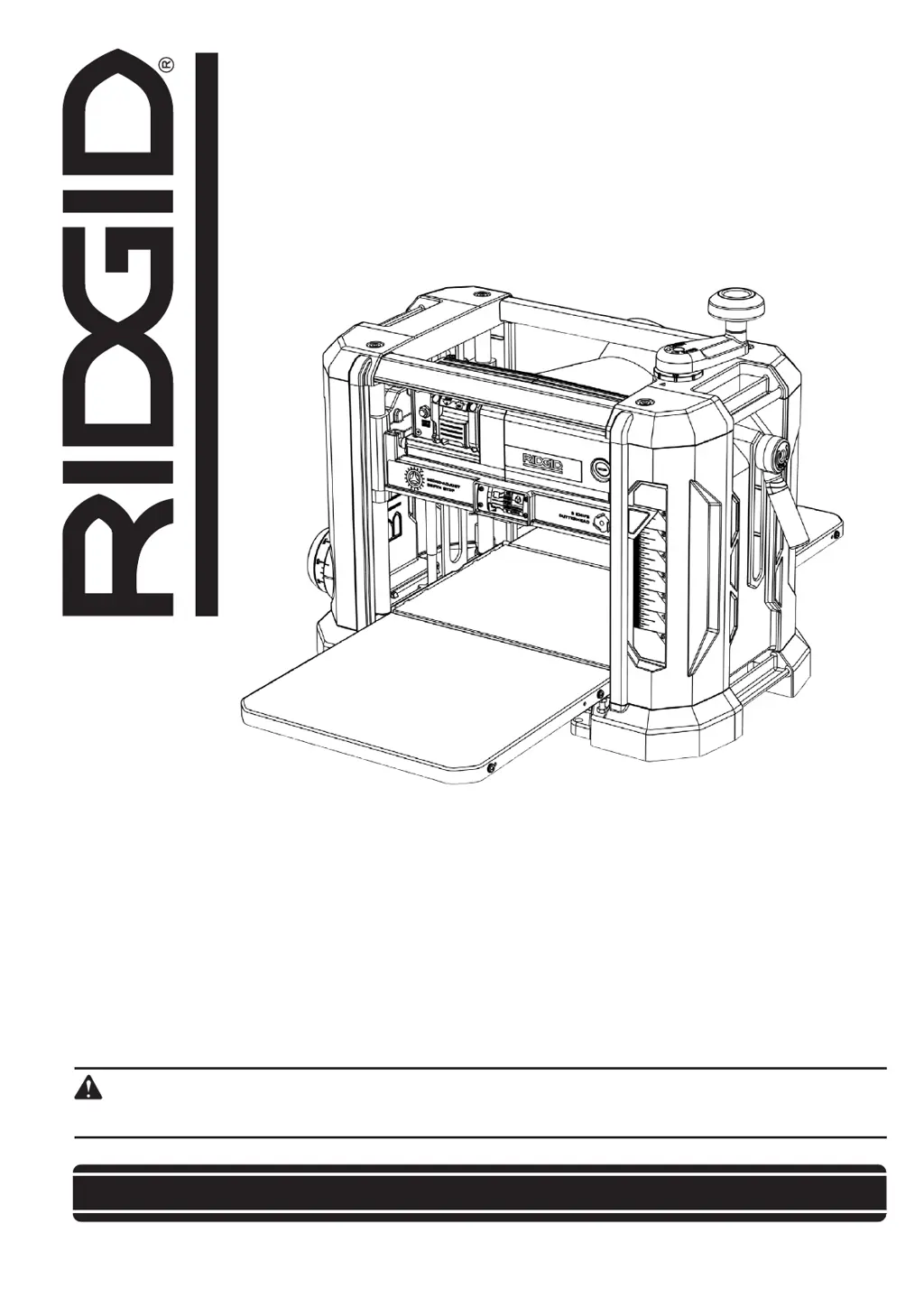
OPERATOR’S MANUAL
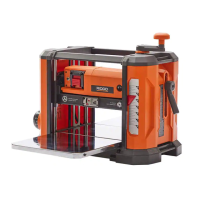
13 inch Portable Planer
R4850
Your saw has been engineered and manufactured to our high standard for dependability, ease of operation, and operator
safety. When properly cared for, it will give you years of rugged, trouble-free performance.
WARNING:
To reduce the risk of injury, the user must read and understand the operator’s manual before using this product.
SAVE THIS MANUAL FOR FUTURE REFERENCE

Questions and Answers

  • D
    David MuellerAug 12, 2025
    What to do if my RIDGID R4850 will not start?
    • C
      clarkmeaganAug 12, 2025
      If your RIDGID Planer won't start, first check if it is properly plugged into a power source. If it is plugged in, check for a blown fuse or a tripped breaker and replace the fuse or reset the breaker. For motor failure, loose wire, on/off switch not working, or motor overload, contact a local authorized Service Center.
  • J
    Jody WoodsAug 15, 2025
    Why does my RIDGID Planer leave snipe (uneven cut on end of boards)?
    • P
      parsonsmichaelAug 16, 2025
      Snipe on boards planed with the RIDGID Planer can occur due to several reasons. It might be caused by dull cutterhead blades, so replace or flip them. Another reason can be incorrect butted stock, in this case butt pieces end to end as you feed them into the planer. Also, check if the unit is mounted properly and tighten the mounting bolts if necessary.
  • K
    Kelsey CastilloAug 19, 2025
    Why is my RIDGID R4850 causing torn grain?
    • J
      Jennifer KruegerAug 20, 2025
      Torn grain when using the RIDGID Planer can be due to a cutterhead depth that is too deep, so reduce the depth of cut. It can also happen if the workpiece is fed against the grain, so feed the opposite end of the board first. Dull cutterhead blades can also cause this, so replace or flip the cutterhead blades.
  • K
    Kelly MoyerAug 25, 2025
    What to do if my RIDGID R4850 has interrupted operation?
    • M
      Michael CopelandAug 25, 2025
      If your RIDGID Planer's operation is interrupted, it may be due to the unit being overloaded, so reduce the load on the unit. Another cause could be a circuit overload, so operate the planer on an independent circuit not connected to other appliances.
  • W
    Whitney SinghAug 27, 2025
    Why is my RIDGID R4850 leaving a fuzzy/rough grain?
    • M
      Michele HancockAug 27, 2025
      A fuzzy or rough grain finish from the RIDGID Planer can occur if the moisture content is high in the workpiece, so ensure the wood is dry before planing. Dull cutterhead blades can also cause this, so replace or flip them. Additionally, a cutterhead depth that is too deep can be the reason, so reduce the depth of cut. Also check for proper power supply and check cord and plug for damage and check motor brush condition.
  • J
    Jill HowellAug 31, 2025
    Why is the cutterhead height difficult to adjust on my RIDGID R4850 Planer?
    • A
      Amy PetersonAug 31, 2025
      If the cutterhead height on your RIDGID Planer is difficult to adjust, it could be due to a dirty spindle, so clean and lubricate it. For a worn chain, contact a local authorized Service Center.
  • D
    David HaleSep 3, 2025
    What to do if the board thickness does not match depth scale indicator on my RIDGID Planer?
    • G
      George SmithSep 3, 2025
      If the board thickness does not match the depth scale indicator on your RIDGID Planer, the depth scale might be incorrect, so adjust it. Also, the tables might be dirty, so clean and wax them.
  • R
    Rachel MitchellSep 7, 2025
    Why am I getting an uneven depth of cut with my RIDGID Planer?
    • B
      Bryan ReidSep 7, 2025
      An uneven depth of cut with the RIDGID Planer can occur if the cutterhead is not level with the Wear Table, so adjust the elevation nuts. For inconsistent pressure from rollers or uneven wear on them, contact a local authorized Service Center.

Summary

Functional Description

Foreword

Introduces the RIDGID Model R4850 portable planer and its basic specifications.

Motor Specifications

Details the power requirements for the planer's motor, including voltage, current, and frequency.

Features

Important Safety Instructions

Safety Guidelines and Definitions

General Safety Rules

Additional Specific Safety Rules

Power Source

Grounding Instructions

Extension Cords

Unpacking and Cleaning

Package Contents

Lists all components and hardware included with the RIDGID Model R4850 portable planer.

Assembly

How to Attach the Cutterhead Lock Handle

Instructions for attaching the cutterhead lock handle using provided hardware and tools.

How to Attach the Cutterhead Height Adjusting Handle

Instructions for attaching the cutterhead height adjusting handle to the shaft.

How to Prepare for Dust Management

Details options for dust management, including the dust deflector and dust collection attachment.

How to Install the Dust Collection Attachment

Step-by-step guide for connecting the dust collection attachment to the planer.

How to Fasten the Planer to a Supporting Surface

Instructions on how to secure the planer to a stand or work surface for safe operation.

Operation

Operational Controls and Adjustments

Overview of the planer's controls and how to adjust them for operation.

How to Start and Stop the Planer

Detailed steps on how to safely turn the planer on and off.

How to Use the Cutterhead Lock

Instructions on using the cutterhead lock to minimize snipe during planing.

How to Adjust the Head Assembly

Steps for adjusting the head assembly to control the depth of cut.

How to Use the Material Removal Gauge

Guide on using the material removal gauge to determine the amount of wood removed per pass.

Recommended Depth of Cut

Provides recommended depths of cut based on wood type and width for optimal results.

How to Use the Depth Stop

Instructions for setting the depth stop dial for repetitive planing to a specific thickness.

How to Use the Adjustable Indexing Ring

Instructions on using the adjustable indexing ring for making fine depth adjustments.

Proper Planing Techniques

Best practices and tips for achieving optimal planing results, including workpiece handling.

Minimum;Maximum Width;Height;Depth

Specifies the minimum and maximum dimensions for planing material to ensure safe operation.

Understanding and Avoiding Snipe

Explains what snipe is and provides methods to avoid it during the planing process.

Planing Twisted Wood

Guidance on how to plane wood that is twisted, including warnings about jams.

Planing Cupped Wood

Instructions for planing cupped wood to achieve flat surfaces and better results.

Planing Bowed Wood

Advice on planing bowed wood, noting the effect of rollers and the benefit of using a jointer.

Maintenance and Adjustment

How to Check, Adjust, Clean and Replace Knives

Detailed instructions on inspecting, adjusting, cleaning, and replacing the planer knives.

How to Adjust the In-Feed and Out-Feed Tables

Steps to adjust the in-feed and out-feed tables to minimize snipe and ensure proper alignment.

How to Calibrate the Depth Adjustment Scale

Procedure to check and adjust the depth adjustment scale for accurate measurements.

General Maintenance and Cleaning

Instructions for maintaining tables, keeping the machine clean, and lubrication.

Troubleshooting and Repair Procedures

Guidance on resetting the circuit breaker, changing brushes, and replacing the drive belt.

Troubleshooting

Accessories

Parts, Service, and Warranty Assistance

RIDGID R4850 Specifications

General IconGeneral
BrandRIDGID
ModelR4850
CategoryPlaner
LanguageEnglish

Related product manuals