
 To Next Page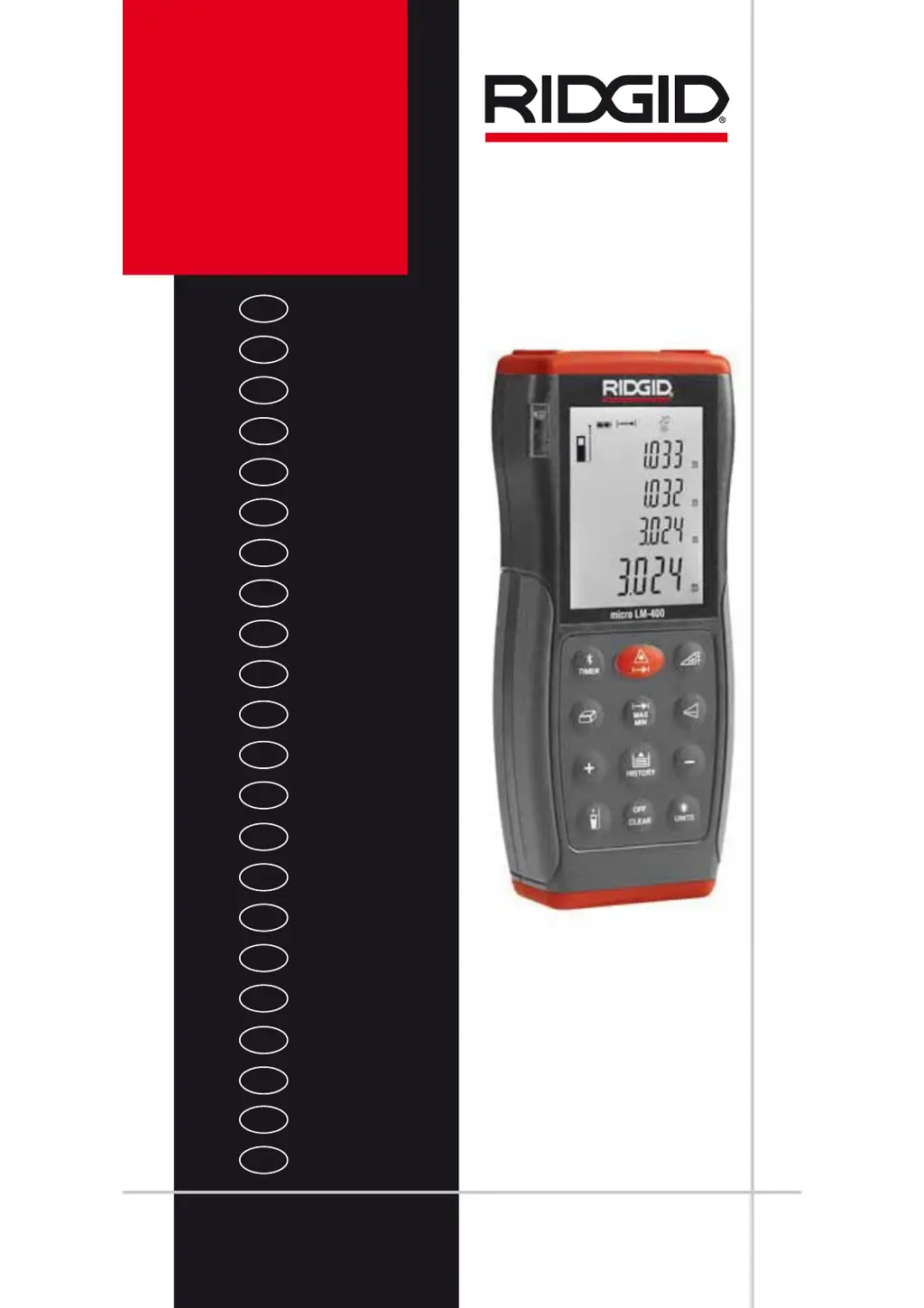
C
Catherine BrownJul 29, 2025
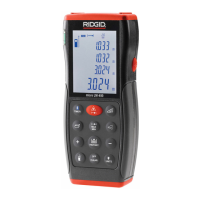
What to do if my RIDGID Analytical Instruments display error codes 204 208 209 252 253 255?
- GgjenkinsJul 30, 2025
If your RIDGID Analytical Instruments display error codes 204, 208, 209, 252, 253, or 255, it could be due to a few reasons: * A calculation error occurred. * The received signal was either too weak or too strong. * The measurement time was too long. * The distance exceeded 229 ft (70 m). * The target was too reflective. * The temperature was either too high or too low. * A hardware error occurred. To resolve this, try repeating the procedure. If needed, use a target plate or a commercially available target plate. If the instrument is too hot, cool it down; if it's too cold, warm it up. As a last resort, power the unit off and then on again. If the error persists, contact technical support.
 General