…for everyday adventure
Tango 125 E4
23
SELECT BUTTON FUNCTION INSTRUCTION
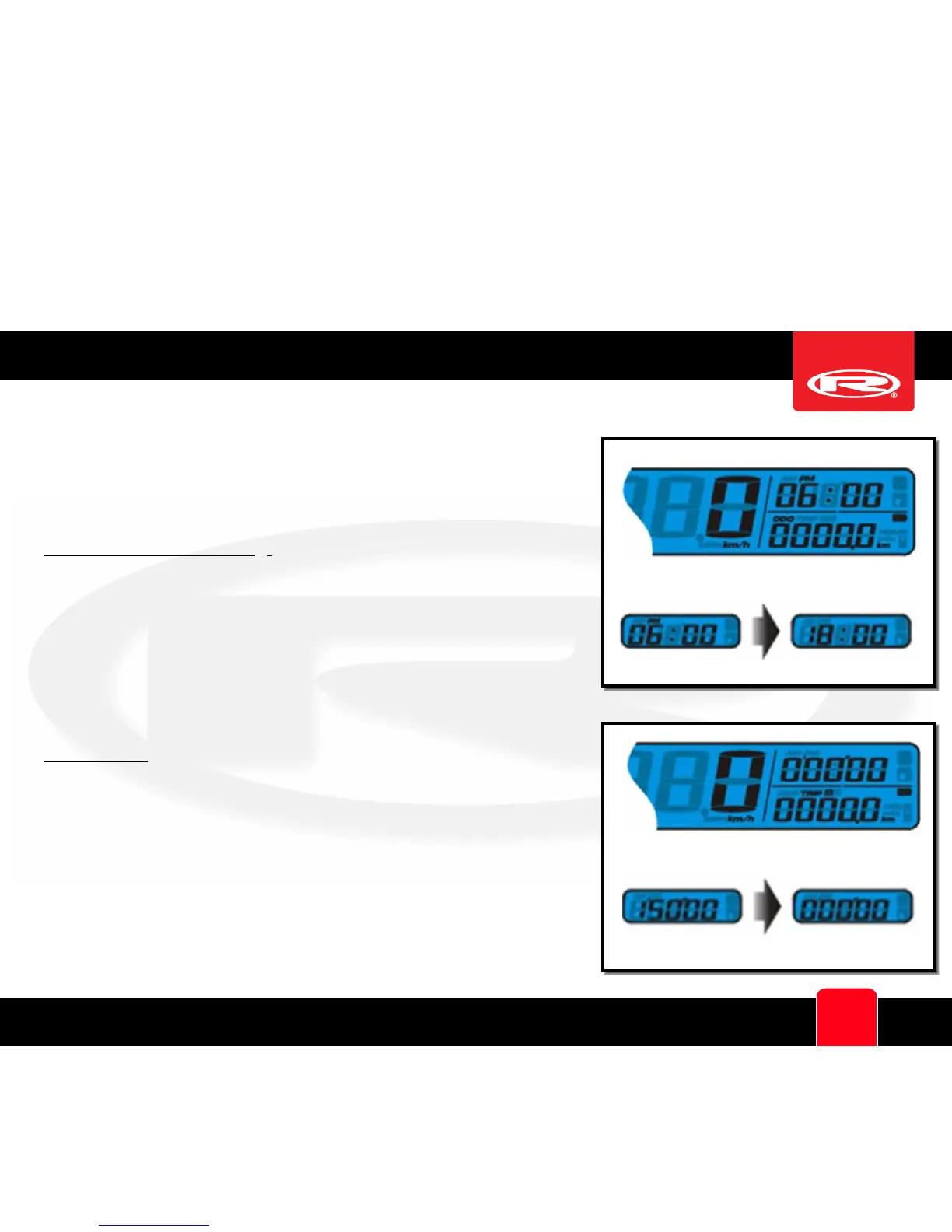
12 / 24 HOURS MODE:
:
In main screen (function “ODO”
selected), press and hold the Select button for 3 seconds to
change between 12/24 hour mode. If 24 hour mode is chosen
then the AM/PM symbol will not be displayed
STOPWATCH:
Press the Select button during main screen to
switch from Clock to Stopwatch.
Press and hold the Select button for 1 seconds to reset the
Stopwatch



 To Next Page