USE
16
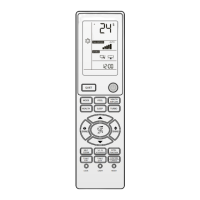
Remote control display shows and temperature value will go
off.
9
The equipment will operate at selected ventilation speed.
9
The equipment will operate to keep room temperature at
10 °C.
•
Switch-off
— press
Remote control display no longer shows and temperature
value will be indicated.
Switching unit display off or on
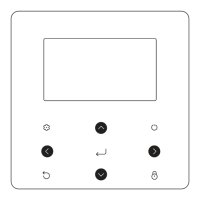
If required, indoor unit display can be turned off or on.
AMW P
1 Display
1
AMW ST
1 Display
1
— work
Each pressure turns display off or on.
Hourly programming
Hourly programming allows user to set equipment on and off
times.
Switch-on occurs in the current operating mode.
Automatic switch-on
Automatic switch-on programming allows user to set equip-
ment ON time.
9
Before activation, set current time.
TIMER
•
Activation
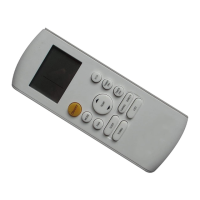
— aim the remote control on the side opposite to unit re-
ceiver
— press
The remote control turns on.
— aim the remote control to unit receiver
— press
Remote control display shows blinking and previously set
time.
Set required time as follows:
— work
Each time the key is pressed, the values changes by 1. By keeping
the key pressed down, the value changes faster.
— confirm using
The symbol stops flashing.
•
Switch-off
— press
several times until all hourly programming de-
tails are no longer displayed
9
Set time is saved by the remote control and is displayed any
time user presses
.
9
Programming remains active even when remote control is
off.
Automatic switch-off
Automatic switch-off programming allows user to set equip-
ment OFF time.
9
Before activation, set current time.
TIMER
•
Activation
— press
several times until is displayed as blinking
Remote control display shows previously set time.



 To Next Page
 Loading...