HELIOTERM INVERTER
6
Doc-0091334 Rev. 0
PT
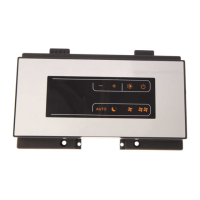
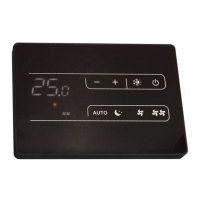
As várias funções são denidas através das 8 teclas
retroiluminadas:
Para gerir o ventiloconvector através do painel de controlo,
este deve estar ligado à rede elétrica.
Caso tenha sido previsto um interruptor geral na linha
elétrica de alimentação, este deve ser ligado.
Ligue a instalação, ligando o interruptor geral.
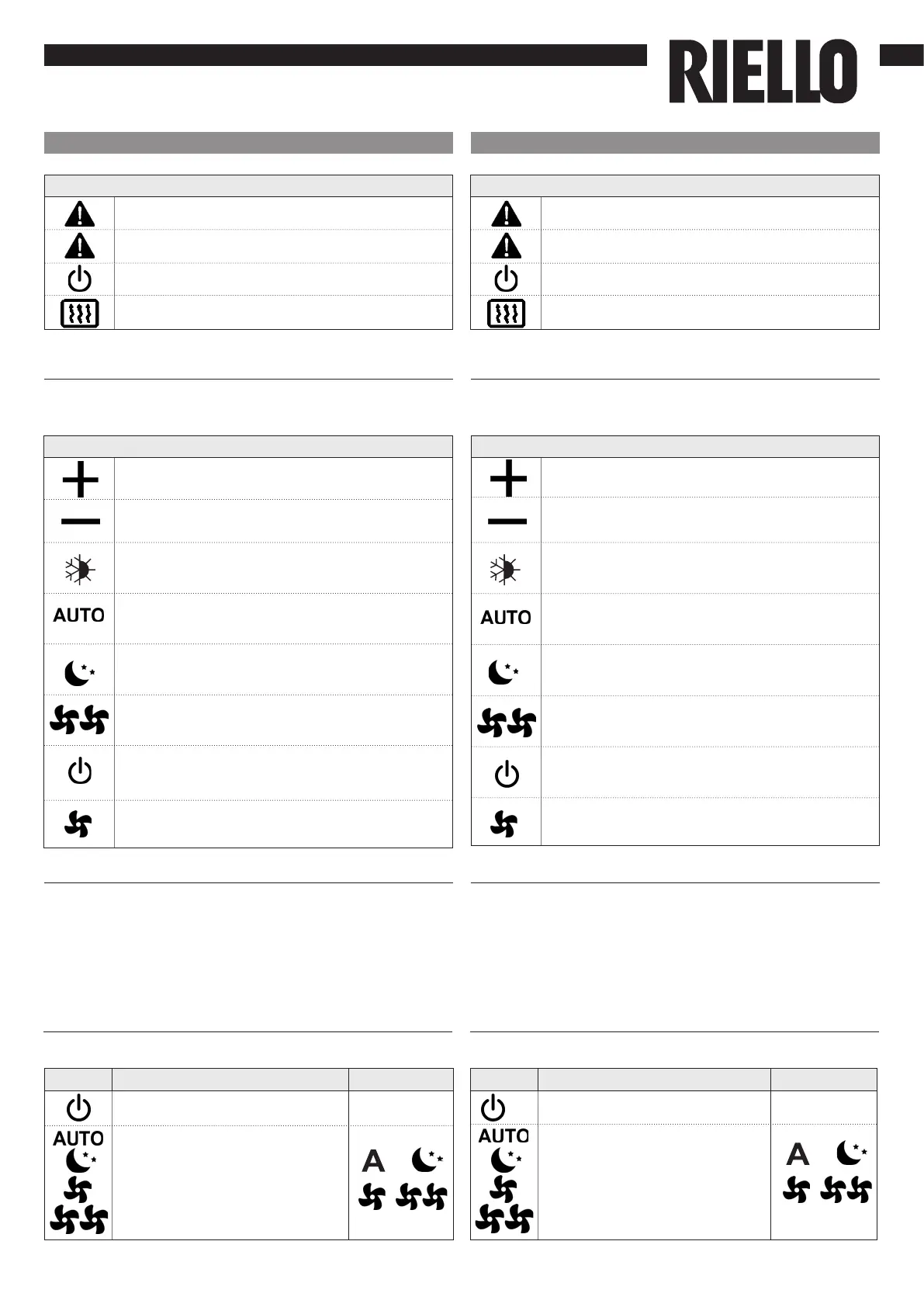
Função das teclas
Acendimento geral
Ícone
Permite aumentar a temperatura denida em
1 °C
Permite reduzir a temperatura denida em 1 °C
Aquecimento/Arrefecimento: permite comutar
o modo de funcionamento entre aquecimento
e arrefecimento
No modo automático, o ventilador efetua uma
regulação “passo a passo“ à medida que a
temperatura ambiente se aproxima do setpoint
A conguração super silent provoca uma forte
desumidicação no arrefecimento e apenas
energia radiante no aquecimento
Funcionamento na velocidade máxima:
permite denir a velocidade máxima de
ventilação
ON/Stand-By: permite ativar o aparelho ou
colocá-lo no modo de espera
Mínimo: permite limitar a velocidade de
ventilação a um valor máximo muito baixo
Para ativar o aparelho
Ativação
Tecla Operação Ecrã
Prima a tecla ON stand-by
De desligado
para ligado
Selecione uma das 4 velocidades,
premindo a respetiva tecla.
Ícone
Supervisão ativa (indicador luminoso intermitente)
Indicação de alarme (indicador luminoso xo)
Indicação de painel desligado
Indicação de resistência elétrica
Icons
Supervision on (ashing light)
Allarm indication (light on)
Panel off indication
Resistance enabled indication
EN
You can set the various functions through the 8 backlit
keys:
To manage the fan coil through the control panel, it must
be connected to the mains.
In case of a general switch on the mains supply line, it
must be switched on.
Switch on the system with the main switch.
Key function
General switch on
Icons
Allows to increasing set temperature of 1 °C
Allows to decreasing set temperature of 1 °C
Heating / Cooling : allows to switch operation
mode between heating and cooling
In automatic mode, when the room
temperature is about to reach the setpoint the
fan performs a regulation “in steps“
The super silent setting causes strong
dehumidication in cooling and only radiant
energy in heating
Operation at maximum speed: allows setting
the maximum fan speed
ON/Stand-By: allows activating or putting the
device in stand-by mode
Minimum: allows limiting the fan speed to a
very reduced value
To activate the device
Activation
Key Operation Display
Press the mode/off key Off
Select one of the 4 operation
speeds by pressing the relative
key.


 To Next Page
 Loading...