HELIOTERM INVERTER
7
Doc-0091334 Rev. 0
PT
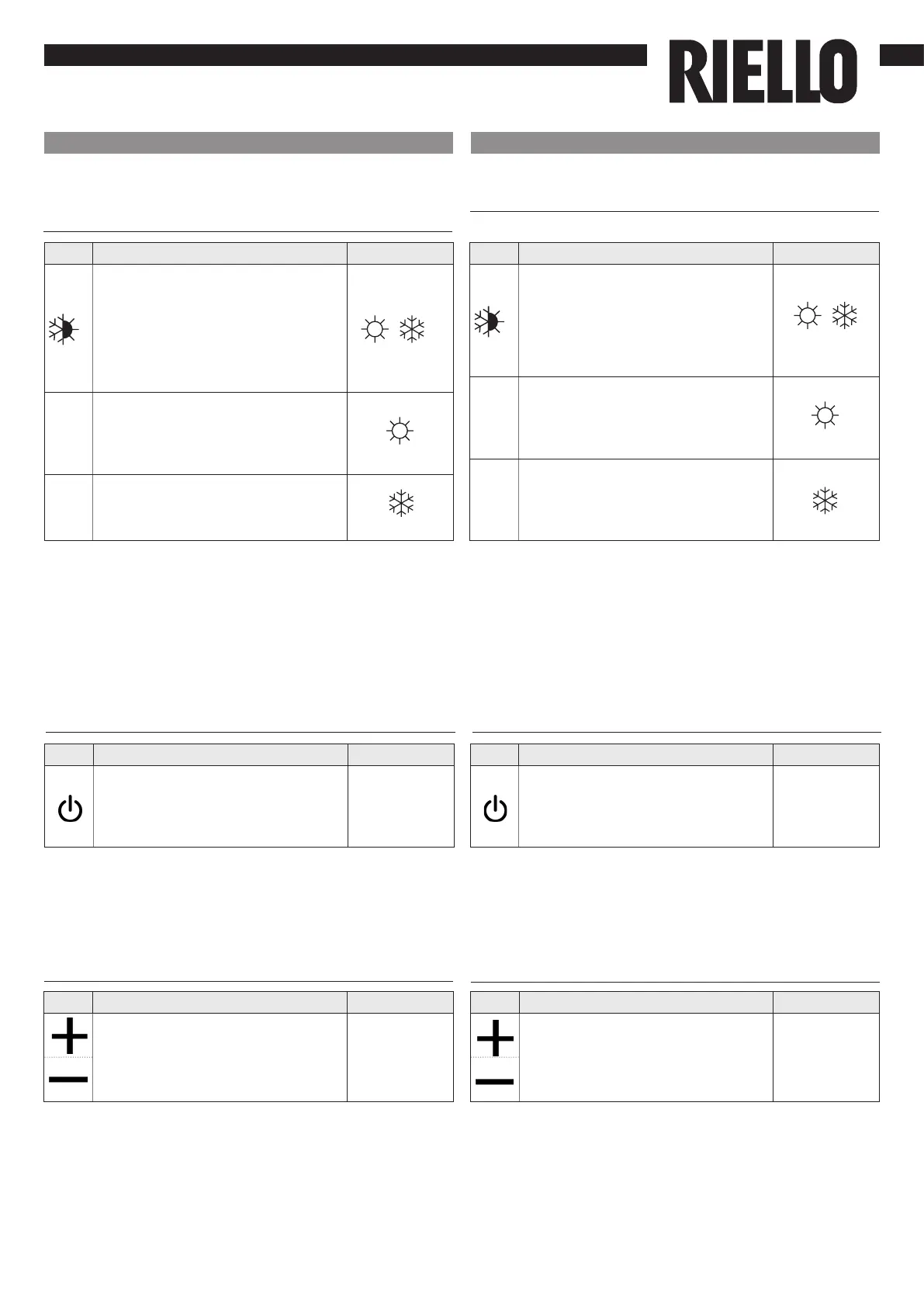
Conguração do modo de funcionamento
aquecimento/arrefecimento
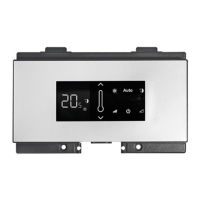
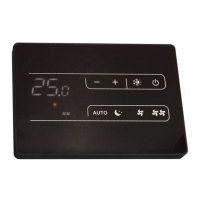
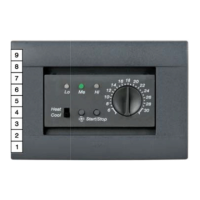
Tecla Operação Ecrã
Mantenha a tecla de Aquecimento/
Arrefecimento premida durante
cerca de 2 segundos para comutar
o modo de funcionamento entre
aquecimento e arrefecimento,
visível através do acendimento dos
2 símbolos de aquecimento ativo
ou de arrefecimento ativo.
No modo de aquecimento, o
símbolo está aceso com um
setpoint superior à temperatura
ambiente, desligados, ambos têm
um setpoint inferior .
No modo de arrefecimento, o símbolo
está aceso com um setpoint inferior
à temperatura ambiente, desligados,
ambos têm um setpoint inferior.
Stand-by
Tecla Operação Ecrã
Mantenha a tecla “mode/off” premida
durante cerca de 2 segundos. A ausência
de qualquer sinalização luminosa no
ecrã indica o modo de “stand-by“
(ausência de funcionamento).
De ligado para
desligado
O intervalo de regulação é de 16 a 28 °C, com uma resolução
de 1 °C mas os valores fora da escala de 5 °C e de 40 °C
também são permitidos (exceto no modo automático).
Dena estes valores apenas por períodos curtos e, em
seguida, regule a seleção para um valor intermédio.
Seleção da temperatura
Tecla Operação Ecrã
Dena, utilizando as duas teclas
de aumentar e diminuir, o valor de
temperatura ambiente desejado,
exibido nos 2 dígitos do ecrã.
20
A intermitência de um dos 2 símbolos indica que a
temperatura da água (quente ou fria) não foi alcançada
e faz com que o ventilador pare até que a temperatura
atinja um valor adequado para satisfazer a solicitação. Se,
após a ligação, a placa detetar a sonda H2, o arranque
ocorre em condições normais com limites mínimos e
máximos da temperatura da água. A placa prevê também
o funcionamento sem sonda H2, nesse caso, os limites de
paragem do ventilador são ignorados.
If one of the 2 symbols ashes it means that the water
temperature (hot or cold) is not met and it makes the fan
stop until the water reaches the requested temperature. If
after powering the device the board detects the H2 probe,
the start-up will take place under normal conditions with
minimum and maximum thresholds. The board can also
operate without a H2 probe, case in which the fan stop
thresholds will be ignored.
Quando o comando está neste modo de funcionamento,
garante uma proteção anticongelamento . Caso a
temperatura ambiente desça abaixo dos 5 °C, a saída da
eletroválvula de água é ativada.
When the control is in this operation mode, the anti-
freeze safety is secured. If the room temperature drops
below 5°C the solenoid valve output activates.
EN
Heating / cooling operation mode setting
Key Operation Display
Keep Heating / Cooling pressed
down for about 2 seconds to switch
the operation mode between
heating and cooling, shown
through the 2 active heating or
active cooling symbols which
appear.
In heating, the symbol is alight
when the setpoint is higher than
the room temperature, both are
switched off when the setpoint is
lower.
In cooling, the symbol is alight
when the setpoint is higher than
the room temperature, both are
switched off when the setpoint is
lower.
Stand by
Key Operation Display
Keep the mode/off key pressed for
about 2 seconds. The lack of any
light indicators from the display
indicates “standby” status (no
function).
From ON to
Off
The adjustment range goes from 15 to 30 °C, with 1°C
resolution, but over range values of 5°C and 40°C are also
consented (except when in auto mode).
Set these values only for brief periods, then adjust the
selection on an intermediate value.
Temperature selection
Key Operation Display
Set the desired temperature value,
shown on the 2 digits of the
display, with the aid of the two
increase and decrease keys.
20


 To Next Page
 Loading...