Doc-0091350 Rev. 0
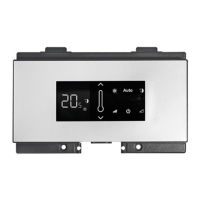
HELIOTERM INVERTER
PT
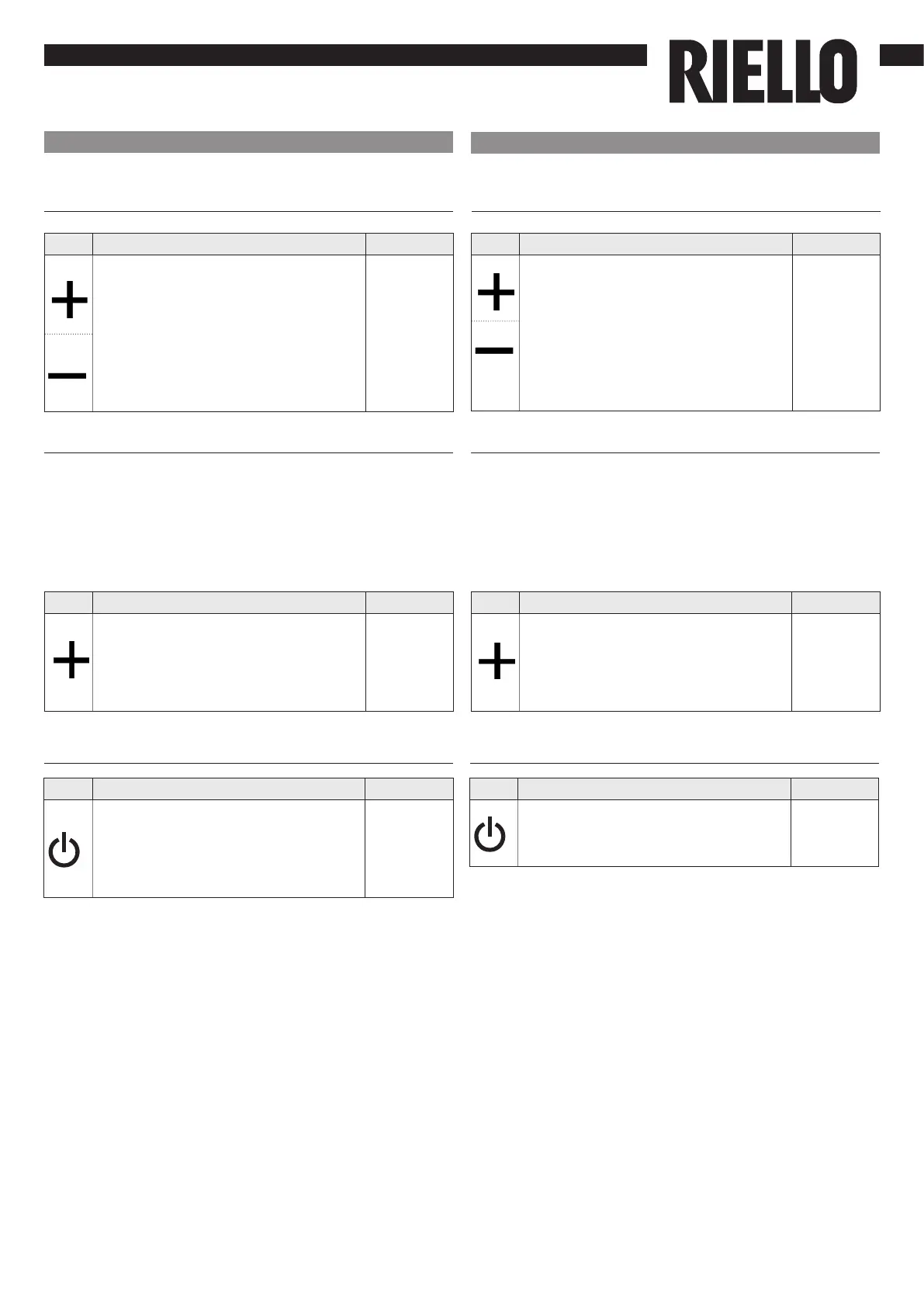
Bloqueio das teclas
Tecla Operação Ecrã
Premindo simultaneamente as teclas
+ e - durante 3 segundos, é ativado
o bloqueio local de todas as teclas, a
conrmação é dada pela exibição da
indicação “bL”.
Todas as regulações cam bloqueadas
e quando uma tecla é premida,
aparece “bL”. Repetindo a sequência,
as teclas são desbloqueadas.
bL
O comando garante uma proteção anticongelamento,
mesmo quando está em stand-by.
Disattivazione
Tecla Operação Ecrã
Mantenha a tecla “ON stand-
by” premida durante cerca de 2
segundos. A ausência de qualquer
sinalização luminosa no ecrã indica
o modo de “stand-by“ (ausência de
funcionamento).
Spento
Redução mínima da luminosidade
Tecla Operação Ecrã
Com o painel desligado, mantenha a
tecla + premida durante 5 segundos
até aparecer a indicação 01.
Com a tecla - coloque o valor a 00 e
aguarde 20 segundos para vericar se
cou bem congurado.
00.0
Minimum brightness reduction
Key Operation Display
With the panel off press the + key for
5 seconds until the text 01 appears on
the display.
Use the - key to bring the value to 00
and wait 20 seconds to check for the
correct setting.
00.0
20 segundos após a última ação, a luminosidade do painel
é especicamente reduzida para aumentar o conforto à
noite e no ecrã é exibida a temperatura ambiente.
No entanto, se esta luminosidade ainda o incomodar, é
possível desligar completamente o ecrã.
After 20 seconds from the last action the panel brightness
will be reduced to increase the comfort during right use
and on the display will appear the room temperature.
If this level of brightness still bothers you can turn off the
display completely.
EN
Key lock
Key Operation Display
Press both keys + and - at the same
time for 3 seconds to activate the local
lock up of all keys, the conrmation is
represented by the text bL appearing
on the display. The user will not be
able to perform any adjustment and
the text bL appears every time a key
is pressed. Repeat the sequence to
unlock the keys.
bL
The command guarantees anti-freeze safety even when in
standby.
Deactivation
Key Operation Display
Keep the ON standby key pressed for
about 2 seconds. The lack of any light
indicators from the display indicates
“standby” status (no function).
Off


 To Next Page