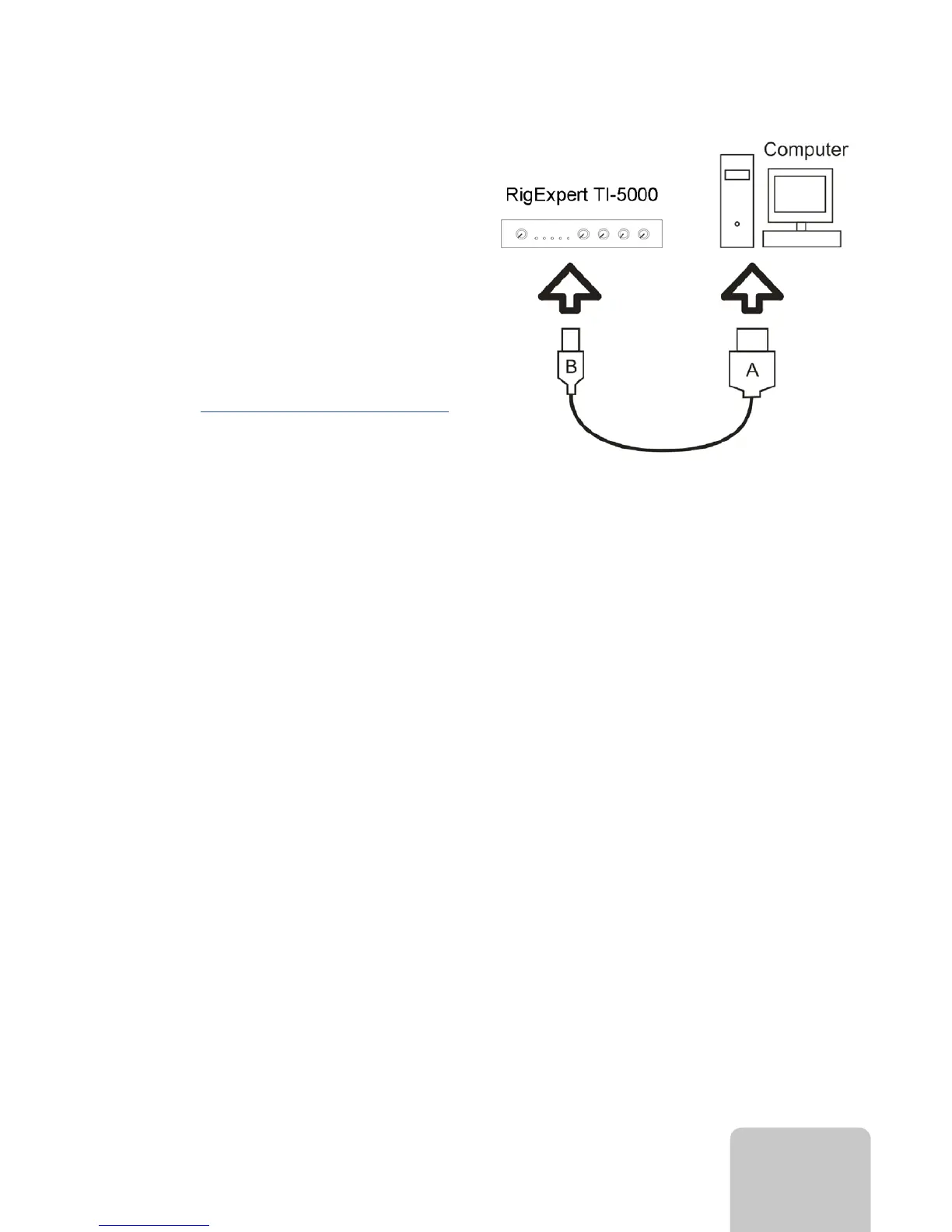
RigExpert TI-5000
Use a standard USB A-B cable (up to 5
meters long) to connect your RigExpert
TI-5000 to a USB port of your computer.
It is recommended to use USB sockets
located at the back panel of the PC.
Once the cable is connected, computer
detects a new device. No drivers required
for modern operating systems.
More info on www.rigexpert.com/ti-5000.
9


 To Next Page