User’s manual
10
Updating the firmware
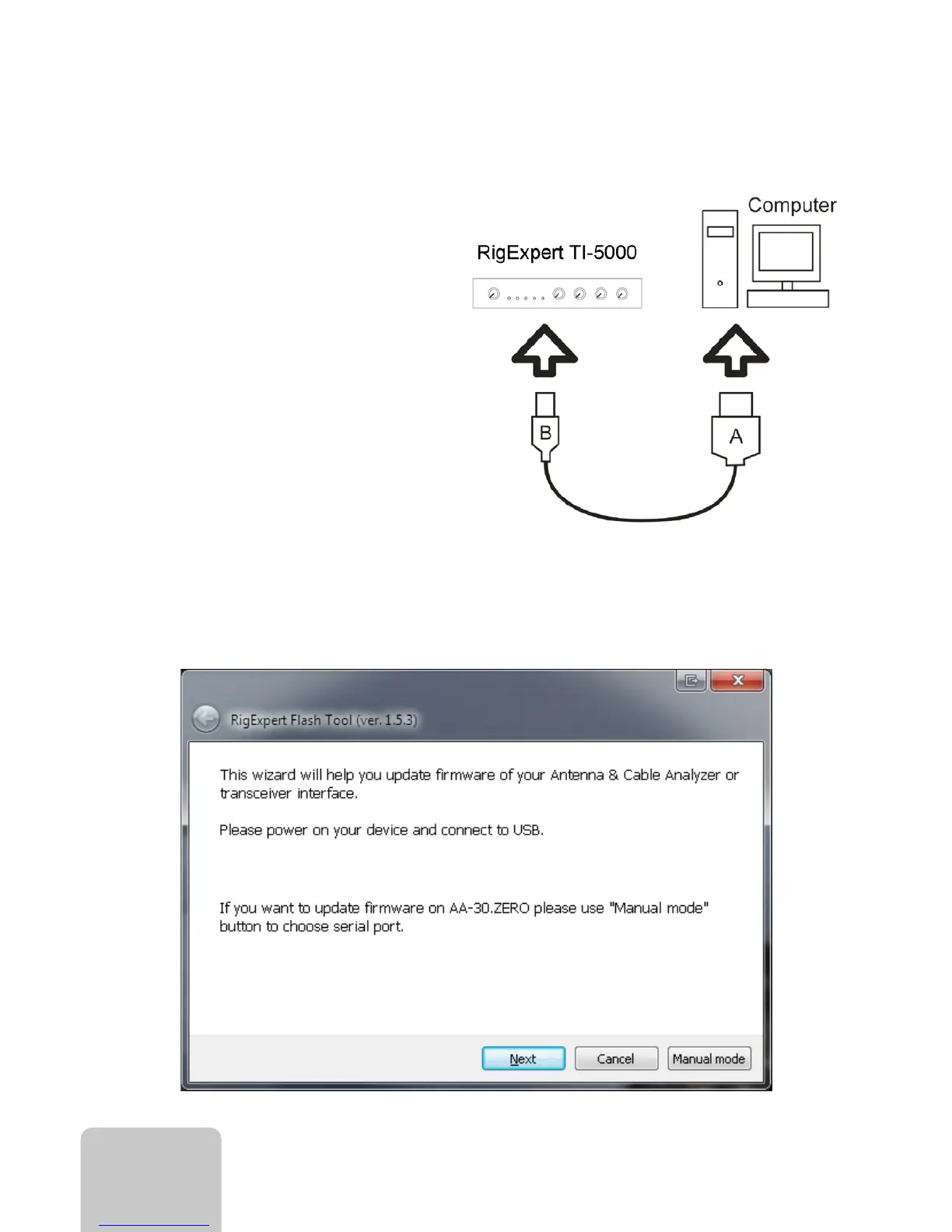
• Connect your RigExpert TI-5000 to your
computer
Use a standard USB A-B cable (up to 5
meters long) to connect your RigExpert
TI-5000 to a USB port of your computer.
It is recommended to use USB sockets
located at the back panel of the PC.
• Start the RigExpert Flash Tool
You may find Flash Tool at the Downloads section of the website, www.rigexpert.com.


 To Next Page