Proton — User’s Guide
Welcome
xii
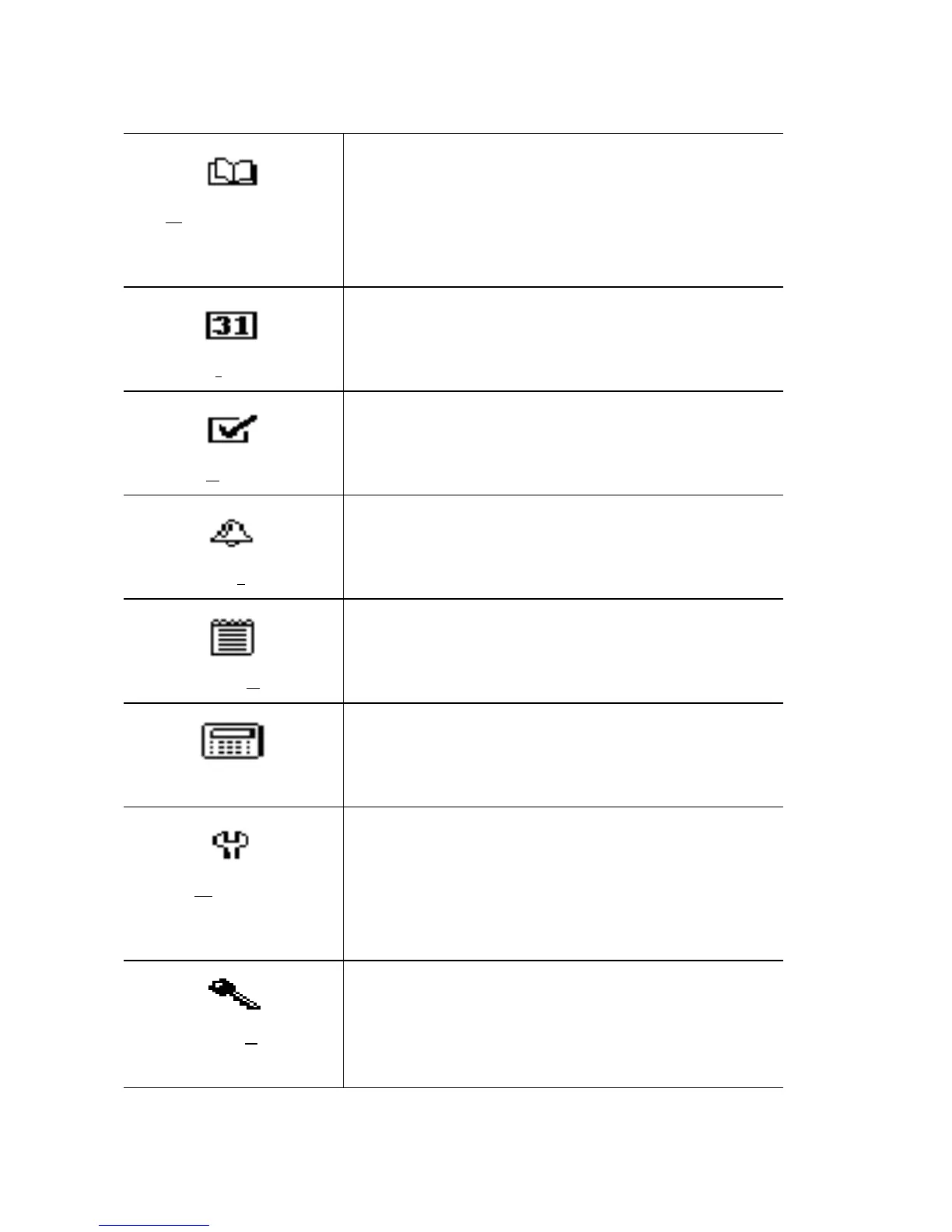
Address Book
Store your personal directory of contact
information, such as multiple phone, fax
numbers, and email addresses. Enter and
store notes for individual contacts. Search
the database to find specific contacts.
Cal
endar
Keep track of appointments using the cal-
endar view or the agenda view.
T
asks
Add, edit, and delete tasks and mark tasks
as complete.
Alar
m
Set the alarm on the Proton to sound
daily.
MemoPad
Use the MemoPad to keep track of com-
pose, edit, and delete important notes.
Calculator
Perform basic mathematical operations
using the Proton’s calculator.
O
ptions
Customize the way the Proton notifies
you of new messages; set the password;
add, edit, and delete AutoText entries; set
the current date; and program the auto-
matic on/off feature.
Lock
Lock the Proton with a password security
screen so that only you can access it. This
function is only visible on the functions
list after you have set a password.



 To Next Page