Introduction — Proton components
Proton — User’s Guide
3
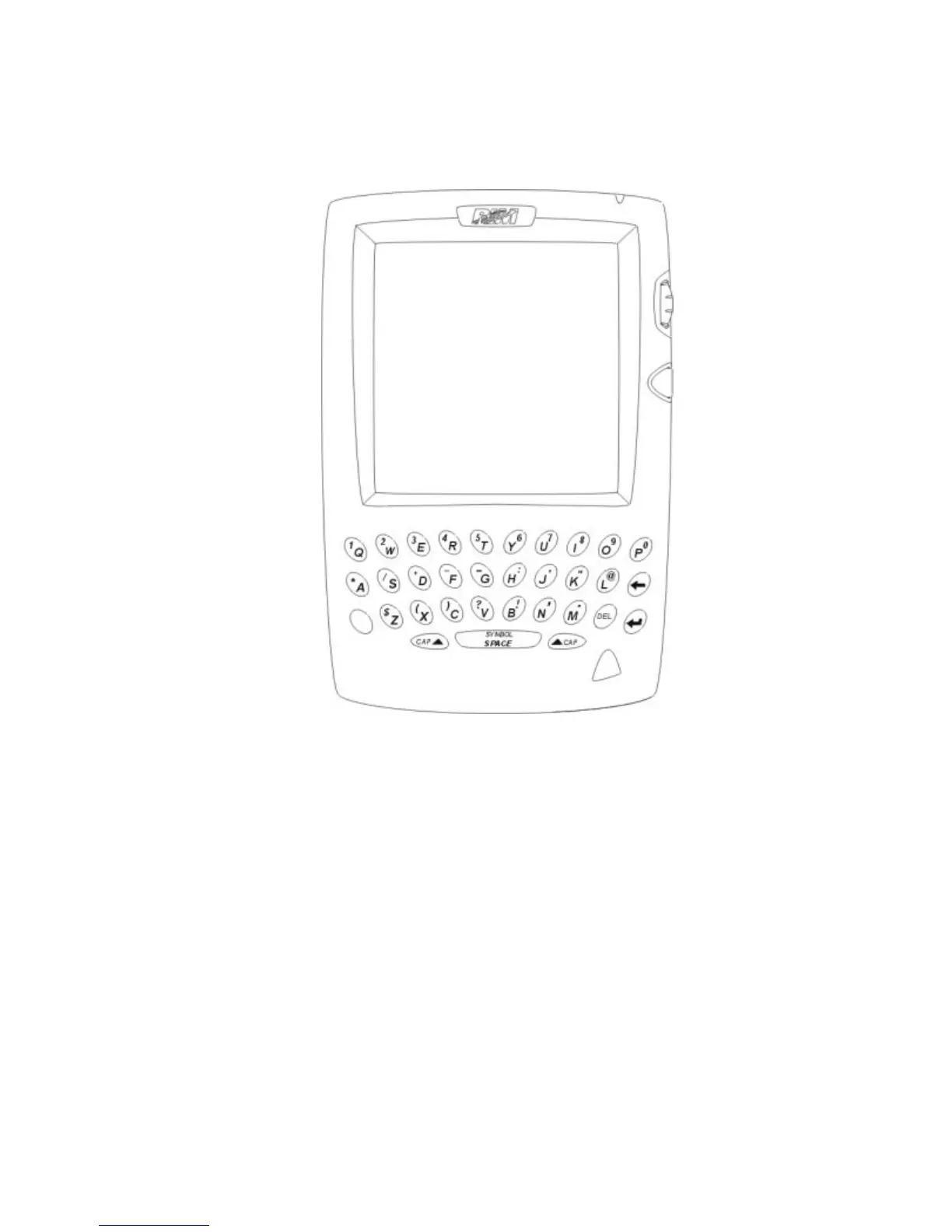
Proton components
Figure 1: Proton
The Proton consists of the following components and accessories:
LCD screen
The LCD screen displays your messages, contacts’ addresses, and
configuration information. You can also review information about
your Proton’s status on the LCD screen such as signal strength.
The LCD backlight is activated when you press the
ALT
key three
times successively.



 To Next Page