Welcome
Proton — User’s Guide
xiii
About this guide
This guide provides information for operating the Proton.
A summary of all key combinations begins on page 6.
Chapter 10, ‘Frequently asked questions,’ includes commonly asked
questions about the Proton. Consult this section for help with any
questions you may have while using the Proton.
To meet your specific needs, the Proton offers different ways of
performing the same function (i.e., you can choose to use the
trackwheel or an assigned key sequence to perform tasks.) Only the
most basic procedure is represented throughout the guide. Chapter
11, ‘Advanced user’s tips,’ contains a chart of tips that can be helpful
when using the Proton. As you become more comfortable using the
Proton, consult this section to improve your efficiency in
performing tasks.
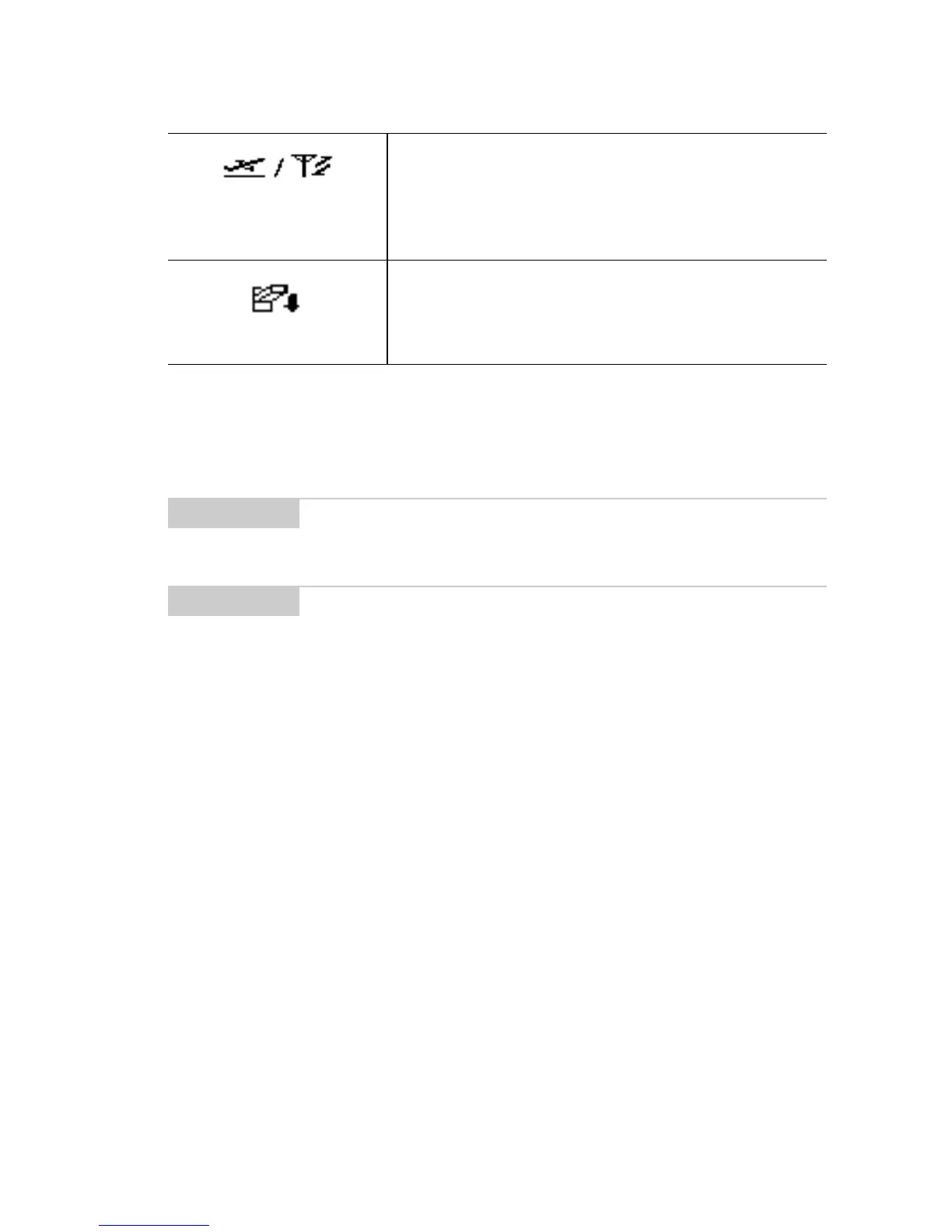
Turn Radio On/
Turn Radio Off
Turn the Proton’s radio off when it may
interfere with other radio communica-
tions, such as during a flight. Turn on the
radio again to send and receive messages.
Power Off
Turn off the Proton at night or on week-
ends.
Note
Notes will appear in this format and contain additional
information to help you perform the task bein
described.
Tip
Tips provide information about performin
tasks and offer
different options to perform tasks.



 To Next Page