Proton — User’s Guide
Introduction — Proton components
6
Key assignment chart
Key Description
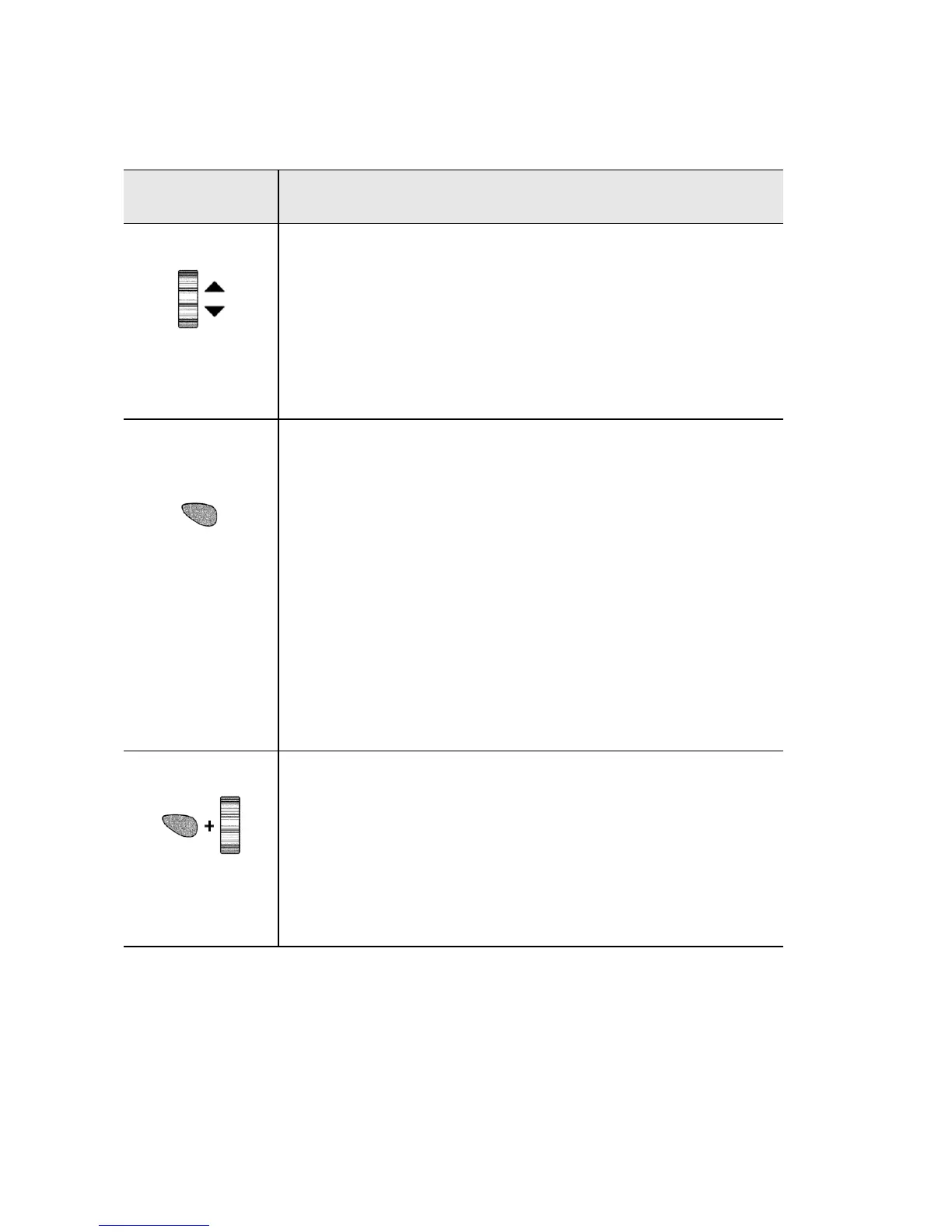
TRACKWHEEL
• Roll the trackwheel with your thumb to
scroll up and down through screen lines,
fields, and menu items.
• Click (press down) the trackwheel with your
thumb to invoke actions similar to the click
function of a mouse used with your PC.
ALT
key
•The orange
ALT
key activates the numeric
and symbol characters, printed in orange
above the alphabetic keys.
• Press the
ALT
key once to affect the next char-
acter you type. Press and hold the
ALT
key
while you type to affect all characters.
• Press the
ALT
key three times to invoke back-
lighting.
An ‘A’ icon appears in the top right corner of
your screen when the
ALT
key is active.
• Press the
ALT
key while you roll the track-
wheel to move the cursor horizontally
across screen lines.
• Press the
ALT
key while you roll the track-
wheel to toggle through field option set-
tings.



 To Next Page