Proton — User’s Guide
Introduction — Proton components
8
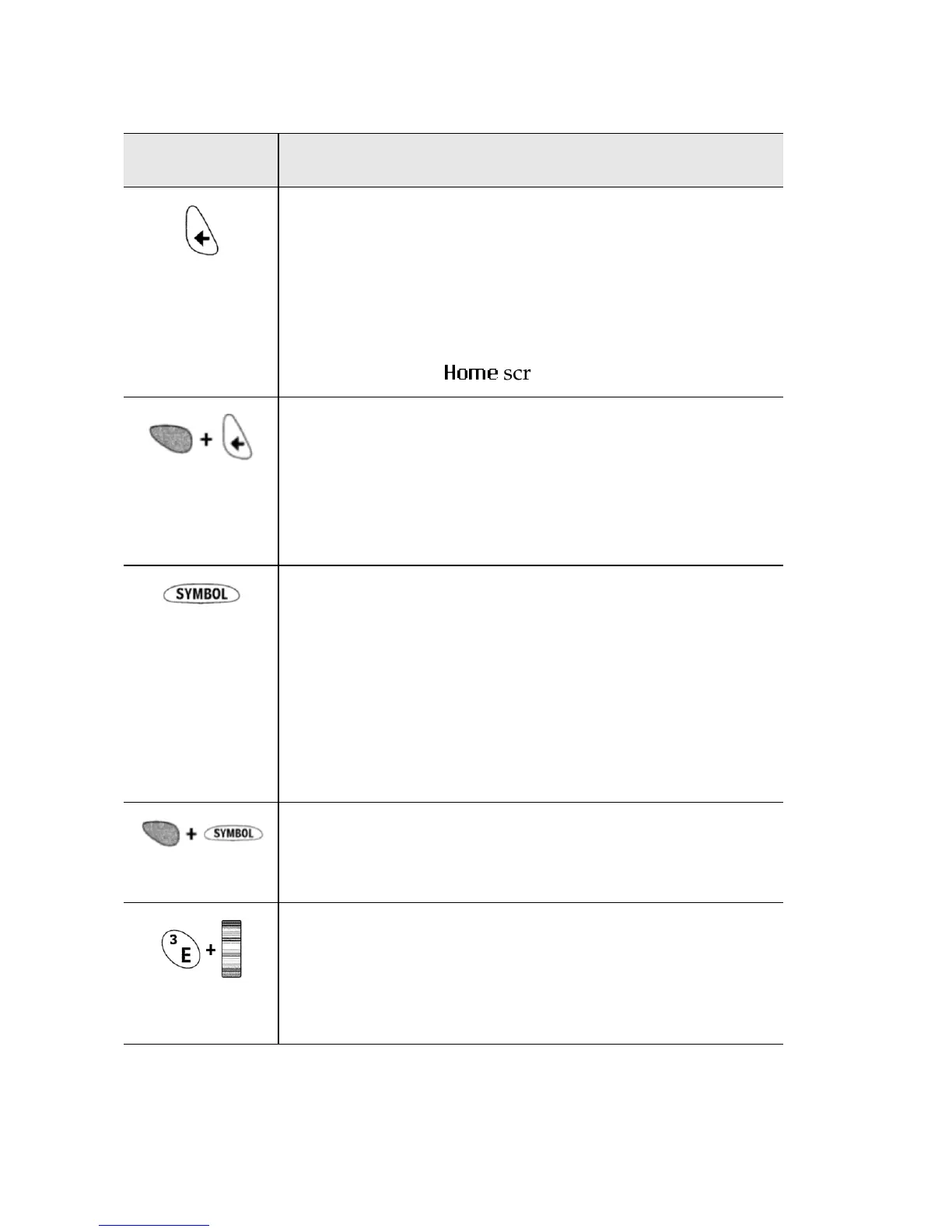
BACKSPACE
key
•The
BACKSPACE
key enables you to move
backwards and delete characters.
• The key also enables you to hide a menu,
similar to a typical
ESC
key.
• Press the
BACKSPACE
key repeatedly to
invoke the
+RPH
screen.
• Press
ALT
+
BACKSPACE
while composing a
message to delete the highlighted character
only.
• Press
ALT
+
BACKSPACE
in the Messages list
to delete the highlighted message.
SPACE
key
•The
SPACE
key inserts a space between
characters while you type.
• Press the
SPACE
key to insert the ‘@’ and ‘.’
characters in an Email field.
• Press the
SPACE
key to edit field options
(e.g., Notify options and Date/Time
options).
• Press
ALT
+
SPACE
to display the Symbols
screen from which you can view, select, and
insert the symbol you need.
• Press and hold a letter while rolling the
trackwheel to insert international characters.
Various letters have international characters
associated with them.
Key Description



 To Next Page