Proton — User’s Guide
Introduction — LCD components
10
Address Book function menu
Backli
htin
• Press the
ALT
key three times to illuminate the LCD screen.
• Backlighting is disabled after 10 seconds if you do not press a
key or move the trackwheel.
Graphical
uide
Home screen components
The
+RPH
screen appears when you power on your Proton.
Home screen display
In any of the function screens, press the
BACKSPACE
key to return to
this
+RPH
screen.
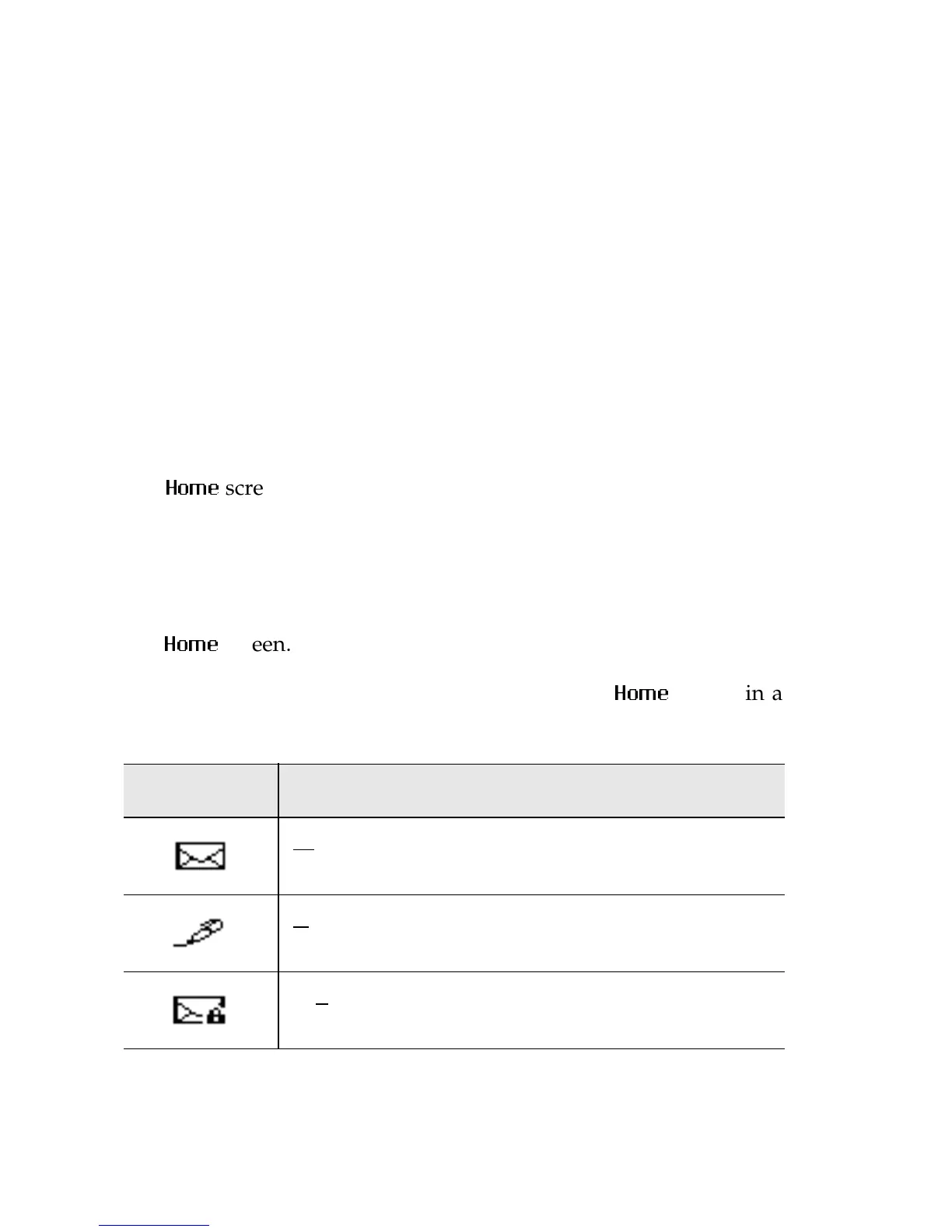
The following icons appear on the Proton’s LCD
+RPH
screen in a
functions list. They display the functions available on the Proton.
Icon Description
Messages
C
ompose
Sav
ed Messages



 To Next Page