Proton — User’s Guide
Managing messages — Searching messages
52
Searching messages
Use the powerful search function to locate messages and Address
Book entries in seconds.
1. In the
+RPH
screen, scroll to and click the
6($5&+ 0(66$*(6
icon
on the functions list.
2. The
6HDUFK 0HVVDJHV
screen appears. Enter the keywords that
you would like to search for.
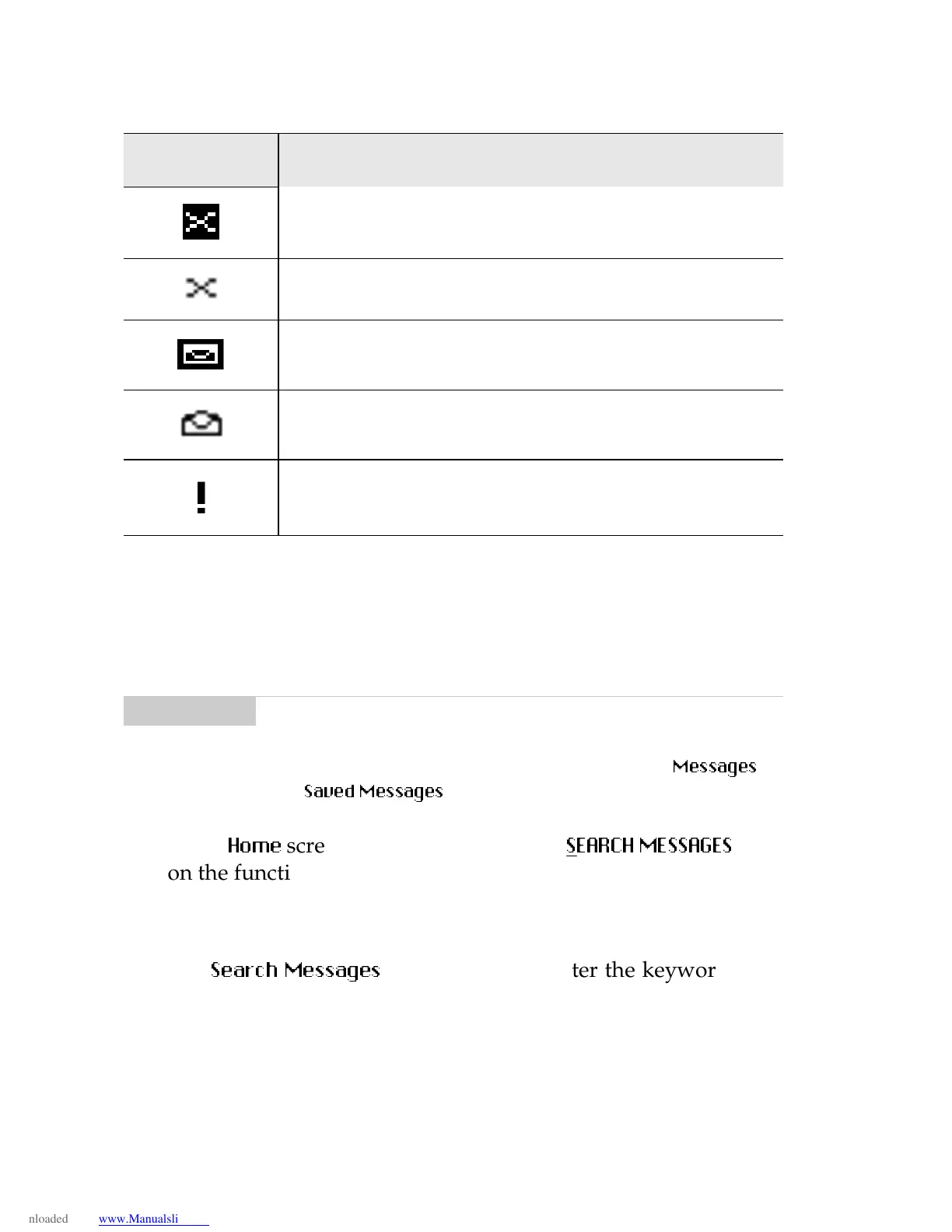
Unread message transmission error
Message returned, message transmission error
New, unread message has been received.
Message has been read.
Status of message is high.
Note
Saved messa
es appear in the Search list with a lock icon
beside them.
You can also search for messa
es while in the
0HVVDJH V
and
6DYHG 0HVVDJHV
screens.
Icon Description



 To Next Page