Disc mode
Insert a disc
Upon inserting a disc, the unit will switch to disc mode automatically.
Notes:
① Please confirm whether there is a disc in the unit before you insert
another one.
② Some recorded discs, such as CD-R, CD-RW, DVD-R, DVD+R,
DVD-RW, DVD+RW cannot be played back because of different
recording status. Otherwise, the discs without being closed could
not be played back.
③ About the cautions of disc using, please refer to the appendix.
Eject the disc
Press the [ ] key on the front panel or remote control to eject the
disc.
Touch screen controls
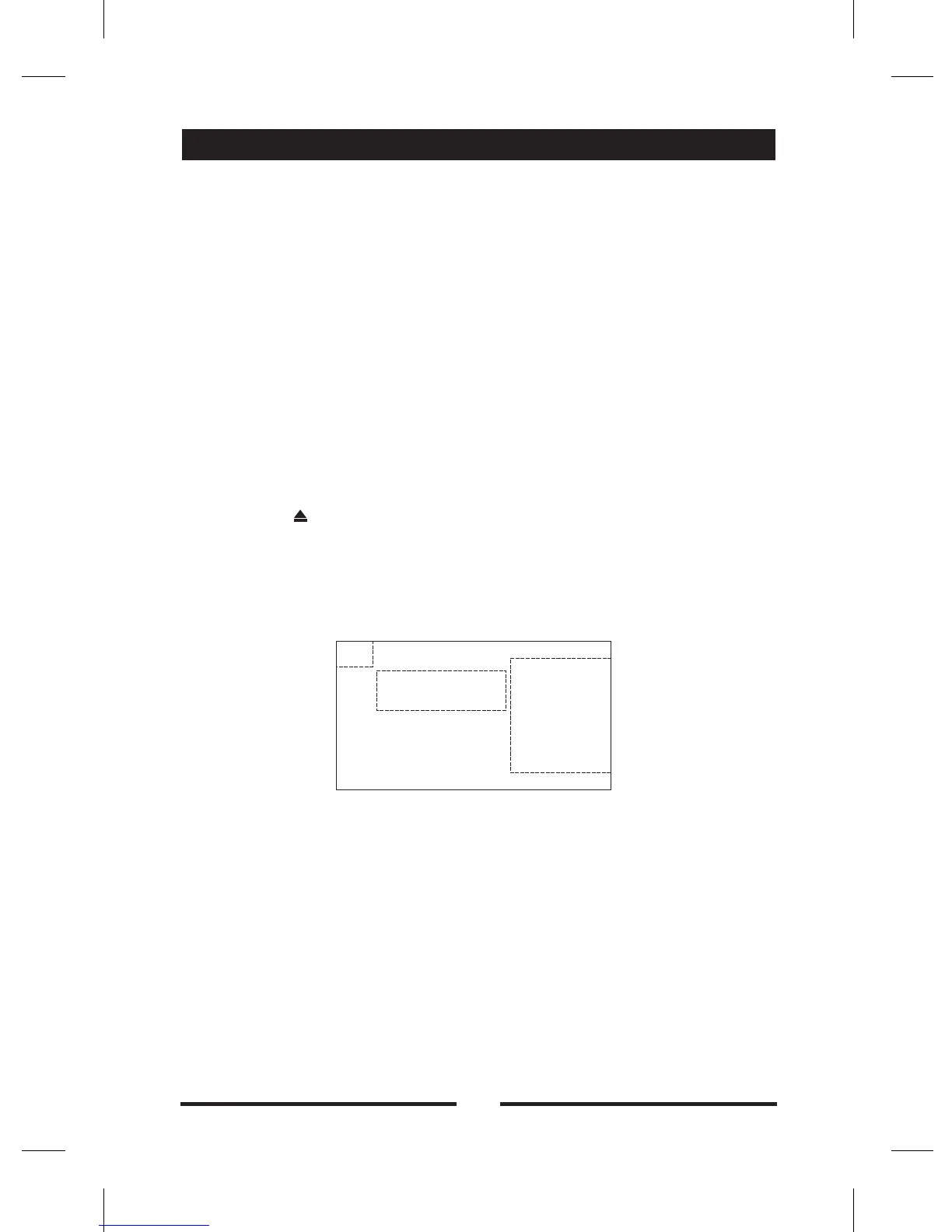
The touch key areas for DVD playback are outlined below:
A -
B - Display playback information
C - Display onscreen control menu
Return the source menu
B
C
A
11


 To Next Page