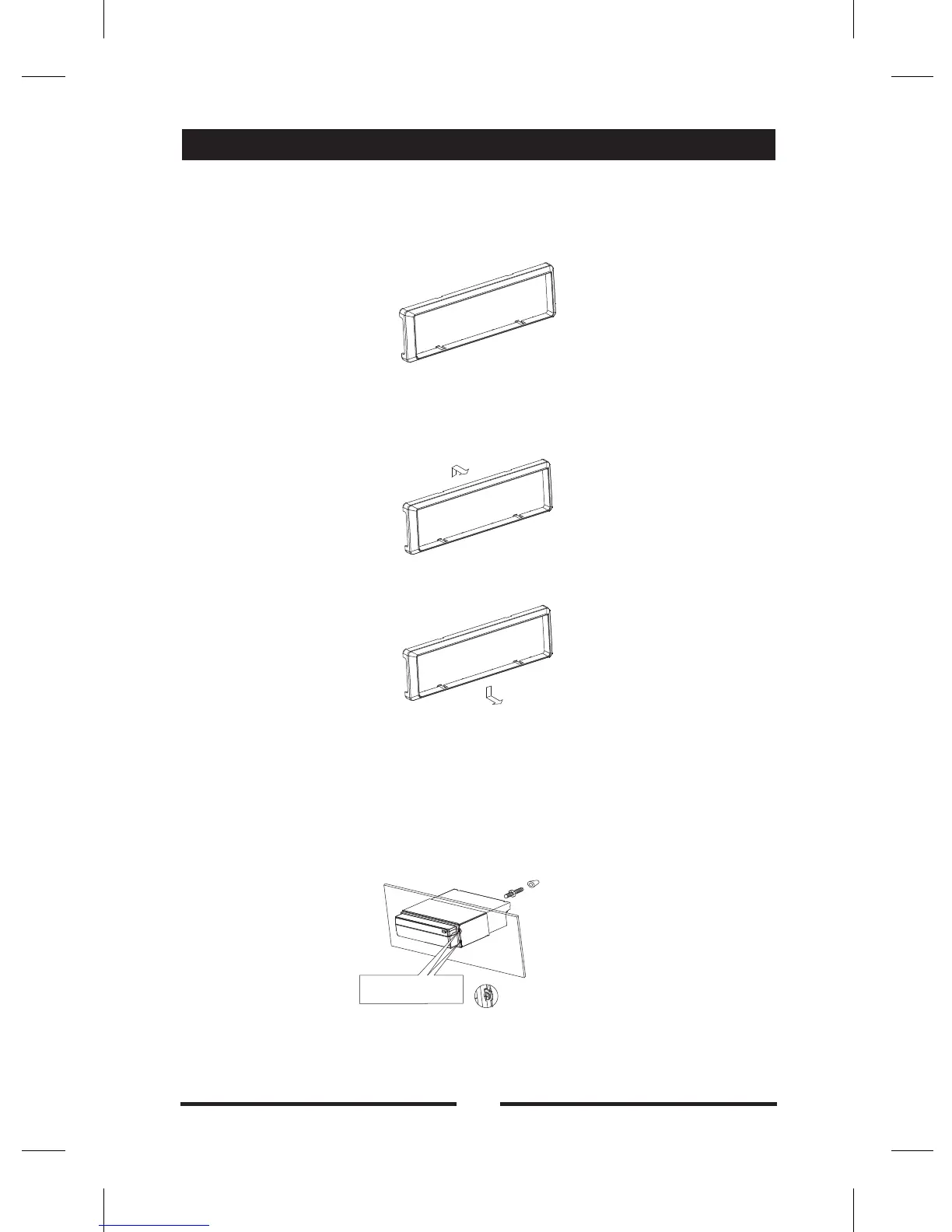
Trim Ring installation
Uninstall
Disassemble trim ring
(1) Push the trim ring upward and pull out the upper part.
(2) Push the trim ring downward and pull out the lower part.
Disassemble the unit
(1) Unscrew the 4 pieces M2×2 screws.
( ) Use a screwdriver to bend straight the bended mounting tab and tip
out the unit from the mounting bracket.
( ) Pull out the unit from the mounting bracket with both hands
Attach the trim ring around the front panel with two indentions on one
side facing upwards
2
3 .
Unscrew 4 attached
screws
Remove the rubber sheath
Installation and uninstall
36



 To Next Page