4-42 WisDom Installation and Programming Manual
44
Code Maintenance
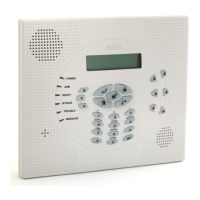
The Code Maintenance menu provides access to submenus and their related parameters that
enable you to maintain the User Codes in the system.
In addition, the WisDom contains the following special codes:
Grand Master Code: Used by the system's owner.
Installer Code: Used by the WisDom installation company technician to program the
system. The default Installer Code is : [0][1][3][3]
Sub-Installer Code: Used by a technician sent by the WisDom installation company to
carry out restricted tasks defined at the time of system installation by the installation
technician. The Sub-Installer can access with his code only those programming menus
predefined for his access.
This section describes how to perform the following:
Determine the Authority Level of each User Code
Assign partition(s) to a specific code
Change the Grand Master, Installer, and Sub-Installer Codes
Upgrade the security level to a 6-digit code
After you access the Code Maintenance menu from the main Installer Programming menu, as
described in this section, you can access the following submenus:
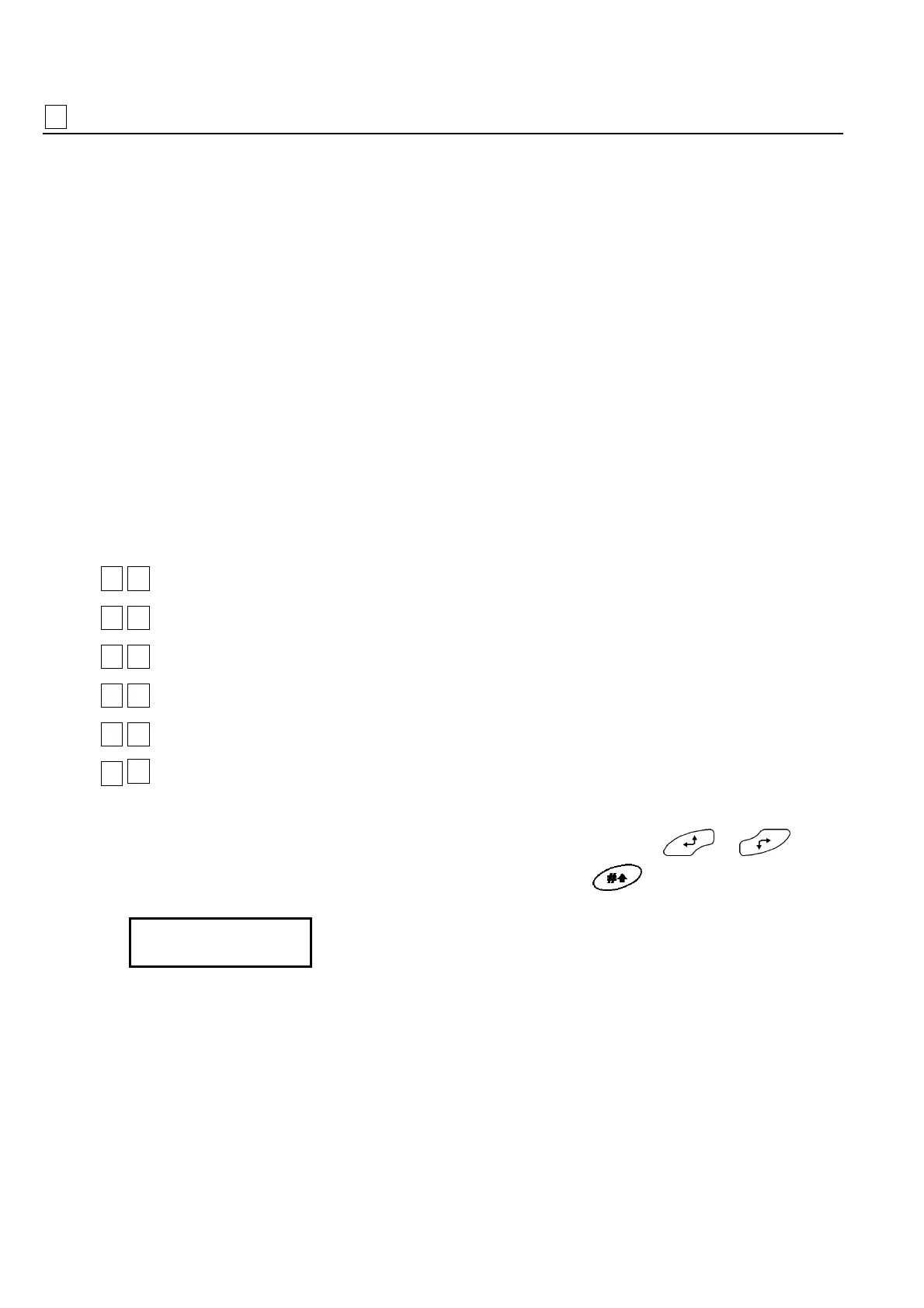
44
11
Authority, page 4-43
44
22
Partition, page 4-44
44
33
Grand Master, page 4-45
44
44
Installer, page 4-45
44
55
Sub-Installer, page 4-46
44
66
Code Length, page 4-47
To access the Codes menu:
From the main Installer Programming menu, press [4], or press the
or keys
until you find the number [4] Codes option and then press
. The first submenu
(Authority) appears:
Codes:
1)Authority
Codes:
1)Authority
You are now in the Codes menu and can access the required submenus, as described in
the following sections.


 To Next Page