EasyManua.ls Logo

Risco RPKELW - Introduction to Elegant Keypad; Installation and Programming Guide; LCD Indicators Explained

Risco RPKELW
12 pages
Print Icon
To Next Page IconTo Next Page
To Previous Page IconTo Previous Page
Loading...
3
Introduction
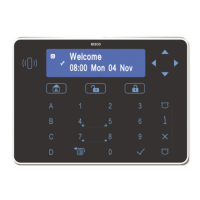
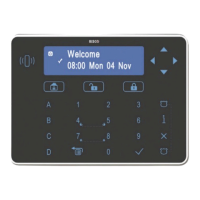
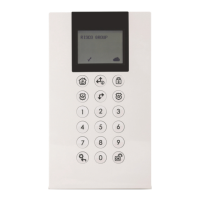
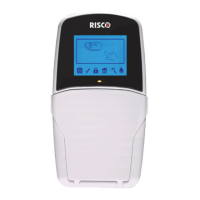
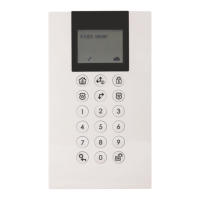
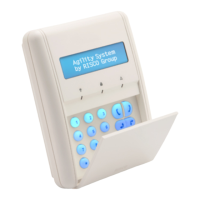
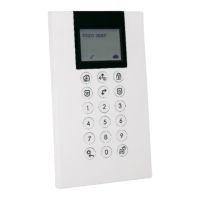
RISCO Group's Elegant Keypad is a slim, sensitive and reliable contemporary
designed keypad that is responsive to touch.
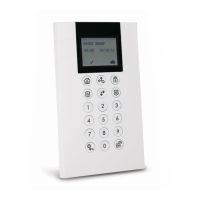
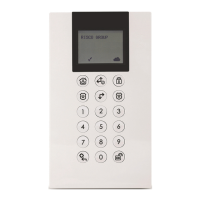
The Elegant Keypad enables to control your RISCO Group security systems as
well as program its features.
• Available both with and without proximity reader
• Simple to install with incorporated back plate
• Compatible with RISCO Group’s wired and hybrid intrusion systems.
Installation and Programming
For the Elegant Keypad Installation Guide, refer to our website at:
http://www.riscogroup.com/support/downloads
For information about programming the system refer to the relevant RISCO
security systems installer and user manuals.
LCD Indicators
Icon
Indication
Description
Power
On
System is operating properly from AC power and
backup battery is in good condition
Off
No power
Slow Flash
System is programming
Rapid Flash
System trouble (fault)
Arm (Set)
On
System is armed (set) in Full Arm or Stay Arm mode
Off
System is disarmed (unset)
Slow Flash
System is in Exit Delay
Rapid Flash
Alarm condition
Stay/Bypass
(Part Set/ Omit)
On
System is in Stay Arm (Part Set) or Zone Bypass
(omit) mode
Off
No bypassed zones in system