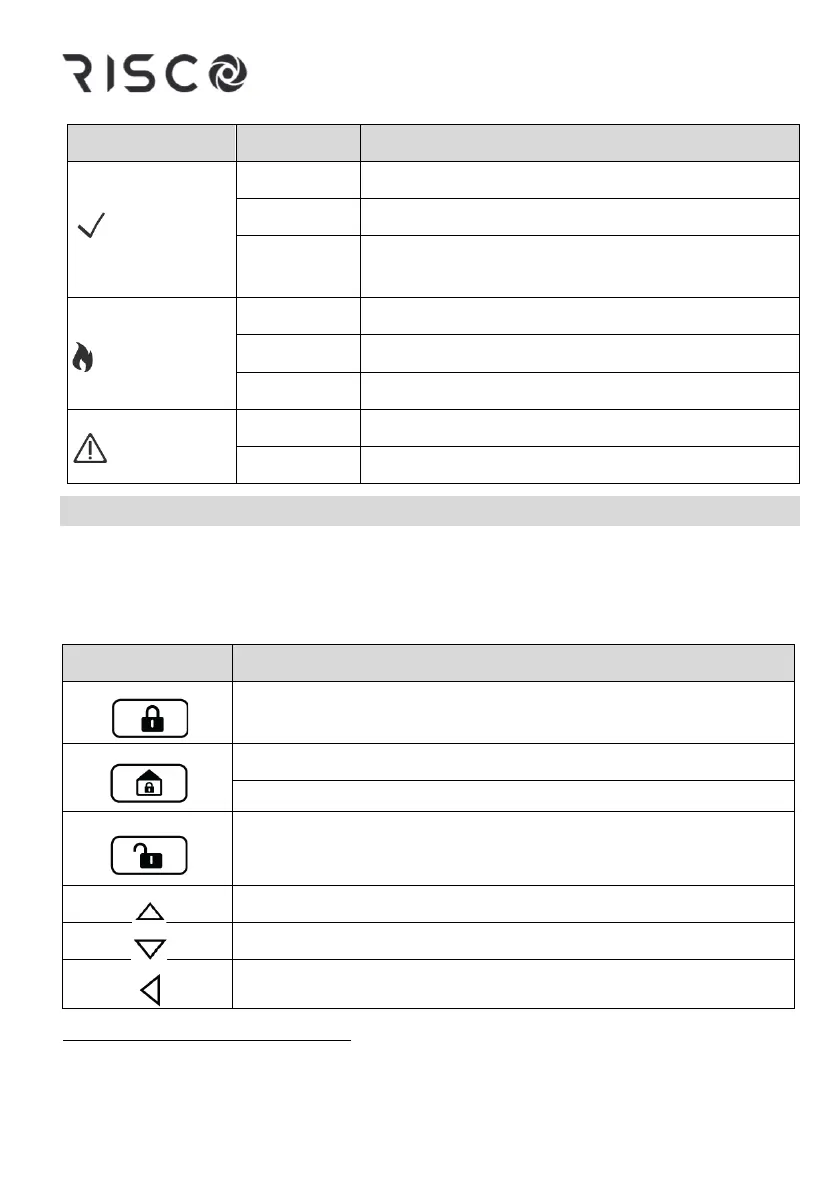
System is ready to be armed (set)
System is not ready to be armed (set)
*
System is ready to be armed (set) while exit/entry
zone remains
Zone/keypad/external module has been tampered
All zones are operating normally
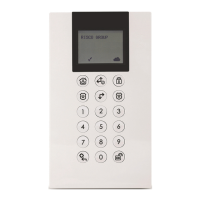
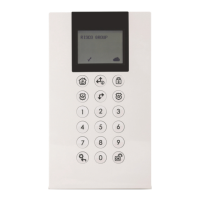
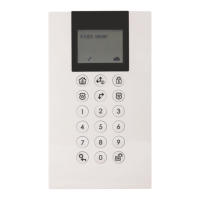
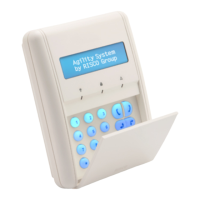
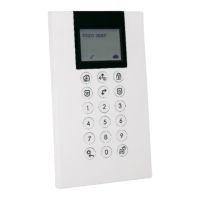
Keypad Keys
The keys on the keypad can be used for a variety of functions as explained
below.
Control Keys
In Normal Operation mode: Used for Away (Full set) arming
(setting)
In Normal Operation mode: Used for Stay arming (Partial setting)
In User Functions menu: Used to select “No” or change data
Used to disarm (unset) the system after a user code is entered
Used to scroll down a list
Used to move the cursor to the left
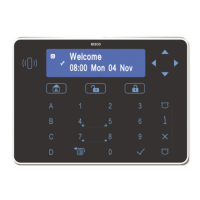
An NR (Not Ready) indication will be displayed on the LCD screen that indicates a fault or
an open zone. To see why the Not Ready indication is displayed, press the down arrow button.




 To Next Page