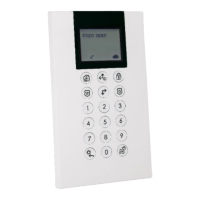
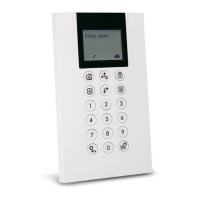
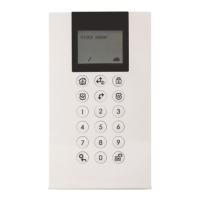
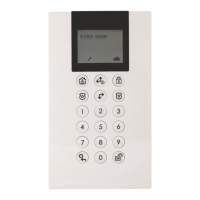
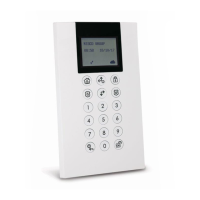
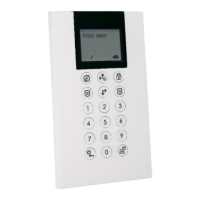
The 2-Way WL Panda for LightSYS keypad enables communication between the
wireless keypad and a LightSYS control panel. Being bi-directional, the 2-Way keypad
receives a reply status indication from the panel for each command sent to the panel.
You can operate the keypad either using a code or a proximity tag.
Main Features
• Bi-directional Wireless Communication
• S.O.S / Two-way communication emergency key
• Proximity tag operation
• Double tamper protection (Box & Wall)
• Battery economy mode
Communication Setup
The WL Panda for LightSYS keypad must identify itself to the system receiver. This can
be done by typing the 11-digit serial number of the keypad into the system or using RF
mode.
Setup using RF communication
1. From the Wired Keypad, navigate to the Programing (installer) menu, select 7)Install >
2)WL Device > 2)Allocation > 1)By RF > 3)Keypad and then press
2. If there are two receivers allocated to the system, select the receiver you wish to
allocate and then press
3. Select the Keypad location in the system and then press
4. On the WL Panda for LightSYS Keypad you wish to allocate, send a Write
message by pressing both keys simultaneously for at least 2
seconds; the keypad will display the Serial Number.
5. On the Wired Keypad, press to complete the allocation procedure





 To Next Page